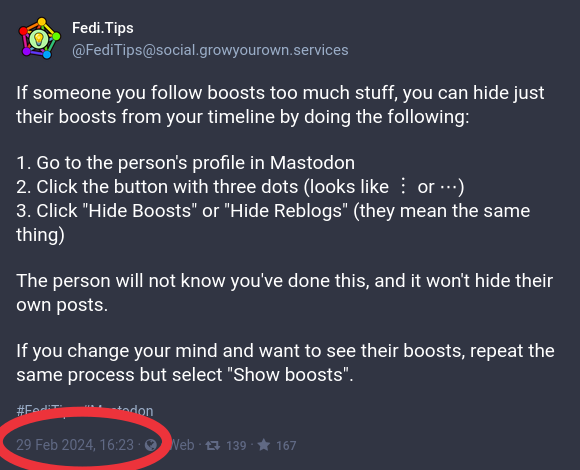
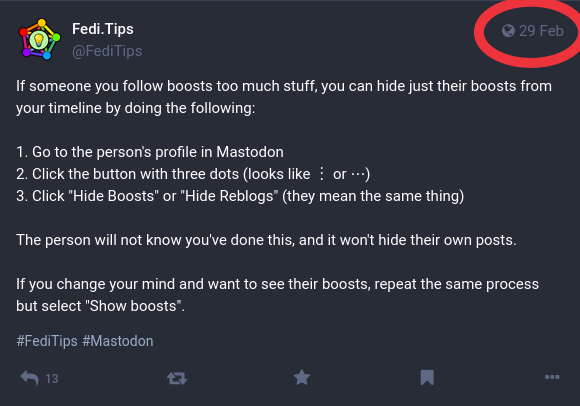
It can be really useful to know when a post was written, so that you know whether the information is current or not. You can see this on any post by looking at its "timestamp". If you're browsing posts in a timeline, the timestamp will be in a post's top right corner. Recent posts will show minutes, hours or days since publication, older posts will show a date. If you click on a post, the timestamp will be shown as a full date and time along the bottom of the post. #FediTips
The main blocklist which is helping to fight the current spam attack is maintained by @npub1jqcd...3mpt. If you want to show appreciation, you can donate to them at For any server admins reading this who missed it, the blocklist itself is at 📃.md #Fediverse #FediAdmin
You can automatically hide posts you don't want to see by using Mastodon's filter system. Filters can hide posts containing particular words, parts of words, phrases, hashtags, web addresses or emoji. There are instructions for setting up filters, and lots of extra tips about filters, at: ➡️ Filters can be used to hide anything you don't want to see: offensive stuff, spam, topics you're bored of... anything. Some use it for hiding Wordle posts 😁 #FediTips