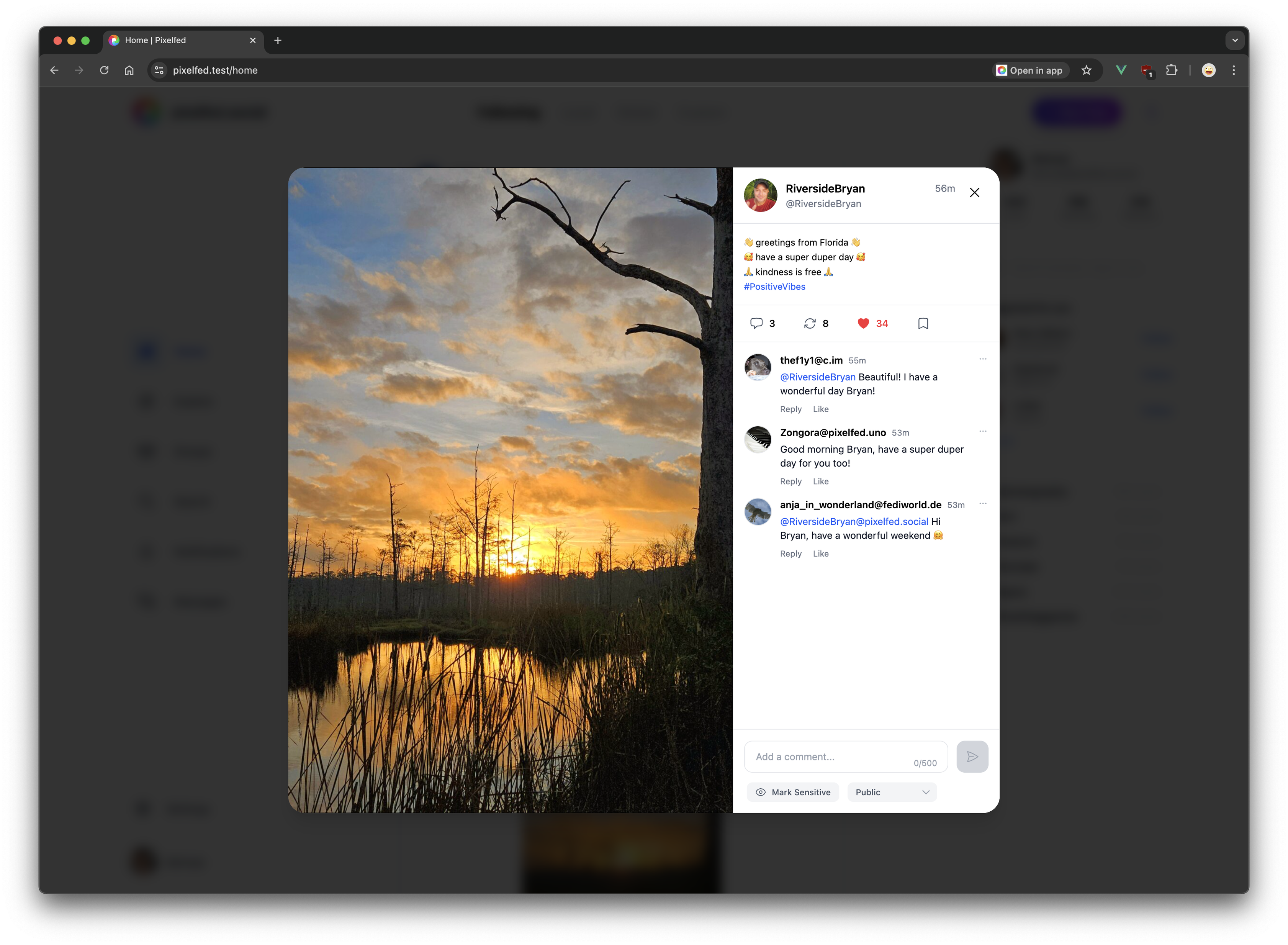
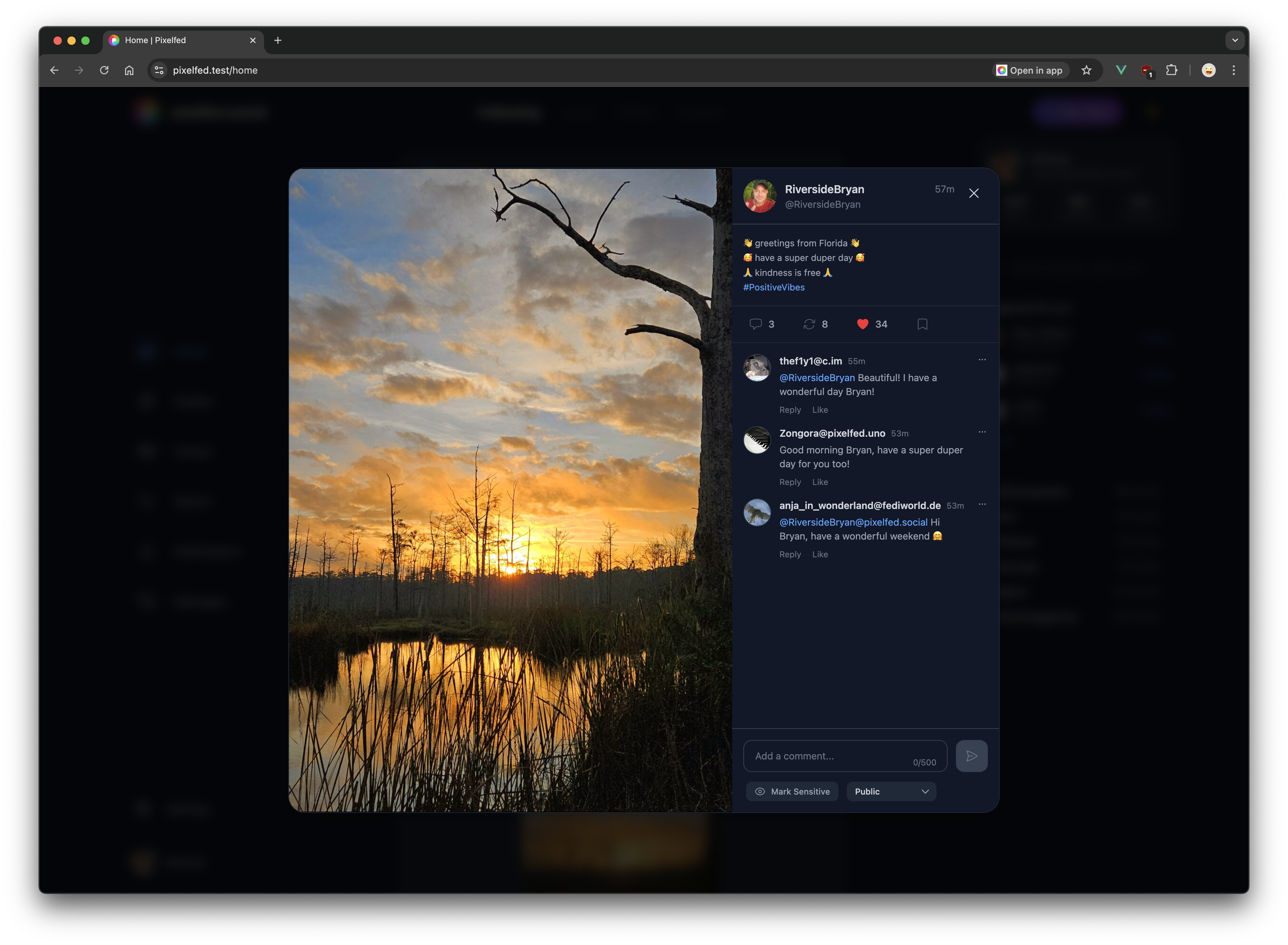
A new Android and iOS app release will be available early next week!
Some highlights:
- Redesigned Discover page
- Faster app launch/loading
- Easier access to the Explore page
- Several bug + ui fixes
Stories are coming later this month ✨
Photography Made
Personal Again
✅ Fresh new design
✅ More open & browsable
✅ New discovery feeds
✅ Customize your layouts & UI
✅ Magically simple onboarding
✅ New Friend Discovery feature
Available soon. ✨
For Global Accessibility Awareness Day we are launching a new settings page that lists all of your media without alt text, so you can easily update any missing alt text in a single, easy to remember place.
You can also enable the Require Media Descriptions setting in Settings -> Media.
#accessibility #gaad
Coming soon: A complete redesign.
We've scrapped our old web UI and started fresh to bring you what matters - faster loading, cleaner design, and a photo experience that just makes sense (finally!).
Stay tuned ✨
Starting today, photos you share to pixelfed.social* may look brighter or more vibrant, as we now preserve ICC color profiles 🥳
* - Avail to any pixelfed server running
:pixelfed: Server Directory 2.0 is here! 🚀
We completely rebuilt our server directory for a better community finding experience:
✅ Infinite scrolling - see ALL servers at once (goodbye pagination!)
✅ Rich server cards with location, user counts and more
✅ Improved filtering with better visibility
✅ Optimized crawling with 2-hour refresh rate (fixed the visibility delays!)
✅ Enhanced UI with improved colors and text legibility
Find your perfect #Pixelfed home today:
👉
7 years ago today @dansup started writing the first lines of code of what would become Pixelfed.
From that open-source spark to a thriving photo-sharing community connected to millions across the fediverse.
All without surveillance or algorithms controlling what you see.
Here's to 7 years of putting people before profit.
🎉 🥳
#PixelfedTurns7
How to update your filters on the web:
1) Navigate to your profile
2) Tap "Edit Profile"
3) Tap the "Filters" tab
4) Tap the "Add New Filter" button
Or use this link https://pixelfed.social/settings/filters
🔗 your.pixelfed.tld/settings/filters
#pixelfed #customFilters