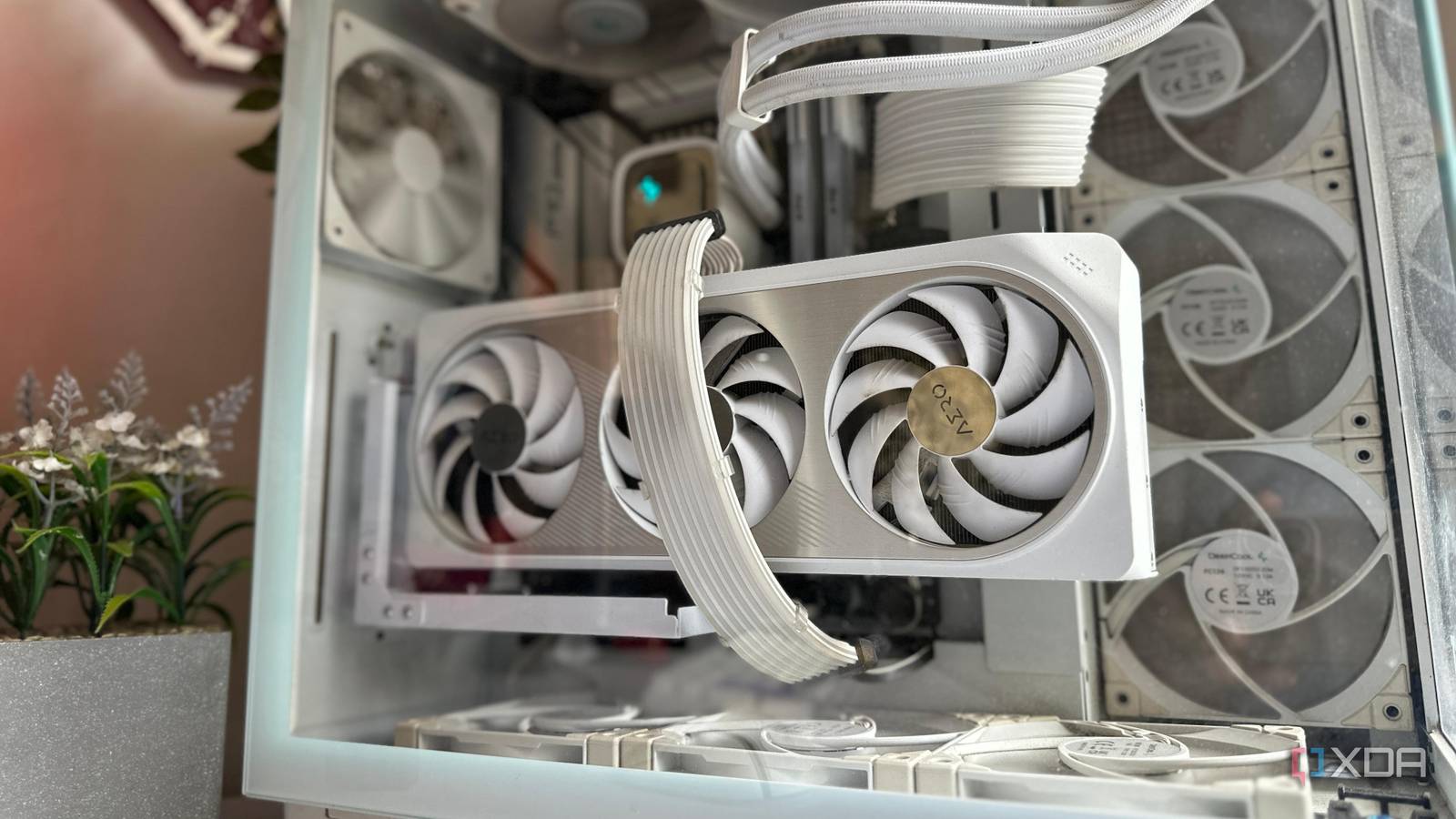
6 mistakes you're making when buying new case fans for your PC Saving a few cents can cost you in the long run. Ideally you want the fans to last a few years, be silent, and work efficiently. Too many people just choose the cheapest for the size, and use that. Some excellent practical advice in the linked article. These are a few of the key considerations you need to think about. Don't get too hung up if your motherboard has too few fan hubs, as you can use fan header hubs to connect fans together. Just pair fans on a hub that you want to work together in a group, e.g. I paired my front fans on one hub, and the rear fans on a separate hub. See #technology #hardware #cooling
You're Missing Out on Hidden Android Updates Yes, apart from the cascading OS updates through each manufacturer, there are also Google Play system updates which are firstly hidden away under the About Phone menu, and most weirdly of all, they don't auto install or even notify you of updates. These are quite important actually, as they are generic app updates that Google rolls out across Android devices, and they get past manufacturers which no longer update some system apps. They also add new features to the Google Play Store and Google Wallet. They do come out every month, but my experience is I don't see them monthly on my phone. However, if you leave it too long, I'be seen like three updates in a row that I've had to apply, so check again after you've applied one. Interestingly, too, the linked article also gives a link to a page where you can see what each month's update has brought as a changelog. See #technology #Android
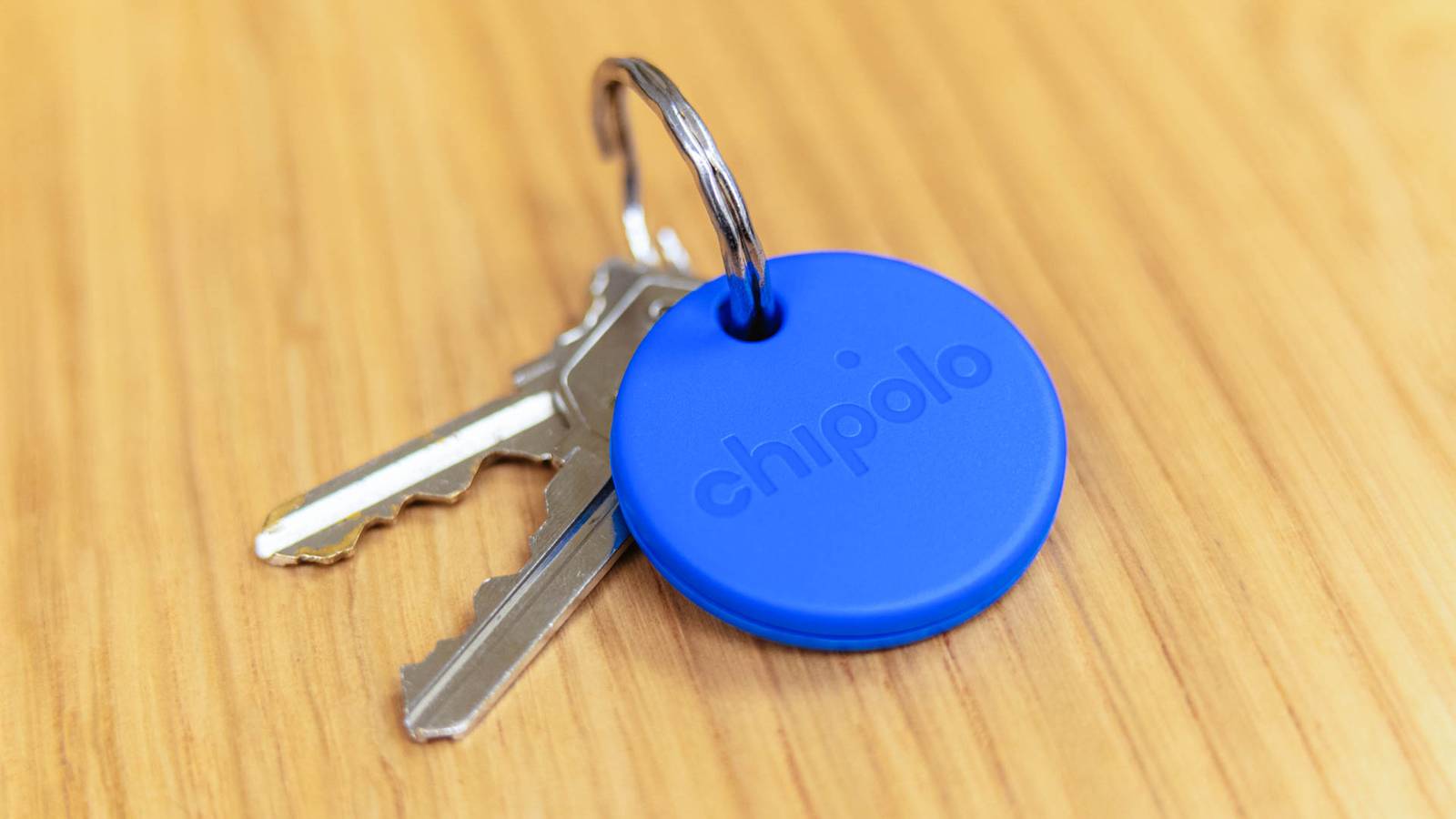
You Don’t Have to Choose Between iPhone and Android With the New Chipolo Pop Tracker Well this tracker does tick most of my boxes as I do like that it can leverage off both the iPhone and Android tracking networks, and that it also has separation alerts. The replaceable battery, with 12 months expected life, is also a plus. The dual network support is important as it prevents any vendor lock-in if you decide to change your phone ecosystem (which I've done more than once). It however does not seem to support UWB (Ultra-Wideband) to show the distance and direction from the tracker for closer range finding. It can though activate an audio alert on the tracker when nearby to assist with finding it. See #technology #trackers
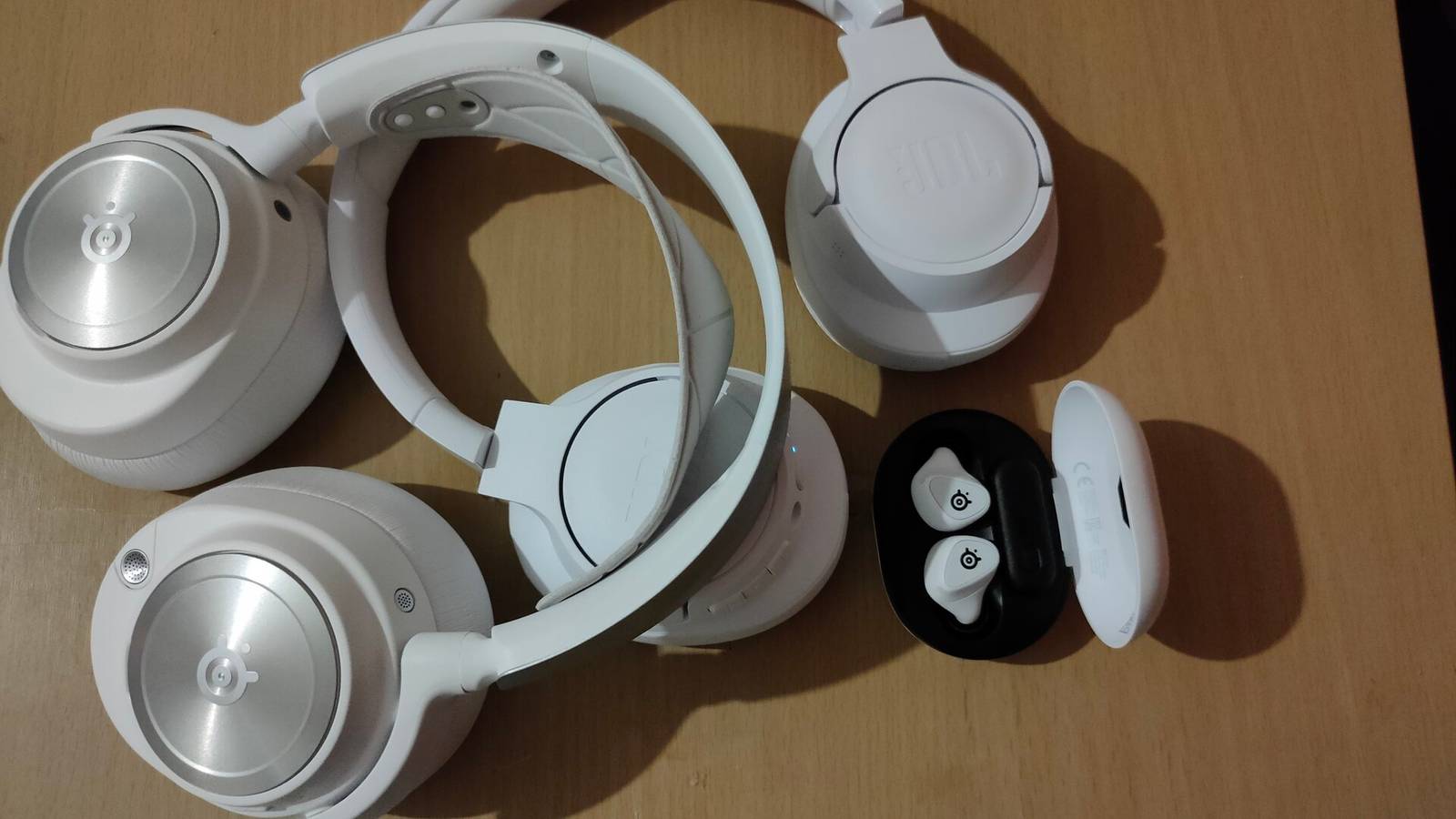
I Didn't Think I Needed Noise-cancelling Headphones—Until I Tried Them I also resisted worrying about paying a bit extra for active noise-cancelling (ANC) earbuds, until I finally bought a pair a bit over a year ago. Now I would not consider buying again without ANC. I go to shopping malls once week and that constant noise level and background announcements are just silenced. But actually that is not the only reason, as this linked article points out. The other two reasons are just as important, and I probably just took them for granted. Because the ambient noise level has largely disappeared, you can reduce the volume level and listen better to quieter music or other audio. This means you don't have to have a higher volume level, which is safer for your ears. The other reason, which I use every single time I am out, is that because ANC earbuds and headphones have microphones in, they usually have a pass-through or transparent mode. So whenever I need to speak to someone I just do a long-touch and transparent mode activates and the microphones pass the sound through, without me having to remove an earbud. Yes, they do typically have an auto-pause for if you do take an earbud out. That also serves as a warning if one happens to fall out (that's never happened to me). Some will say that ANC is not going to be pure Hi-Fi sound, and maybe that's true, but I listen to podcasts mostly and my hearing is anyway nowhere good enough anymore to detect 40 Hz to 20 kHz anymore. I found the Anker Soundcore Liberty 4 NC's have worked well for me and were pretty good value, but there are now many brands making good ANC earbuds and headphones. See #technology #ANC #audio #noisecancelling
Mapping legend UK Ordnance Survey releases blocky Britain in Minecraft – again “This cubist version of the British Isles is estimated to be made up of more than 100 billion blocks, and contains all the features you would expect to see, such as motorways and roads, vegetation, meadows, woodland, lakes, rivers, sand beaches, railways and islands.” I just love this spirit of adventure and can see how this could appeal to adults and kids alike. It also sort of “puts your country on the map” so to speak. What I love even more is this challenge to other countries: “We want this to be a resource for anyone to try. Ordnance Survey is an organisation founded on exploration and we encourage anyone to do the same with these maps!” See #technology #UK #Minecraft #gaming
7 cable management tricks I regret not learning sooner “Cable management is a boring but necessary part of any PC build. Without it, you'll struggle to make sense of the cable jungle inside and outside your PC, and end up shoving cables wherever you can. That poses other problems related to airflow, dust accumulation, cable damage, diagnostics, and, of course, aesthetics. When I first started building PCs, I never did any cable management. Gradually, I learned the hard way that I should have picked up some tips along the way.” The very first tip about choosing the right case in the first place really brings something home to me that I have been learning as I got wiser in life. Buy the cheapest device/components, and it will last a much shorter time than a well-thought-out and maybe slightly more expensive purchase. Too often, we aim to save money up front, not realising it will actually cost us more over time. This is true from CPUs, to smartphones, to chargers, to cables, and most other things. Buy a bit better, and it won't run out of steam too early, won't cause RF interference, will have some capacity to take upgrades. Just some examples: * choosing an AMC CPU often means you can upgrade it later without having to buy a new motherboard. * a higher end smartphone can typically be used longer because it gets updates longer, and it was faster to start with. * a better power supply will give more stable performance, and may well have modular cabling. * a good choice of case, will mean you can likely do a few motherboard etc upgrades without having to replace that case for many years. * even a simple thing like an air duster, if you buy the cheapest, you just don't get the performance that does the job a lot quicker. * a slightly better buy also frequently comes with better support, a better warranty, and longer software upgrades. * a better office chair may not look glitsy, but it can have a 10-year warranty (I've had to throw out cheaper gaming chairs after just two years of use). * in a NAS type setup, using a desktop rated hard drive is going to last a shorter time than a NAS rated hard drive. See #technology #cables #quality
Hackers Exploit WordPress mu-Plugins to Inject Spam and Hijack Site Images “Threat actors are using the “mu-plugins” directory in WordPress sites to conceal malicious code with the goal of maintaining persistent remote access and redirecting site visitors to bogus sites.mu-plugins, short for must-use plugins, refers to plugins in a special directory (“wp-content/mu-plugins”) that are automatically executed by WordPress without the need to enable them explicitly via the admin dashboard. This also makes the directory an ideal location for staging malware.” This is actually a major problem because just about every WordPress site has this directory by default. It can just be deleted in many cases, but right now it is probably just sitting there waiting to be exploited. As the majority of websites on the Internet do use WordPress, this is a concern right now. So if you are a WordPress admin, you want to read the linked article and do the checks. If you don't use that directory, then it is probably safer to just delete it. Just keeping your installed plugins and themes up to date won't mitigate this risk, but updating is always a best practice, and WordPress lets you enable auto-update for plugins. See #technology #WordPress #vulnerability
Google's Street View data can now help analyse infrastructure like roads and utility poles “Government agencies and businesses will be able to use Street View data to analyse roadways, traffic patterns, and utility poles, starting today. It's all part of a push by Google to combine its maps database with AI and BigQuery to offer real-world insights. The company revealed it is adding support for geospatial analytics in BigQuery, meaning decision-makers can now detect damaged infrastructure.” This could certainly be useful to utility companies which are focussed on analysing and improving their signage etc. I remember years ago suggesting to our city's bus service (Golden Arrow Bus Services that is, not MyCiti who already has their routes on Google Maps and their own app) that they consider also putting their routing on Google Maps, as it would be way easier for commuters to use. Their own website was a major mess and there is no easy way of seeing when a bus would stop where, and certainly not where their service intersects with other bus and train routes. Sometimes it is just better to adopt a service that many of your commuters have free and easy access to, and which works across other transit services too. In fact, Golden Arrow Bus Services (GABS) in Cape Town is so bad, let me expand on that. Their website is a bunch of loose routes. There is no map even to show where are the routes go, and the search block returns nothing if you put say a suburb name in to just try to narrow down what routes pass through a suburb. There is none of those obvious aids to help you. Sending in suggestions and escalating those made no difference whatsoever. So yes, I cannot say all utilities and services are actually focussed on making their services better. But providing another useful tool for them is always a good thing. See #technology #streetview #signage