I did notice with previous version that my phone's HEIC photos were not sharing. I coukd manually post them to Nostr, BlueSky and Mastodon tho. Hope this is fixed as my phones camera defaults to HEIC.
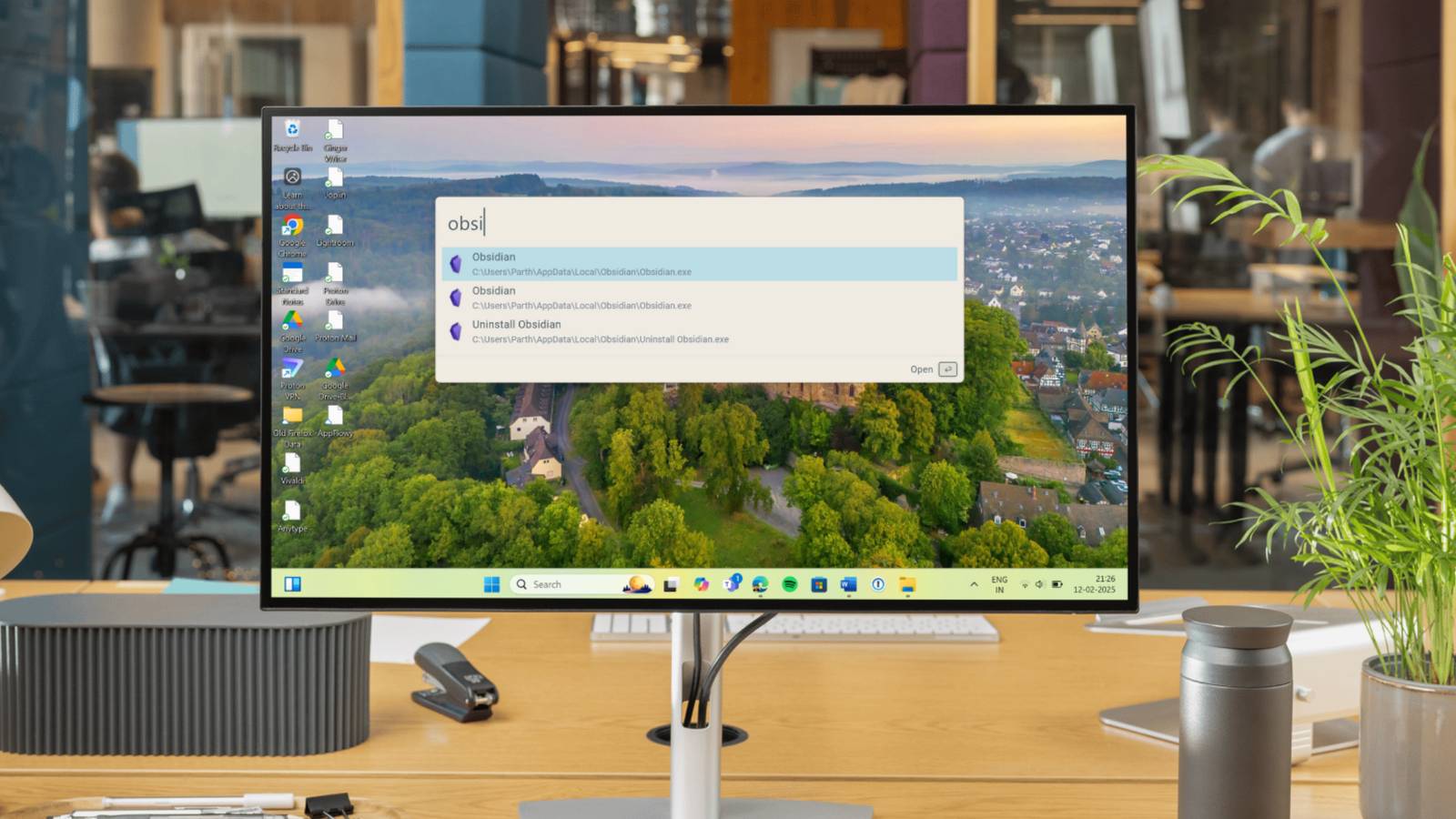
Wox is the open source Alfred alternative Windows users need to boost their productivity “Windows search is slow, frustrating, resource-intensive, and prone to burying the file you actually need under irrelevant results. With a built-in Bing search engine, it’s undoubtedly a common pain point for Windows users. And that's even before mentioning the full-screen takeover that disrupts your focus. Overall, it’s nowhere close to app launchers like Alfred, Raycast, and even Spotlight Search on Mac.” Many 3rd party alternatives are often more flexible than Windows' own built in tools. Wox has a plugin store to also extend its functionality a lot further. The biggest challenge for many is to overcome the muscle memory. You need to remember you have a tool like this, otherwise it falls into disuse. I'm frequently amazed at how much stuff I've installed, and completely forgotten about! See #technology #opensource #productivity
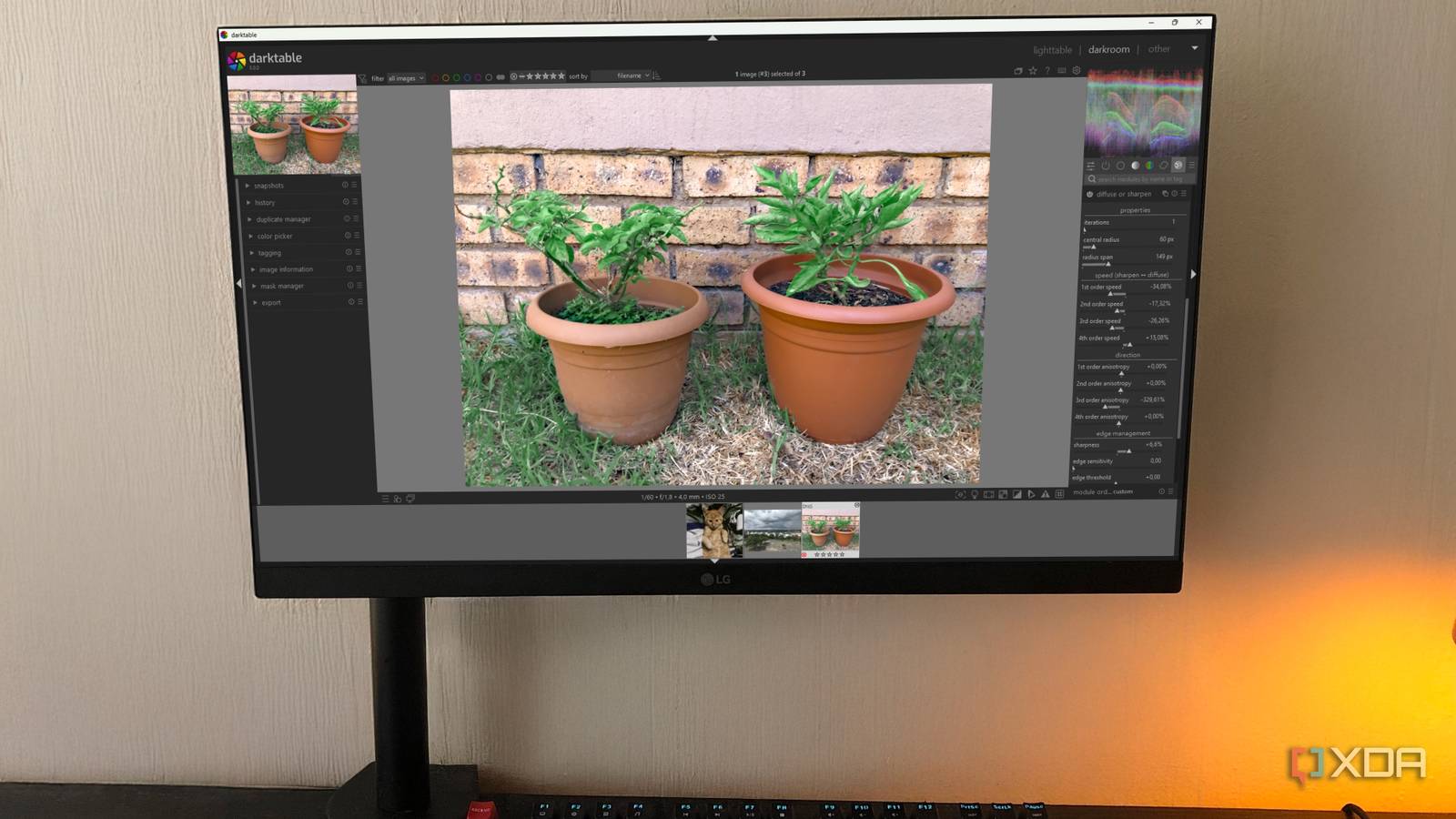
6 reasons Darktable is better than Adobe Lightroom for hobbyist photo editors “This open-source photo editor offers professional-grade features without the subscription cost, making it an excellent option for everyday photographers who want to enhance their images without breaking the bank.” Darktable is an open source photography workflow application and raw developer. A virtual light table and darkroom for photographers. It manages your digital negatives in a database, lets you view them through a zoomable light table and enables you to develop raw images and enhance them. As it costs nothing, you really can't go wrong with trying it out. I also use digiKam a lot for my photo editing and organising. See #technology #opensource #photography
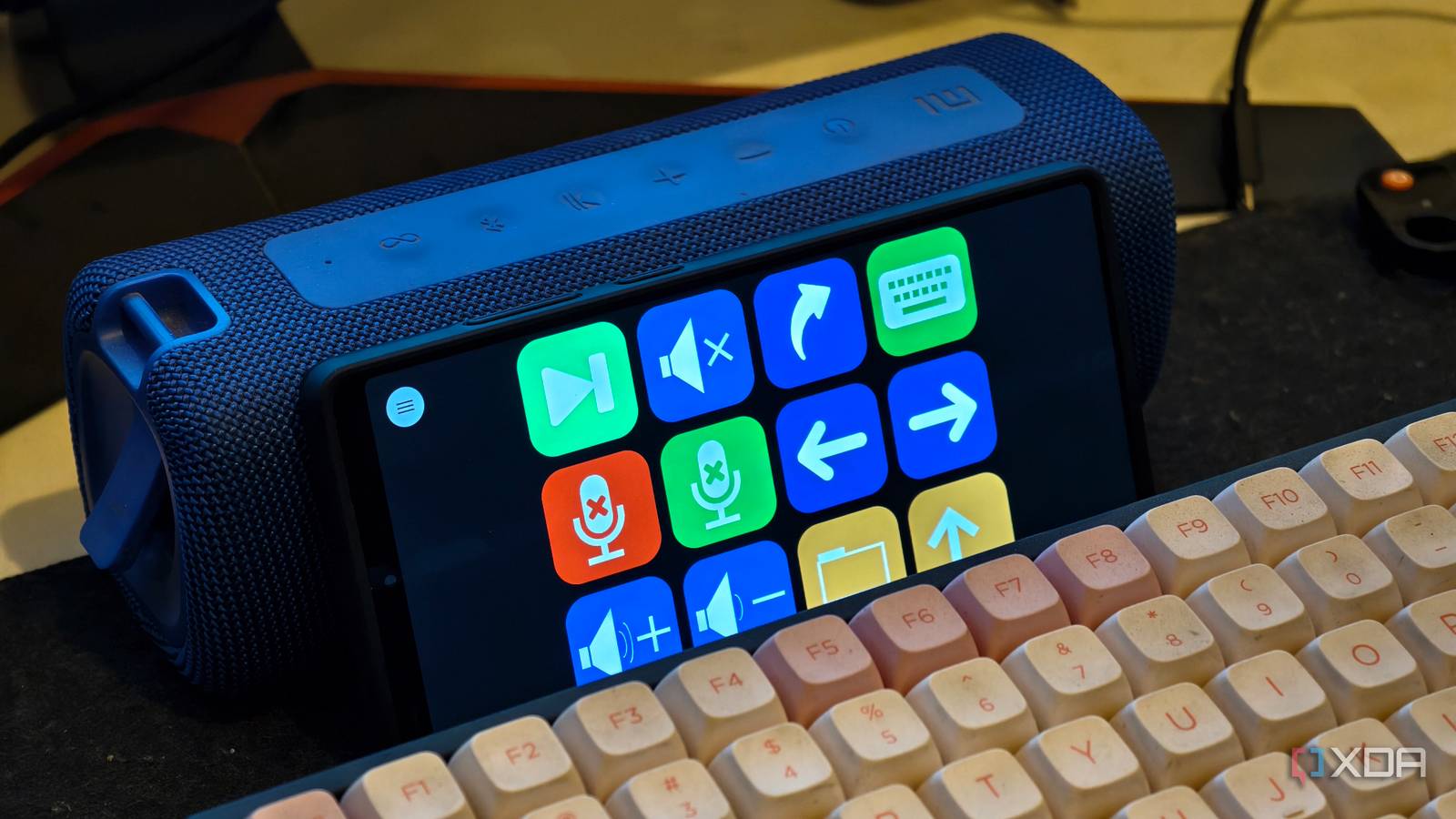
You can turn an old phone into a Stream Deck for your PC: here's how Macro Deck is an open source software to use your Android smartphone, tablet or almost any touch screen device with an internet browser as a simple macro pad or even as a powerful automation solution for streaming, gaming, content creation and more. This is just the companion app, so will you also need the Macro Deck application on your (Windows) PC. Another option similar to this, though, could be to use BitFocus Companion configured with a virtual Stream Deck. BitFocus has the application that will run on Linux, Windows or macOS, and similarly can be controlled by any remote device on the network with a browser. It may be more flexible than the Macro Deck solution as it is cross-platform. See #technology #opensource #streamdeck
#caturday image
WikiTok is a Web App Is TikTok for Reading Wikipedia “WikiTok, which, as its name alludes to, is a web interface that combines TikTok and Wikipedia. Unlike traditional video-sharing platforms, WikiTok offers users a refreshing respite from the relentless algorithms that dominate our digital landscape. The web app delivers an article at random, with an engaging image filling the display. If something interests you, you can tap “Read More,” and then the full Wikipedia article will pop up in another window. If it doesn't catch your fancy, you scroll up, and another article will randomly appear.” I was just listening to a podcast today where a mother was talking about how her daughter telling her their school was taking away phones during the school day, and the daughter thought it was a good thing as “the kids addicted to TikTok are anyway unhappy” and this may give them a chance to recalibrate. WikiTok has no algorithm that is tailored to a person's interests. The articles are random, but at least it is real knowledge of a general nature, and without the addictive pull. It is a similar format in which it is presented, but without the algorithm, it also means that it will present articles of a broader interest. This option is web based, so you need to bookmark the link in the linked article below, or save it to the home screen to open using the browser similarly to an app. See #technology #WikiTok #TikTok #Wikipedia

I Spend More Time Watching Games Than Playing Them (and I'm Not Alone) “A recent study suggests that gamers spend, on average, around 7.5 hours playing compared to 8.5 hours watching games. With so many great games around, why do these gamers spend more time watching than playing? As someone who finds himself watching games more than playing them, I can say there are several reasons.” This is certainly true for me. Although I do play some games, it takes a bit of time to organise the steering wheel etc, to update the game, and then to get back into where I was with it. It is quite fun to watch others playing, see what they do, and you can end the session at any time you want to (and even continue watching tomorrow). On a funnier note, I used to watch one or two specific players many years ago. I went to look them up, and they are still playing the exact same games, except they look quite a bit older now. ;-) It does show there is quite a market for this, and quite a few YouTubers make their living off playing games the whole day (was it not our parents back in the 1980s and 1990s who said you can't play games the whole day, and better get out and get a job). That didn't age well! See #technology #gaming
Challenges with Asus Router and VLANs (Video) Key issues covered in my video are: * Problems with VLAN Trunked port and Inter-VLAN traffic rules * No aggregating of wired and wireless devices into the same VLAN * Correct settings for a TP-Link TL-SG108E switch for mixed VLAN traffic I show some of the issues I experienced with my new Asus ROG Rapture GT-AX6000 gaming router. It is one of only about five or six routers of Asus that support VLAN traffic. The problem is, Asus only provides basic support for 802.1Q VLANs, and for anything more you probably need to consider a MikroTik, pfSense, etc type routers if detailed VLAN support is required. This is an excellent gaming router, but VLAN support is not something it really excels at (and it does not claim to do so either). Watch #technology #asusrouter #networking #VLANs
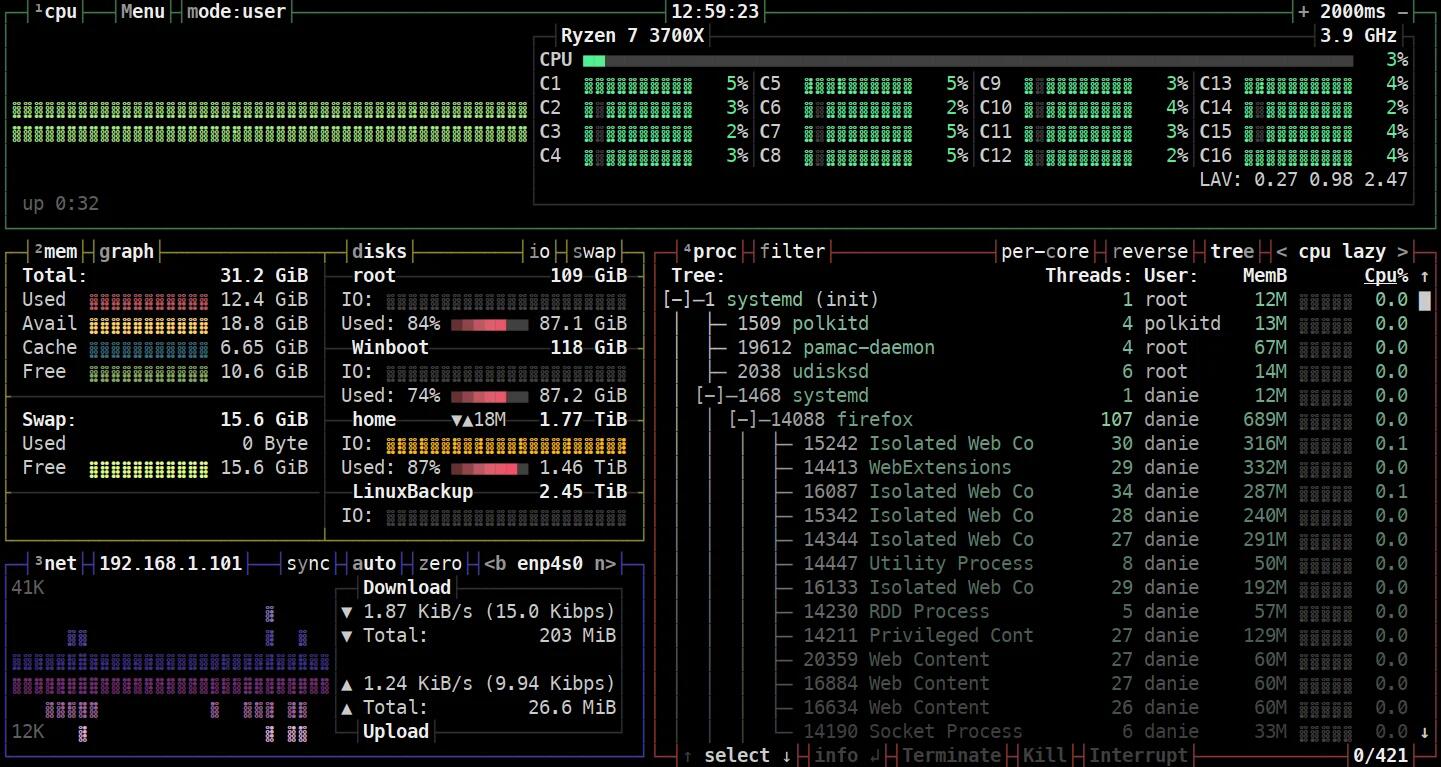
I Feel Like a Hacker Using These Cool Linux Terminal Tools Most of these tools will only excite a YouTuber wanting to have some geeky stuff happening in the background, but actually gping is a graph view of the ping command in the terminal, and Bpytop is an htop alternative with a really good layout. Surprisingly enough, when I wanted to install Bpytop on my Manjaro machine, it was already installed by default. I did not even know it was there the last few years. It responds to the mouse, and has various options that can be set and tweaked. See #technology #Linux #terminal #opensource image
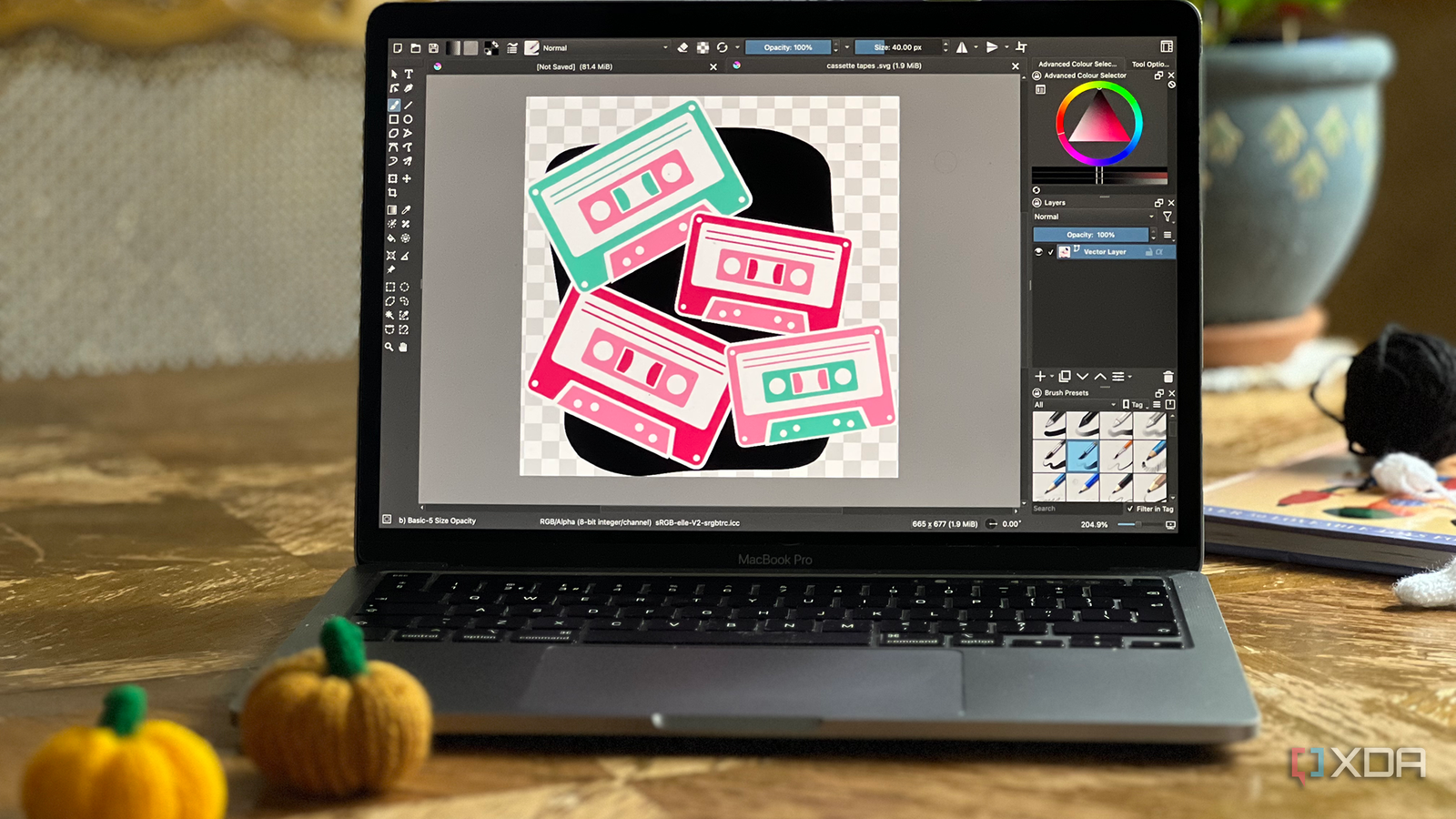
7 hidden features in Krita to boost your creative workflow Krita is a fantastic open-source tool for creative image manipulation. While Krita is one of many alternatives to Photoshop, it stands alone as a go-to creative tool for many digital artists and illustrators, even for digital illustration from tablets too. Krita has many obvious tools and features, like layers, brushes, shapes, and selection tools, but it also provides many hidden features you should use to boost your creative workflow further. Krita’s wealth of tools competes against the best paid-for software — like Photoshop, Affinity, or Procreate — for digital art and illustration. It’s good to learn the full metrics of the software you choose to use, especially pesky hidden tools, that are most often overlooked. The linked article also helps give an idea of some useful things you can do with Krita. As I recall, it also has support built in for digital drawing tablets. See #technology #opensource #drawing image