📝 Solved by CSS Scroll-Driven Animations: hide a header when scrolling down, show it again only when scrolling up again.
By adding a long transition-delay to a CSS property under certain conditions (which you can do using a Style Query), you can persist its value.
🔗
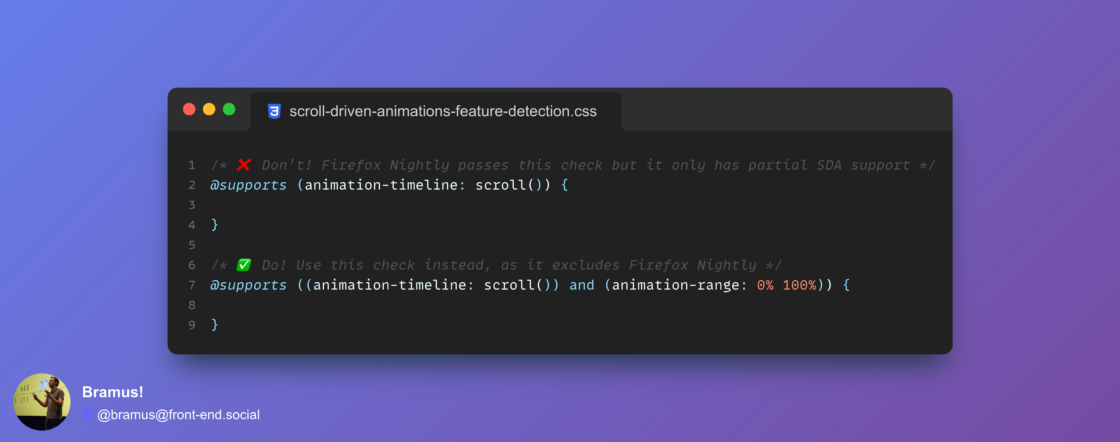
Feature detecting Scroll-Driven Animations with `@supports`: you want to check for `animation-range` too.
The problem is that a check for simply `animation-timeline: scroll()` does not exclude Firefox Nightly, which only has a partial SDA implementation.
Details:
Something to add to your CSS reset from now on:
```
:root {
interpolate-size: allow-keywords;
}
```
It enables things like transitions from `height: 0` to `height: auto`.
A often-heard complaint about View Transitions is how it handles clip-path, border-radius, opacity, …
The snapshots fade, while you’d want the clip-path to actually animate. Also, nested elements bleed out their container because the snapshots are a flat list instead of a nested tree.
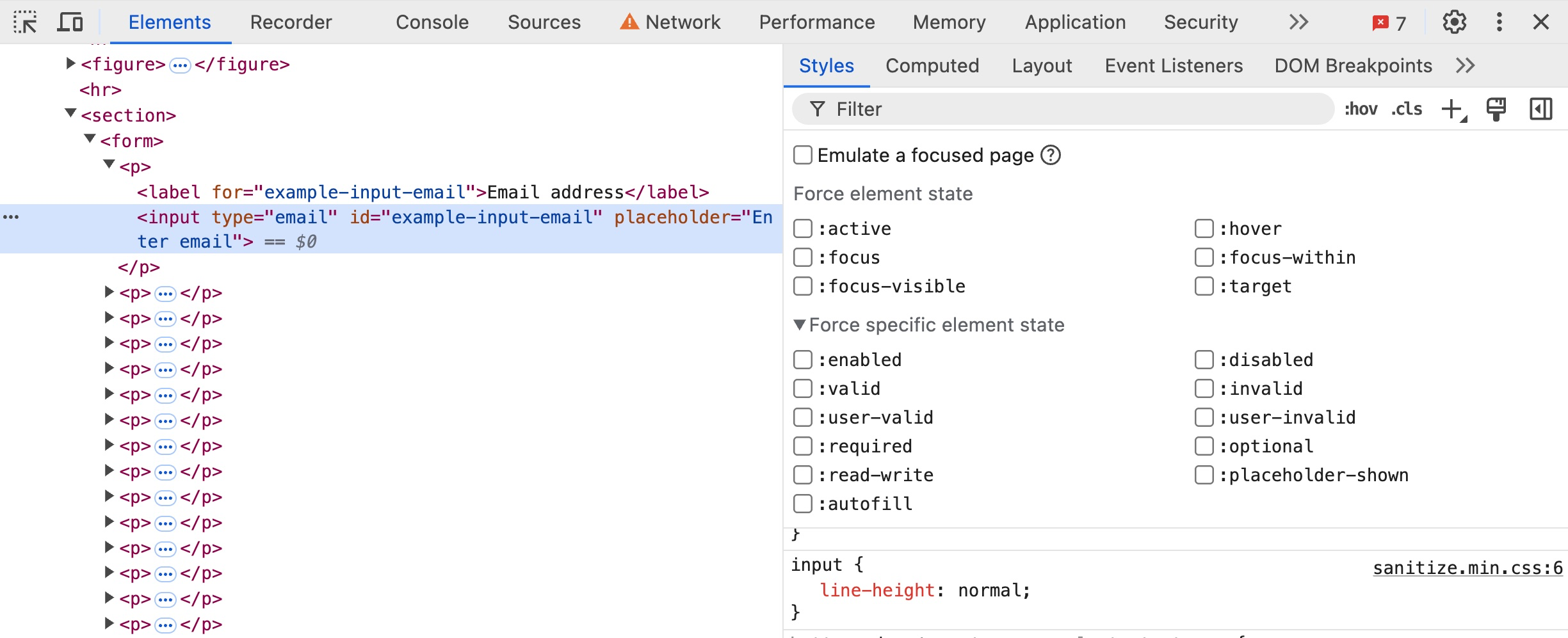
New in @ChromeDevTools (in Chrome Canary): You can now force more states – such as :active, :focus, … – onto elements.
For example, when inspecting an <input> element you can now also force states such as :enabled, :valid, etc.
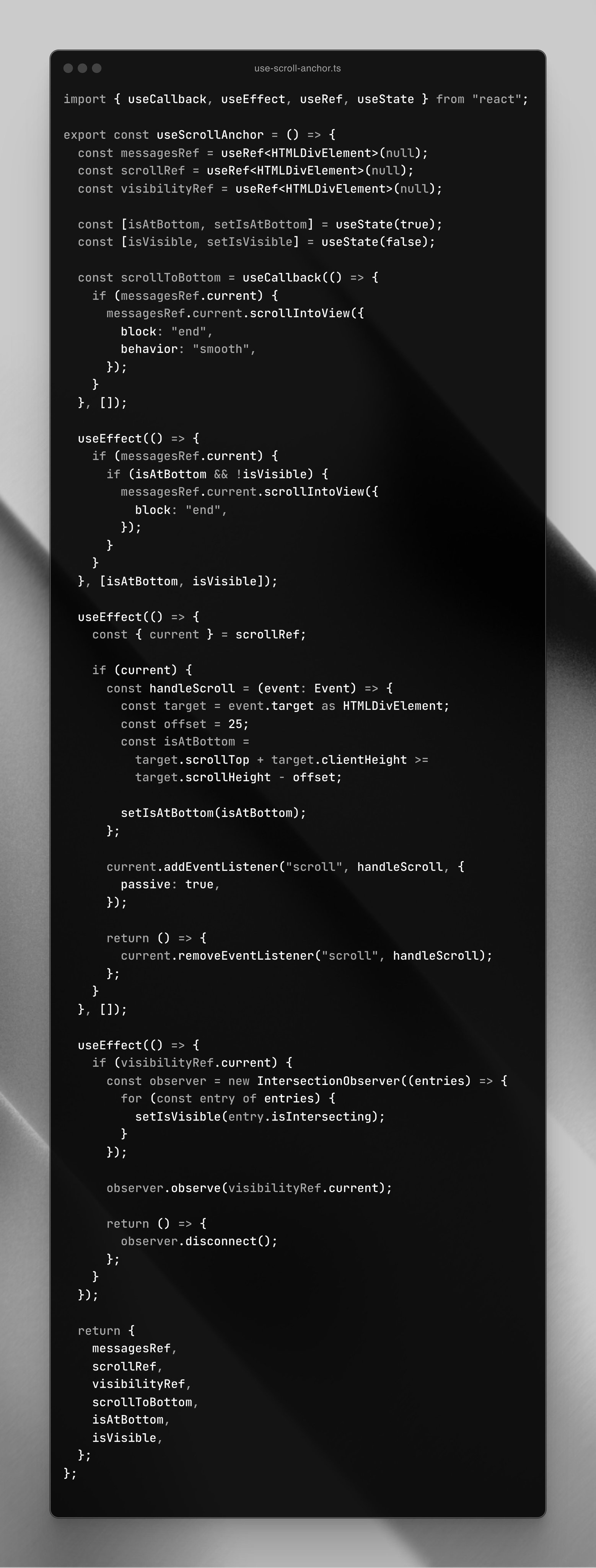
Today I saw this React hook (see photo) get shared on birdsite. It enables one to “automatically scroll down when new messages arrive in a chat”.
While it might work, you could — and should — use this little bit of CSS instead:
```
.log {
scroll-snap-type: y proximity;
align-content: end;
}
.log::after {
display: block;
content: "";
scroll-snap-align: end;
}
```
“… remains snapped to the bottom …unless the user has scrolled away from that edge” —
👀 Apple/WebKit about to express support for cross-document View Transitions (and related features such pageswap, pagereveal, render blocking) + also View Transition Types.