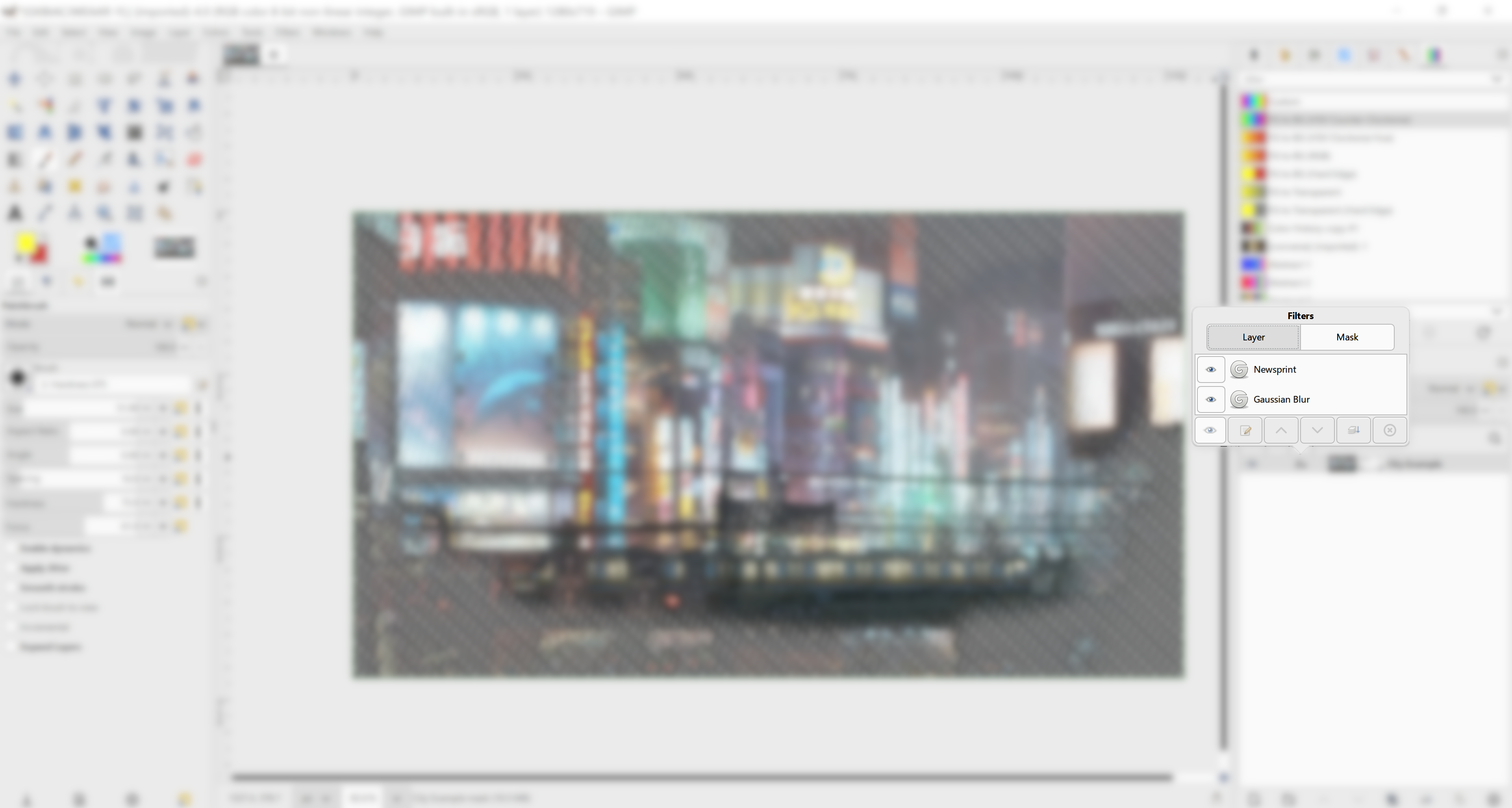
A WIP UI for non-destructive filters applied to layer masks. This is the tricky part - the actual implementation code was pretty simple. :) I'm not sure if the switcher should always appear, even if the mask (or layer) has no filters, or only if both the layer and mask have active filters. Feedback appreciated! image
One last "big" feature I'm trying to finish before the 3.2 release candidate deadline - vector masks! The essential functionality is there, as can be seen below. I just need to clean it up and generalize the path tool's vector code to also respond to vector masks.
A minor UX-related draft, based on and some discussions I've seen. This makes the image tab bar sensitive to drag-n-drop operations, and creates a new image when you drag one over on it. More testing needs to be done to make sure it doesn't cause conflicts elsewhere in GIMP, but it seems like a nice little quality of life update.
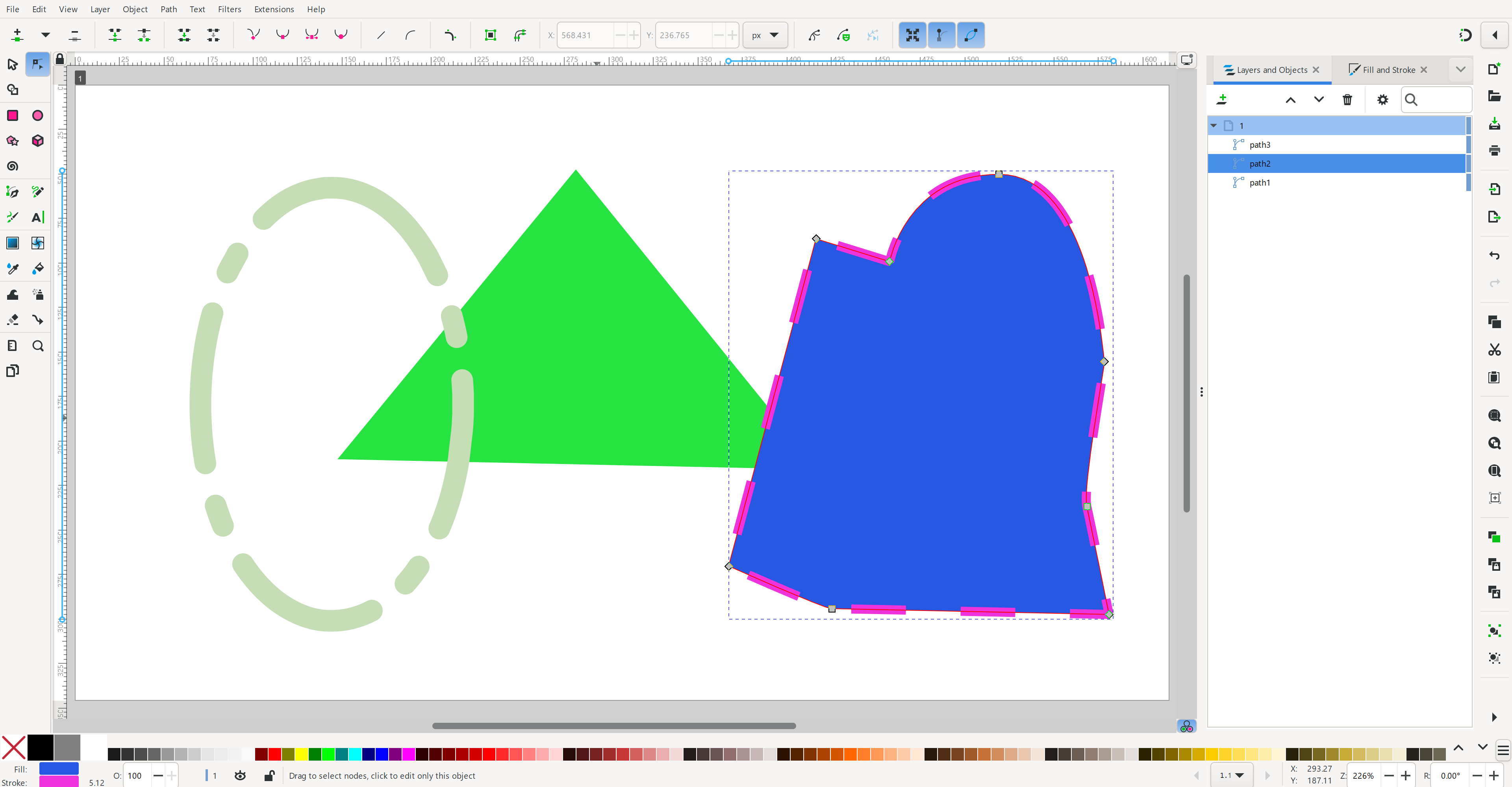
This is a bit different - it's a screenshot of #Inkscape ! I'm currently working on vector PDF export in #GIMP and the best way to test is to see if I can open and edit them in Inkscape. So far, so good! (Definitely need to get better at vector art so I can make prettier screenshots) image
I've put together an AppImage with the latest version of the SVG export WIP. You're welcome to try it out and see what you think. You can get it by going to "View exposed Artifacts", clicking on "Linux Appimage", then following the links down until you get to the actual .appImage file.
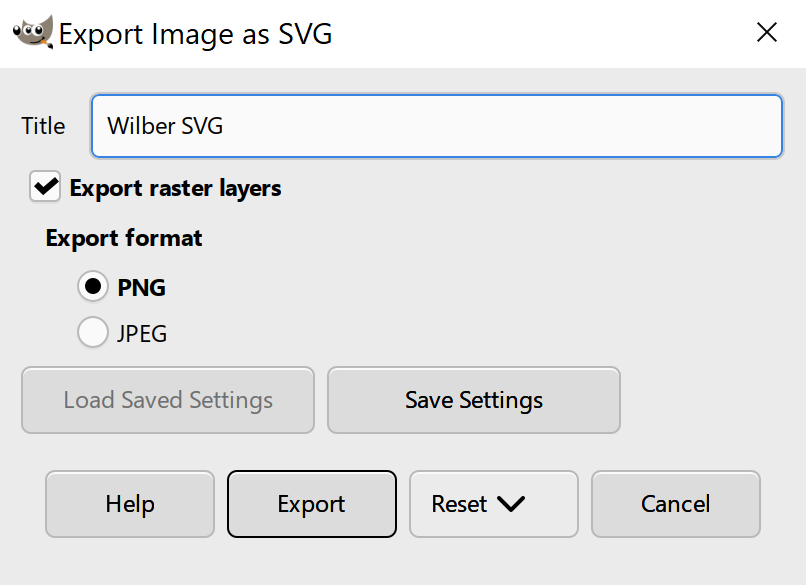
Progress continues on SVG export! Now it exports layer groups and some initial text layers (font-size only for now). I've got an initial GUI with options - next step is to enable saving raster layers as embedded base64 encoded images. I also want to give the option to link raster layers, but one step at a time. (My secondary goal is to make sure the SVG output is correct so I don't create new bug reports for @npub1wg8l...q6l7 in #Inkscape !) image
As a test of our new vector layer public API, I've started work on an SVG export plug-in in #GIMP My hope is this will be helpful to people who want to export their projects for further work in dedicated vector graphics editors like #inkscape ! Feel free to share if there are any export options you think we should add (the immediate one is how to handle raster layers - ignore, embed, or link are the current options we're thinking)
We recently merged an initial version of vector layers in #GIMP ! Very happy that we were able to update Hendrik Boom's 2006 project and finally get it across the finish line. :) There's still plenty of UI/UX work to be done but I'm curious - what are some good "next steps" for vector layers in a raster editor? I assume vector layer masks would be helpful, along with the long-requested shape tool.