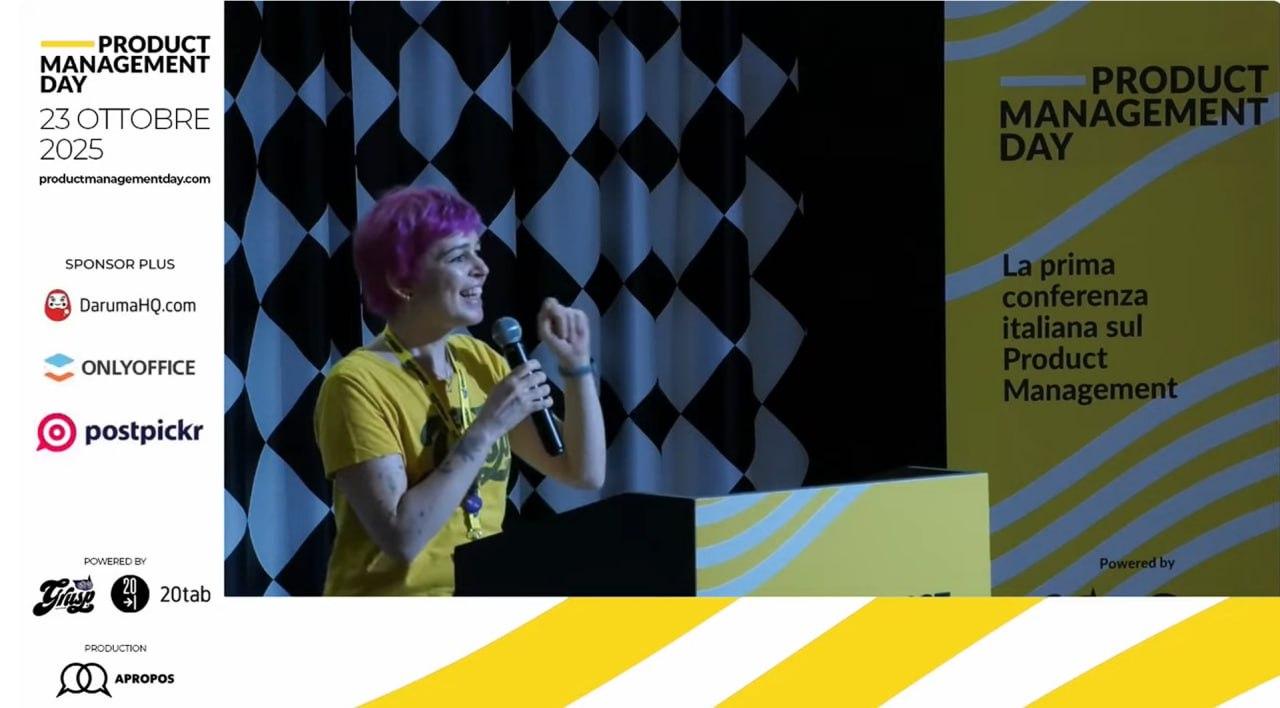
#ONLYOFFICE sponsors Product Management Day 2025 in Italy 🇮🇹 📆 October 23 📍 Bologna, Italy 🌐 Product Management Day 2025 is Italy’s largest conference for product professionals. This full-day event offers six specialized tracks covering product-led growth, AI-driven strategies, sustainability, inclusive design, and more. #ONLYOFFICE is proud to sponsor the 2025 edition, supporting product managers with secure, collaborative office solutions. #Events image

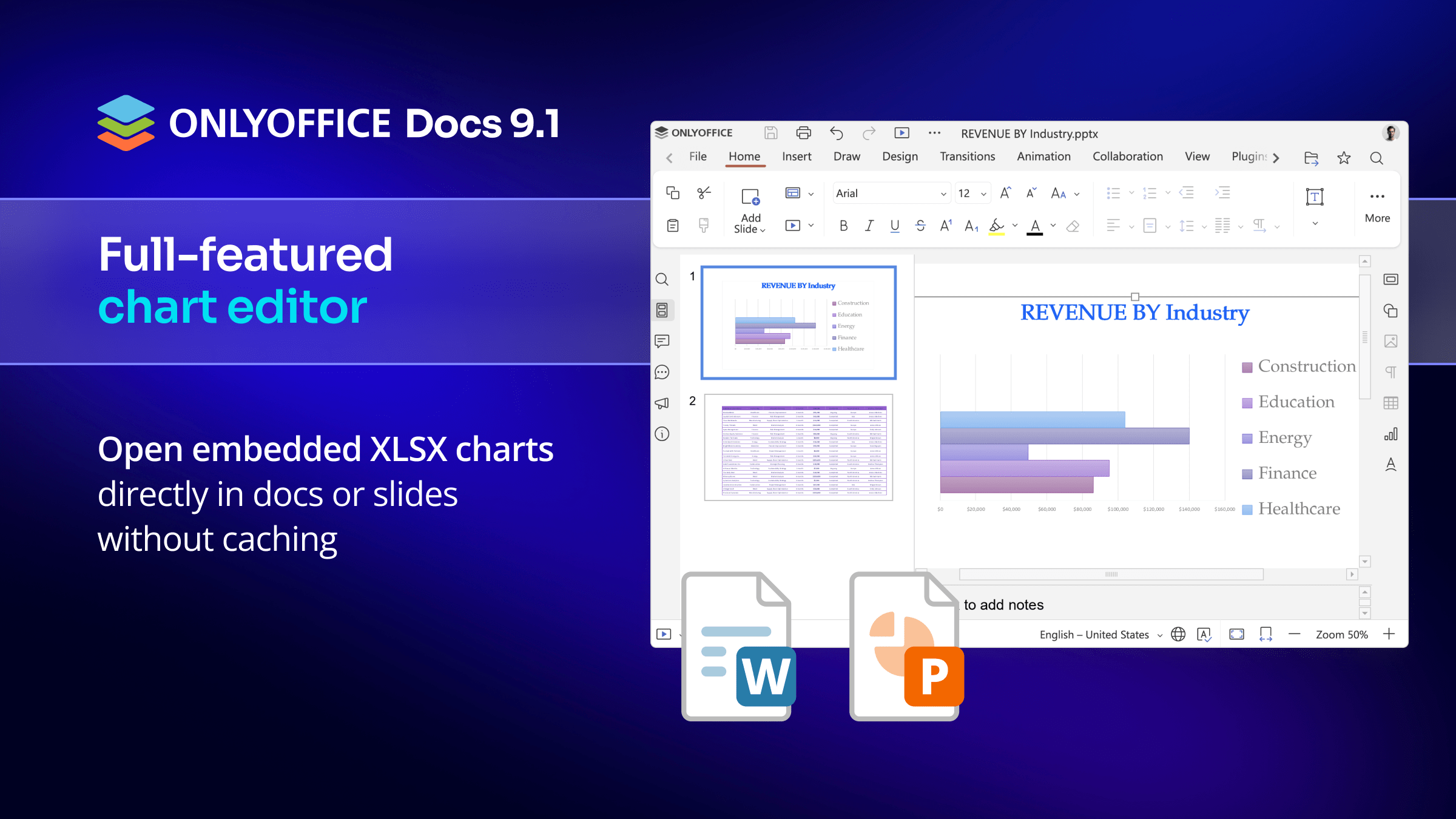
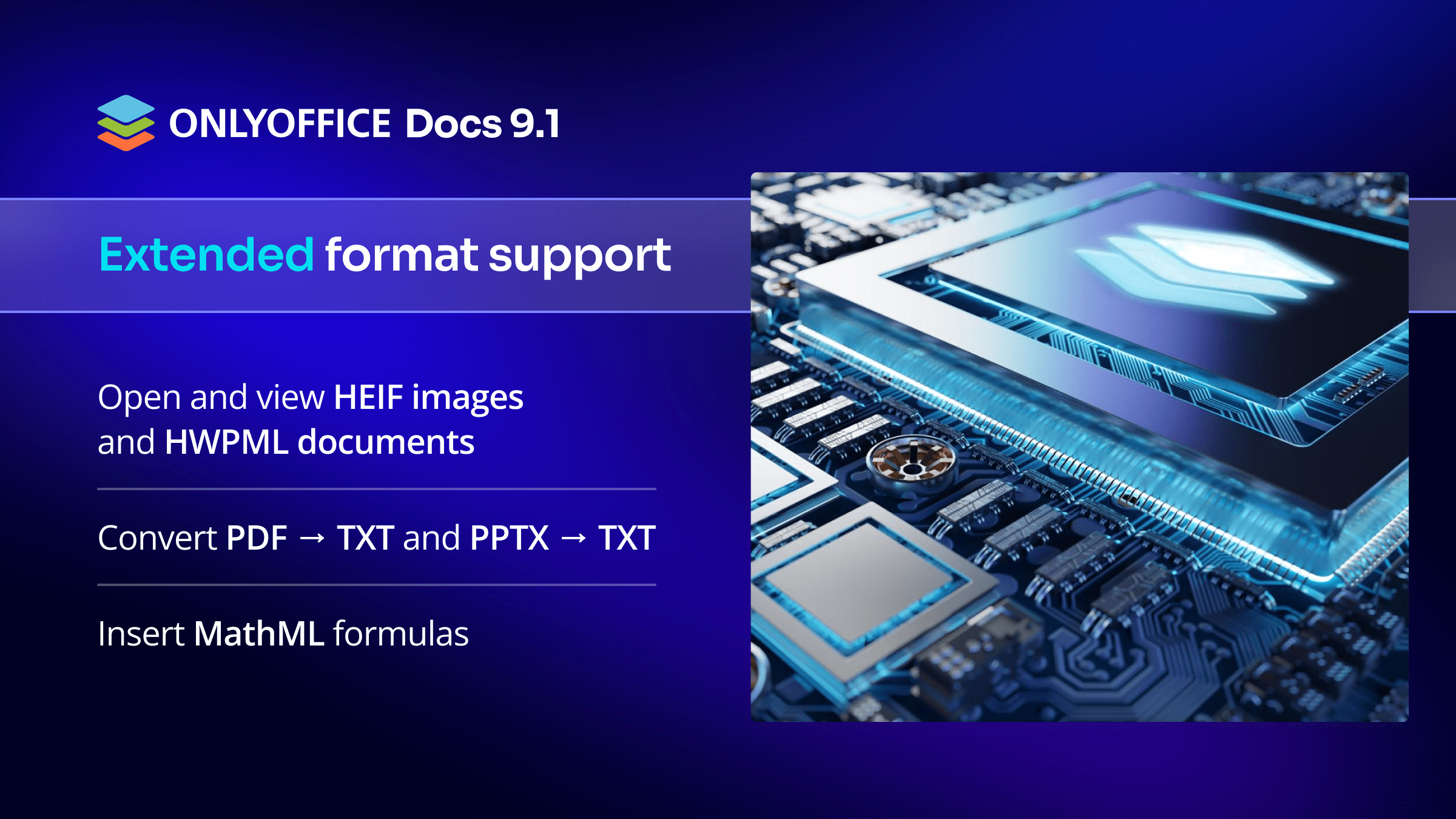
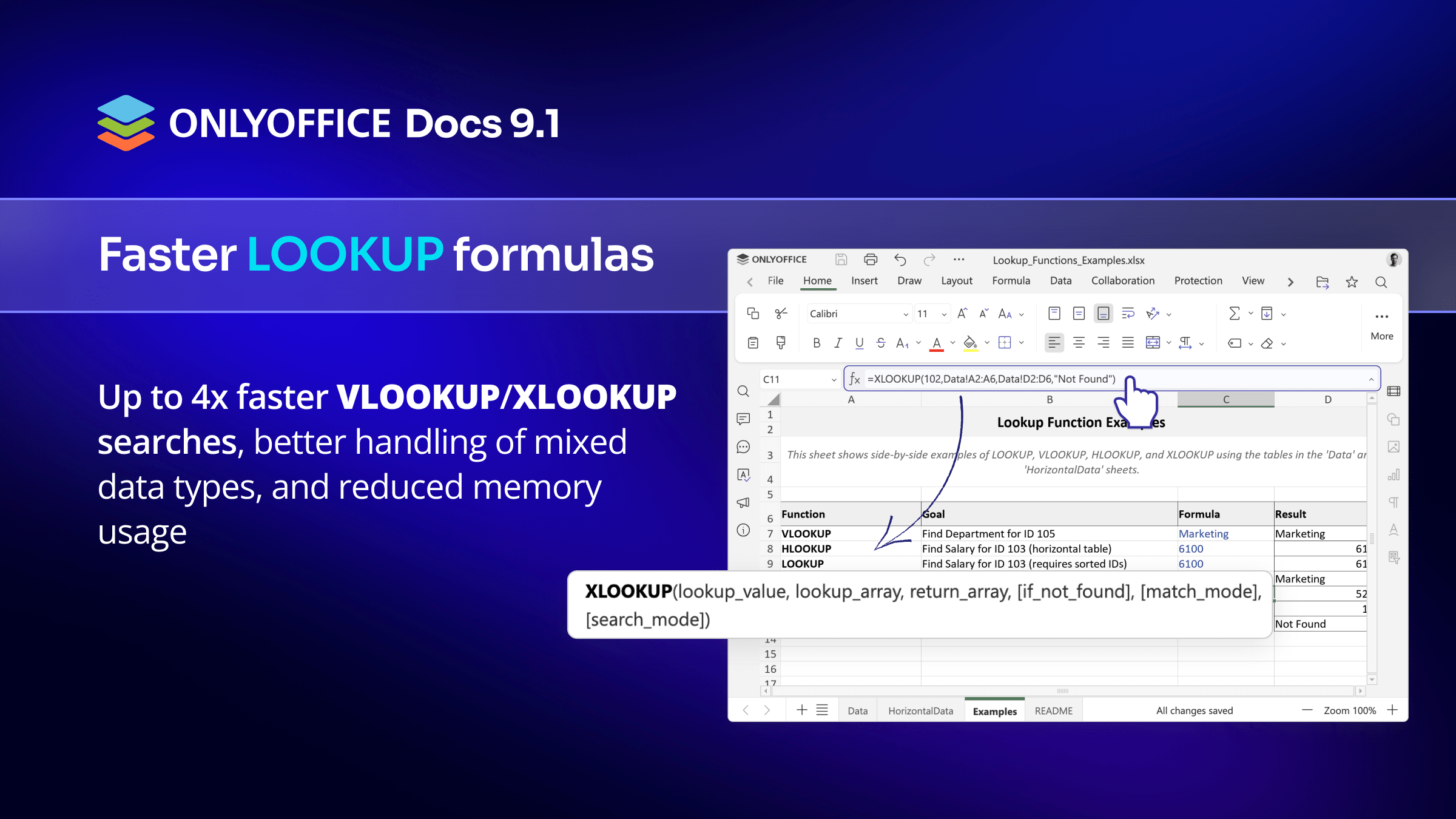
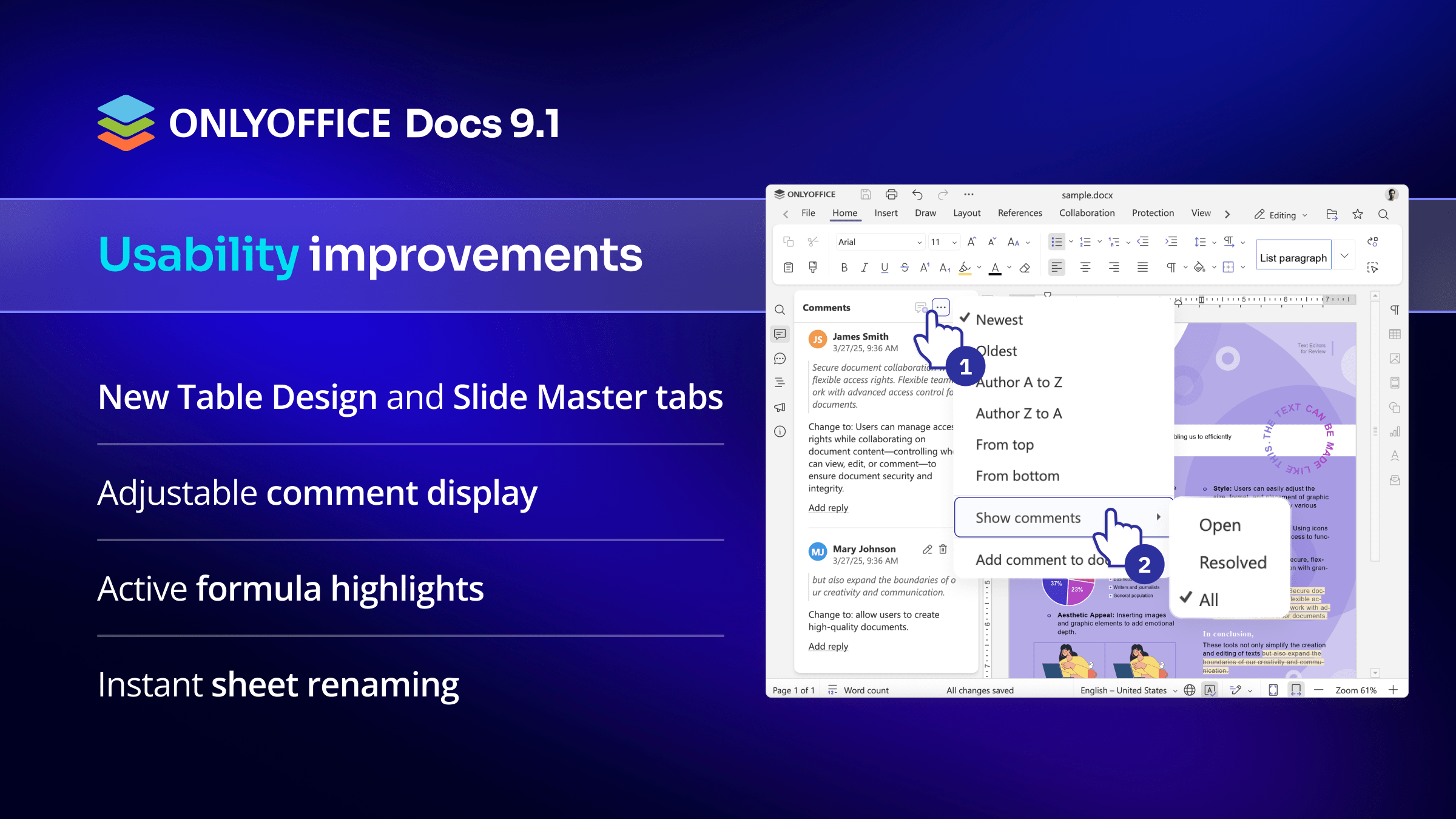
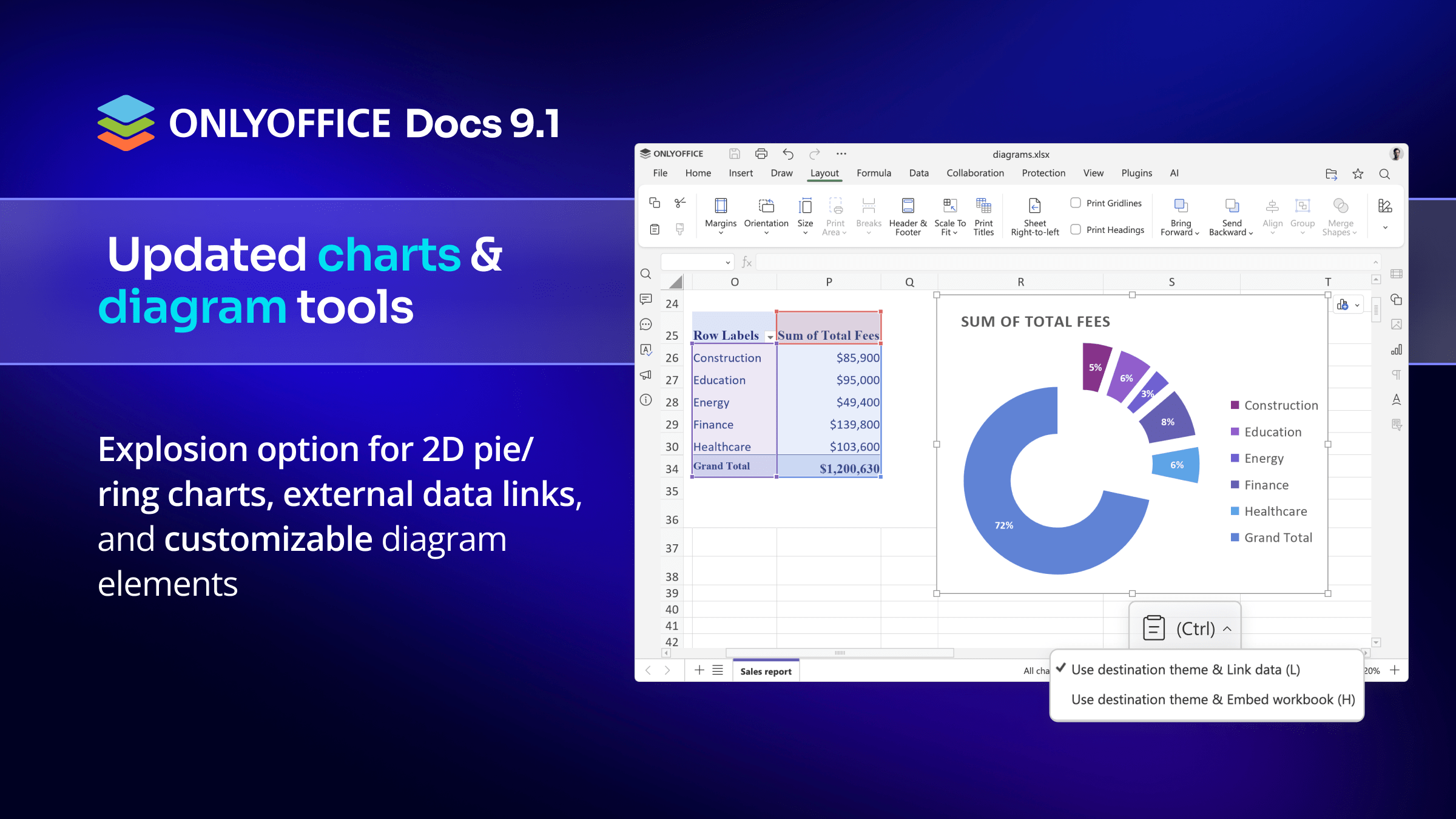
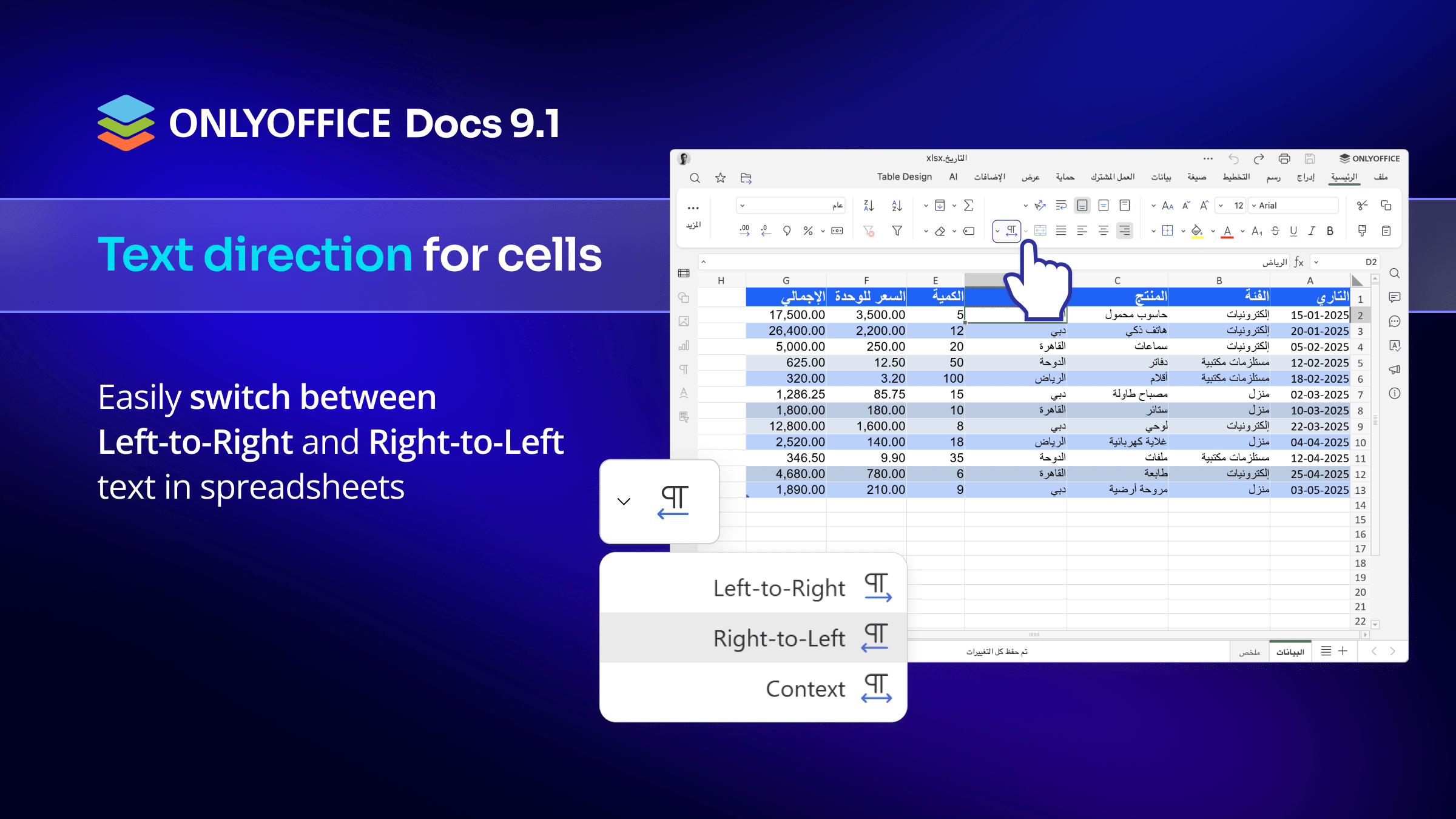
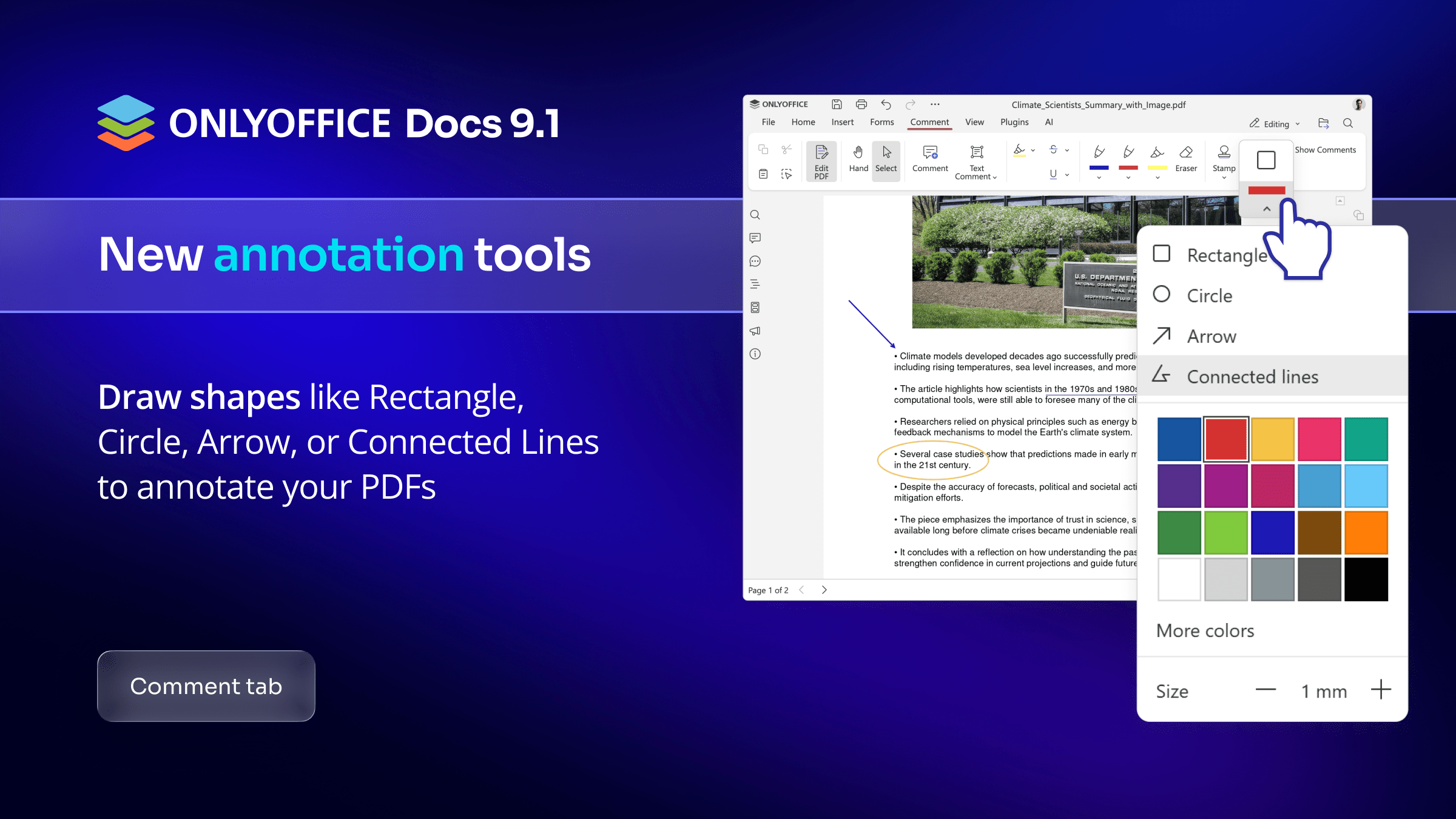
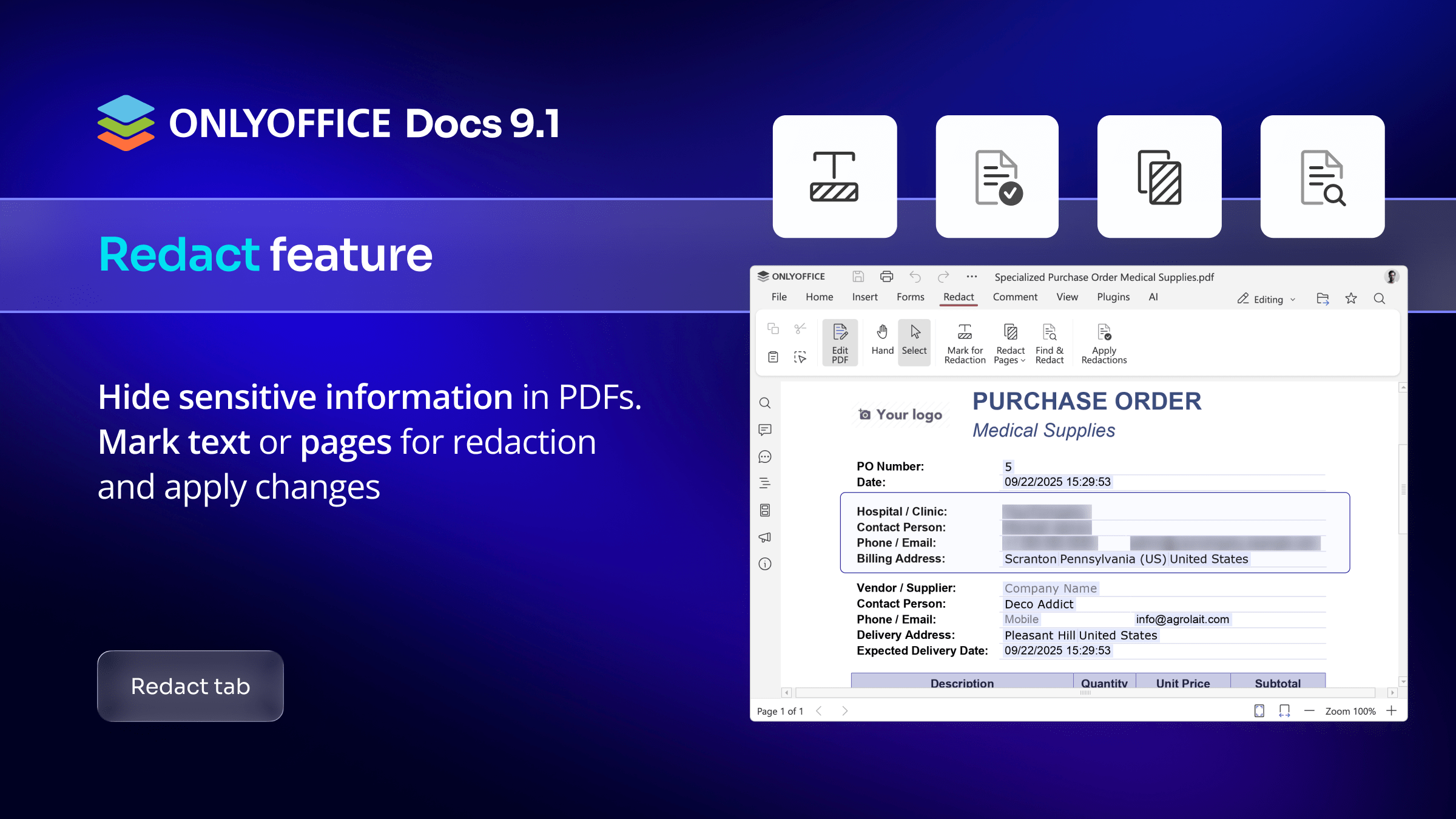
What's new in #ONLYOFFICE Docs 9.1 Part 3
What's new in #ONLYOFFICE Docs 9.1 Part 2
What's new in #ONLYOFFICE Docs 9.1 Part 1
#ONLYOFFICE DocSpace 3.5 is already available 🔥 Here’s the quick rundown: ✅ Upgraded editors: Redact PDFs, faster formulas, new file formats and more. ✅ Smarter sharing: Share folders directly and create individual sharing links. ✅ File management: New “Shared with Me,” “Recent” and “Favorites” sections. ✅ Productivity boosts: Telegram notifications, WeChat login and direct room deletion. ✅ New plugins and more Learn more in our blog: #Update image
#ONLYOFFICE Docs 9.1 is already available in the cloud-based DocSpace 🔥 The latest version of #ONLYOFFICE Docs, packed with exciting upgrades to streamline and enhance your workflow, is already available in the cloud-based DocSpace. Enjoy all the new feature in the cloud by creating a new DocSpace account for free: #SaaS #Update #Cloud
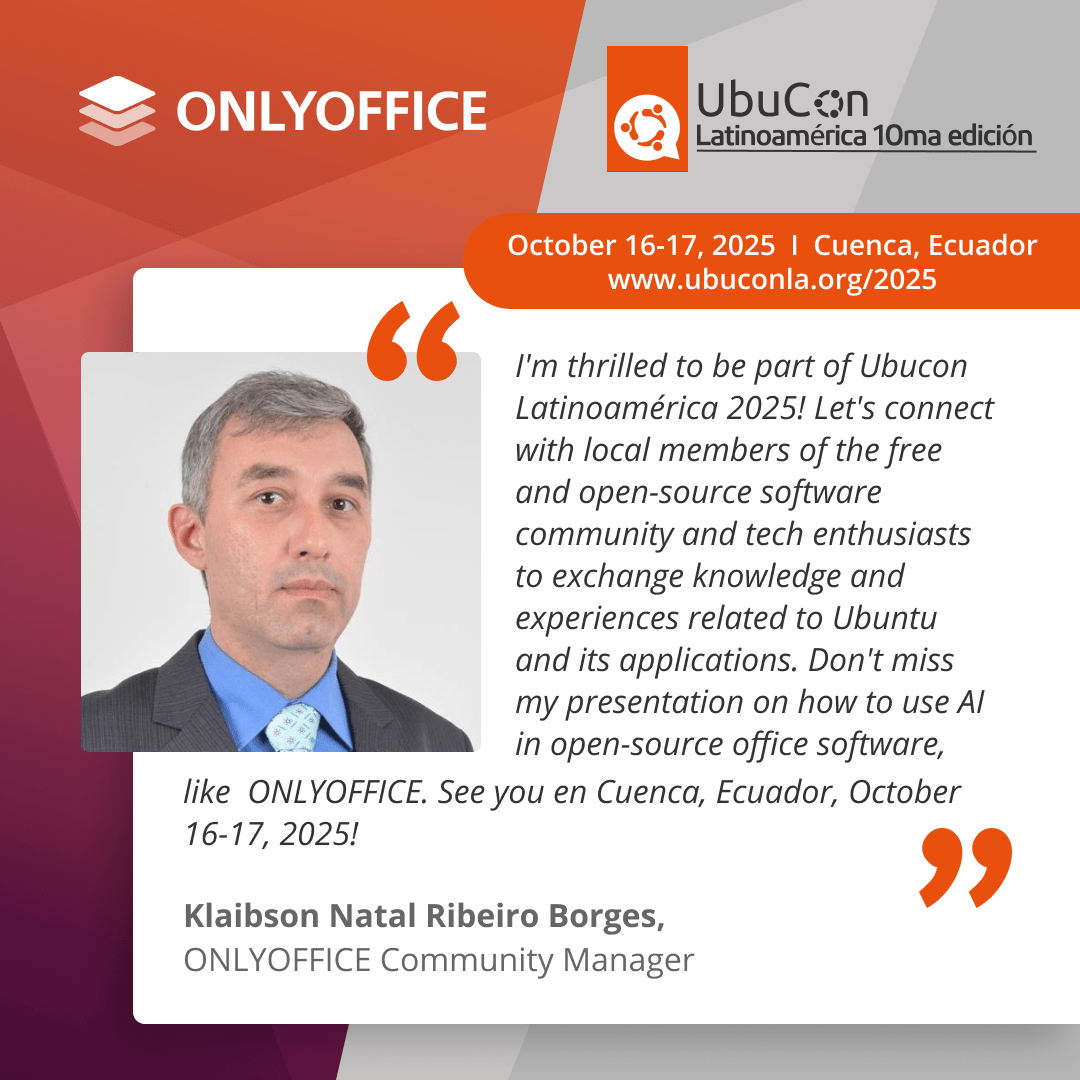
#ONLYOFFICE at Ubucon Latinoamérica 2025 🇪🇨 📆 October 16-17 📍 Cuenca, Ecuador 🌐 Ubucon Latinoamérica is the Latin American edition of UbuCon. The event is held annually in different cities where members of the free and open-source software community gathers to attend talks, workshops, networking events and conferences. #ONLYOFFICE participates in Ubucon Latinoamérica 2025 with a presentation about using #AI in open-source office software. #Events image
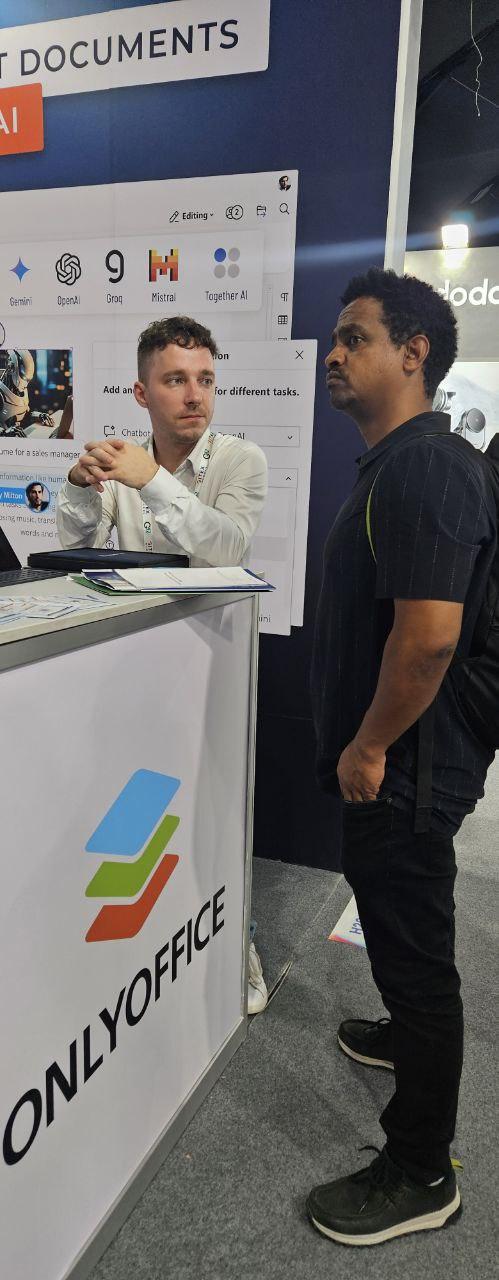
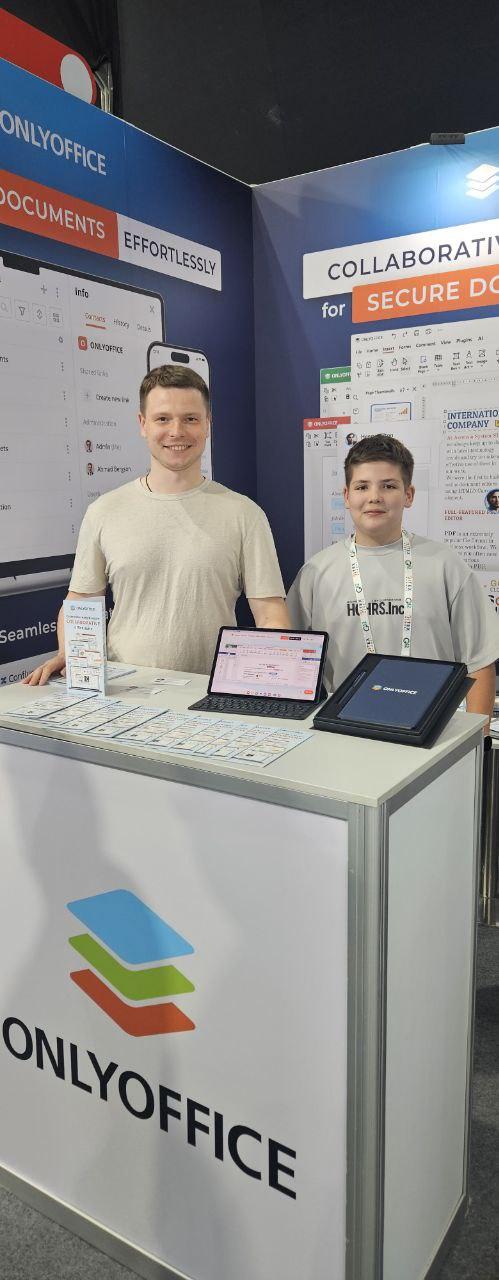
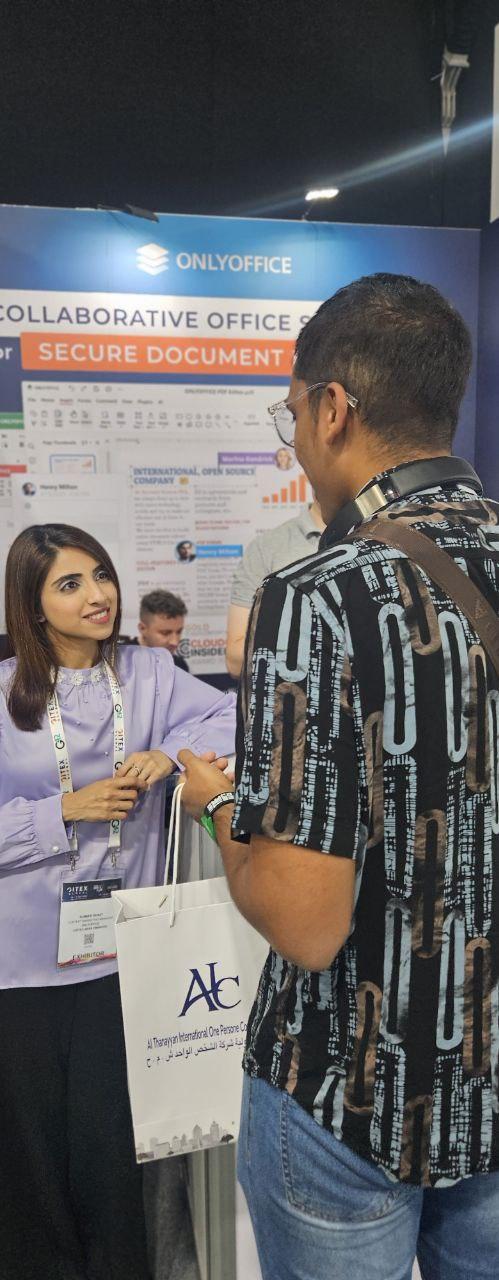
Our team at GITEX Global 2025 🇦🇪 📆 October 13-17 📍 Dubai, UAE 🌐 #events
#ONLYOFFICE Desktop Editors 9.1 is now available for Windows, Linux and macOS🔥 ✅ PDF editor upgrades, spreadsheet improvements and other features available in the online version; ✅ Better file recovery; ✅ Audio/Video insertion buttons for presentations, built-in media player for video playback and Spelling language detection for #macOS; ✅ Cloud template previews and system toast notifications (#Windows 10+). Learn more in this blog post: image