Great news for #Nextcloud users! Version 9.11.0 of the #ONLYOFFICE app for #Nextcloud is already available, providing compatibility with #Nextcloud 32. Get the updated app from: βœ… Official marketplace: βœ… GitHub:
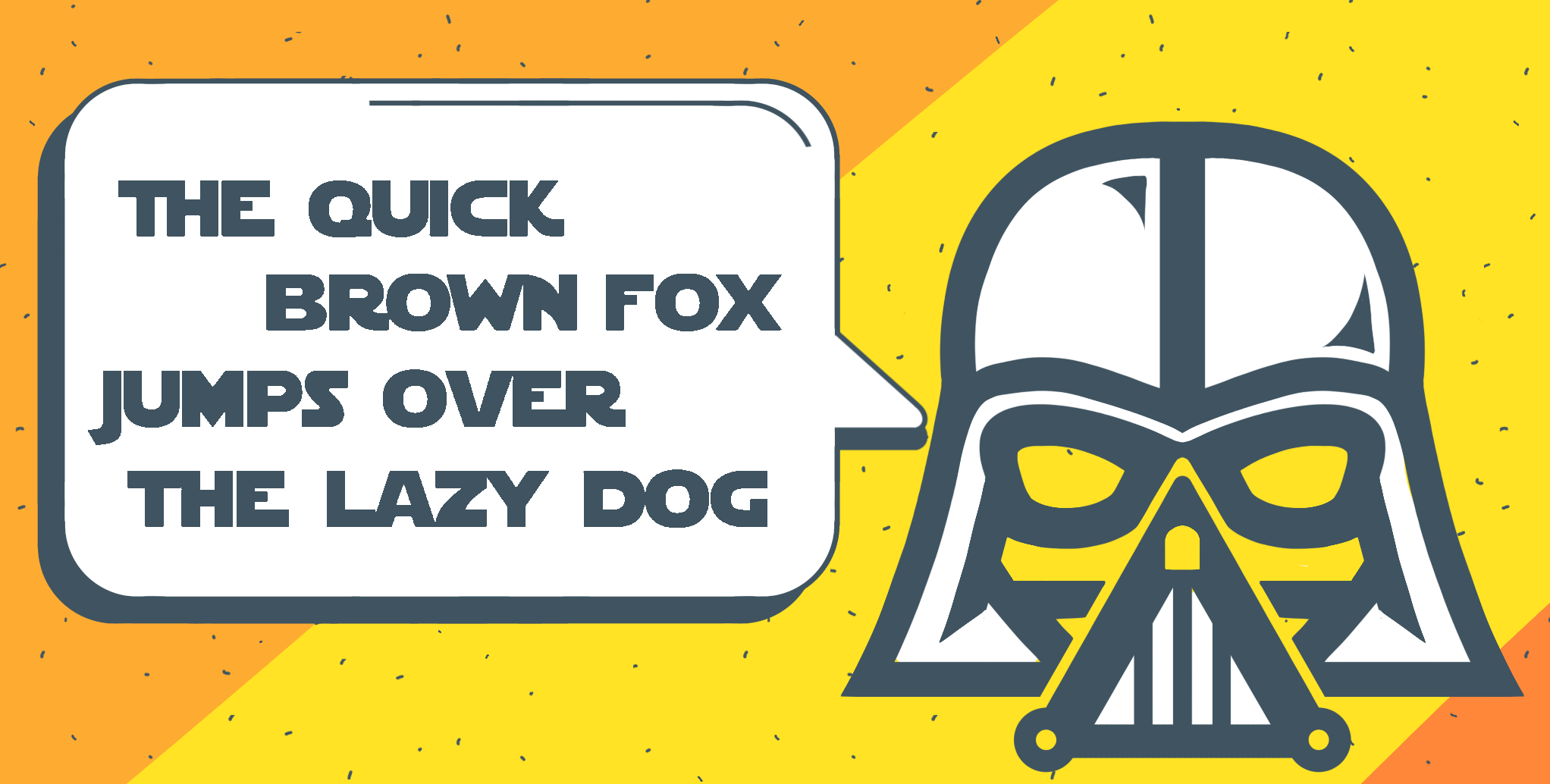
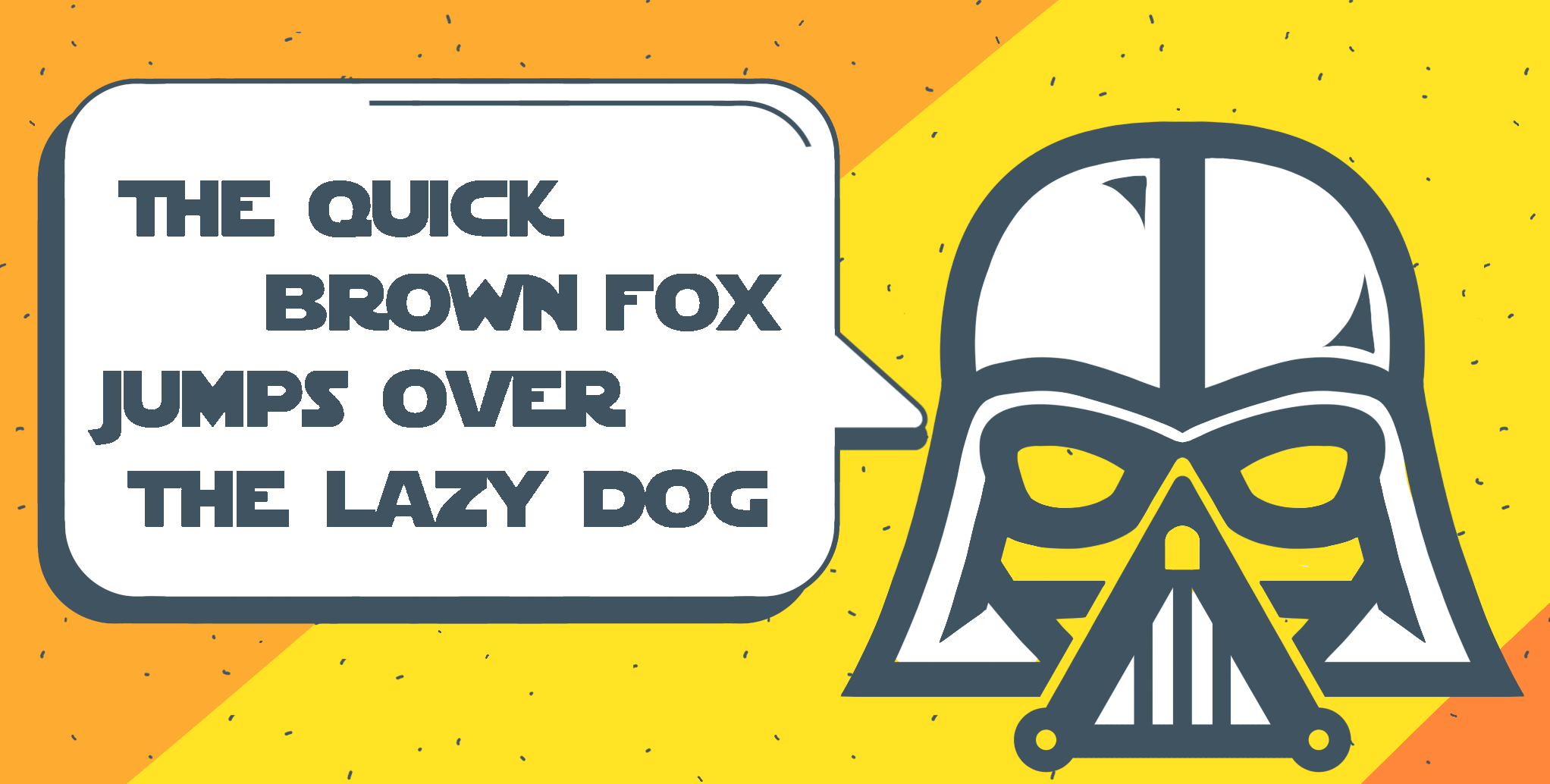
Ever wanted to give your documents a touch of the galaxy far, far away? Well, now you can! In our blog, we dive into the iconic Star Wars fontβ€”its history, where to find it, and how to use it in your projects: βœ”οΈ The story behind the font βœ”οΈ Where to download it βœ”οΈ How to install it on #Windows, #macOS and #Linux βœ”οΈ How to use it in #ONLYOFFICE More information: #StarWars #Font image
Want to get more from #ONLYOFFICE? Check out our webinars πŸŽ™οΈ If you’re looking to boost your #ONLYOFFICE skills, the official webinars are super helpful. They cover practical tips, advanced features and updates on new releasesβ€”all in one place. You can join live or watch the recordings on our website: #Webinar
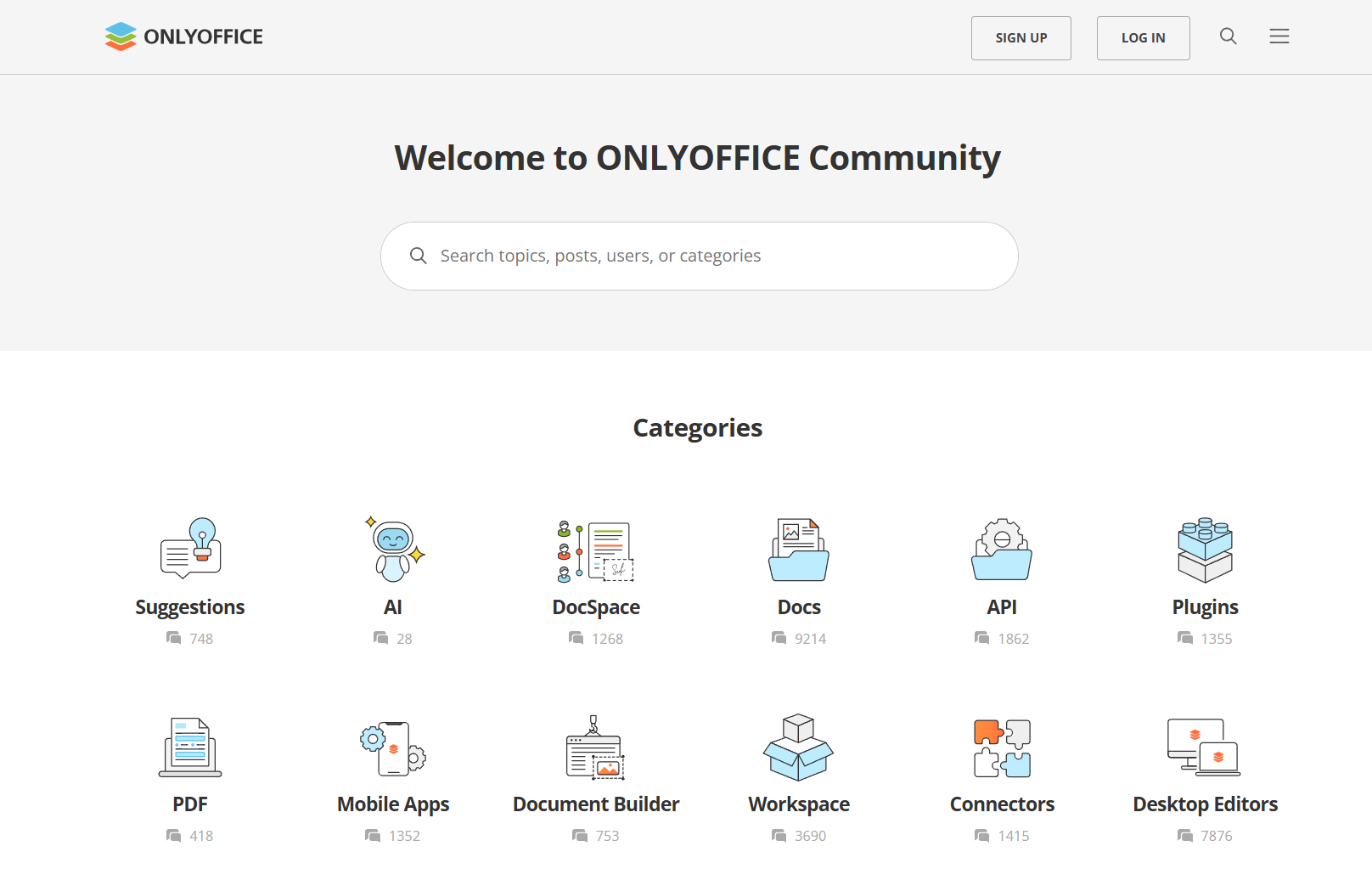
πŸ—£ Join the #ONLYOFFICE Community forum, the hub where developers, power users & collaborators come together to shape the future of open-source collaboration. Here is what you can do: βœ… Report bugs; βœ… Request and suggest new features; βœ… Share custom workflows; βœ… Get tips from real users; βœ… Find answers to your questions and more. Your feedback directly influences development, so every voice matters πŸ“ˆ. Be part of the journey: #OpenSource #Community #Collaboration image
Exciting update for #Pipedrive users: #ONLYOFFICE DocSpace app v1.1.0 released πŸ”₯ Here's a quick rundown of what's new: βœ… Updated welcome guide βœ… Default public rooms βœ… Room type selection βœ… Automatic user addition βœ… #API key configuration βœ… Compatibility with #ONLYOFFICE DocSpace v3.0 Read our blog for more information about this release: #Update #Pipedrive image
Ever wondered how to make your #Word documents pop with style and clarity? We’ve got you covered with a step-by-step guide on how to add borders in #ONLYOFFICE Docs. What you’ll learn from the guide: βœ”οΈ Adding borders to paragraphs, text boxes and images. βœ”οΈ Customizing styles, colors and thicknesses. βœ”οΈ Creative workarounds for page borders. βœ”οΈ Practical tips to make your documents stand out. Red the full guide: #Guide #Word #Tips image
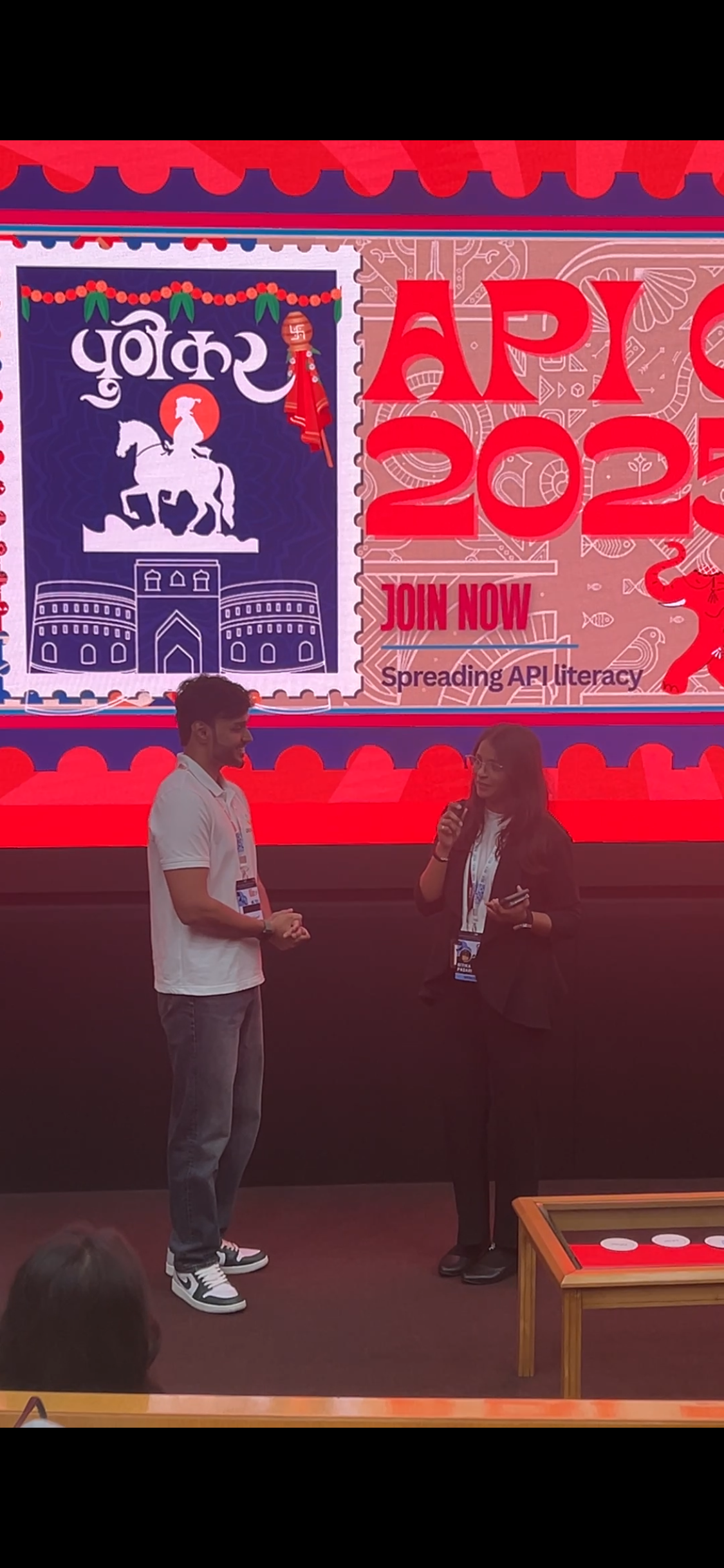
#ONLYOFFICE at the API Conf Pune 2025 πŸ”₯ πŸ“† September 21 πŸ“ Pune, India 🌐 Our teammate Eeshaan took the stage to share insights and connect with the local tech community at the API Conf Pune 2025. Learn more about other #ONLYOFFICE events on our website: #Events #API #ONLYOFFICE
Meet #ONLYOFFICE at Software Freedom Day 2025 in Curitiba, Brazil πŸ‡§πŸ‡· πŸ“† September 20 πŸ“ Curitiba, Brazil 🌐 https://www.sfd.curitiba.br Software Freedom Day (SFD) is a global event held annually to promote the use of free and open-source software worldwide. #ONLYOFFICE will join the event held by a local community in Curitiba, Brazil, with a presentation about using AI in open-source office software. The presentation will be given by Klaibson Natal Ribeiro Borges. #events #SFD2025 #OpenSource image
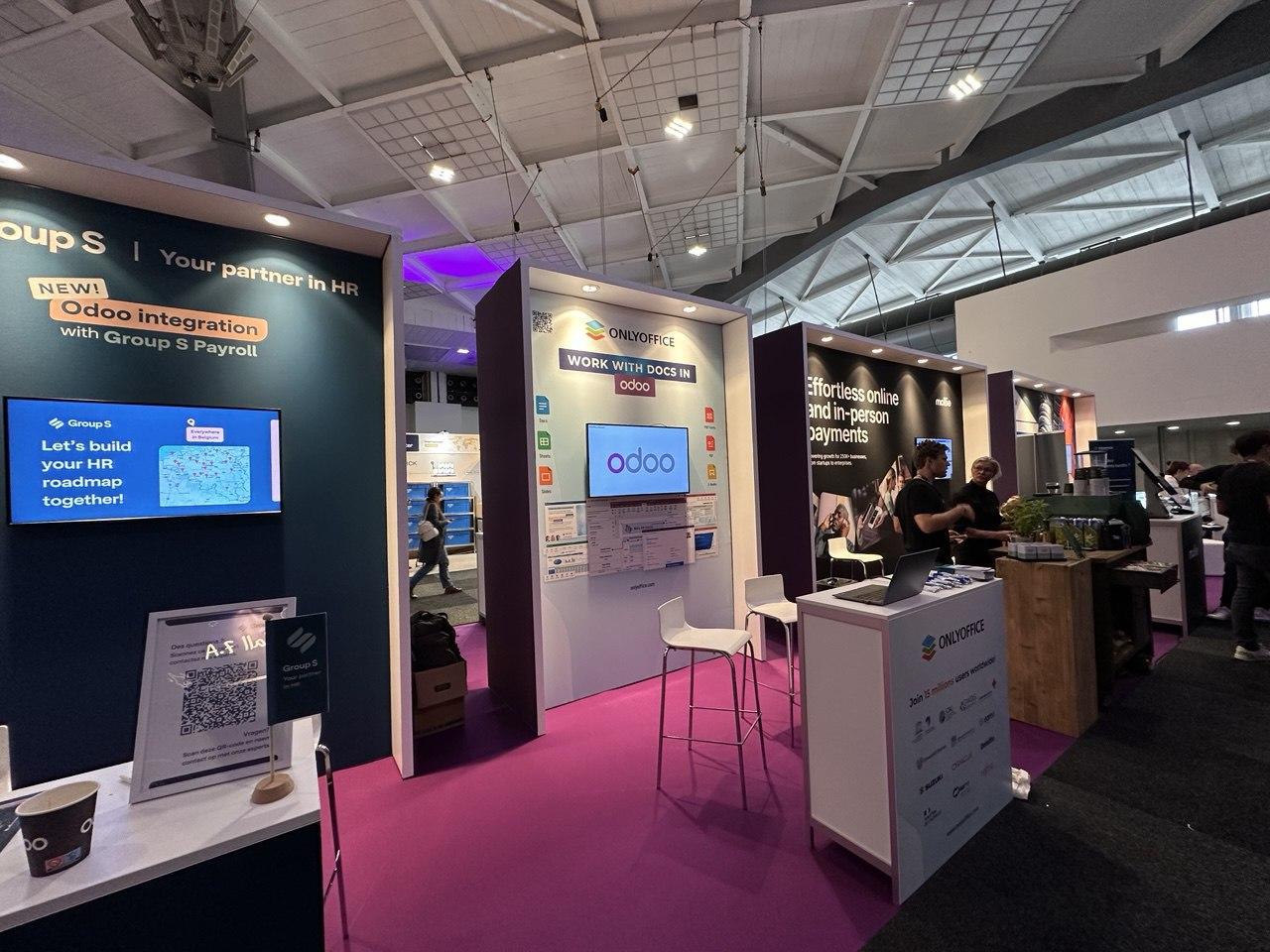
Meet #ONLYOFFICE at #Odoo Experience πŸ‡§πŸ‡ͺ πŸ“† September 18 – 20, 2025 πŸ“ Brussels, Belgium 🌐 #Odoo Experience 2025 is a global event focused on enterprise open-source technologies, bringing together professionals, developers, and users of the Odoo platform. Meet the #ONLYOFFICE team at Hall 7 to learn more about our integration with #Odoo and discuss how our solutions can enhance document management within the platform. #Events #odoo #ONLYOFFICE
Equal Rights Beyond Borders, a Greek-German NGO defending refugees’ rights across Europe chose #ONLYOFFICE to unite their international team 🌏 With real-time co-editing, secure file sharing & full accessibility, #ONLYOFFICE empowers seamless cross-border collaboration, incredibly important for human rights work. Watch the full #YouTube video: #ONLYOFFICE #Collaboration #NGO #OpenSource #YouTube