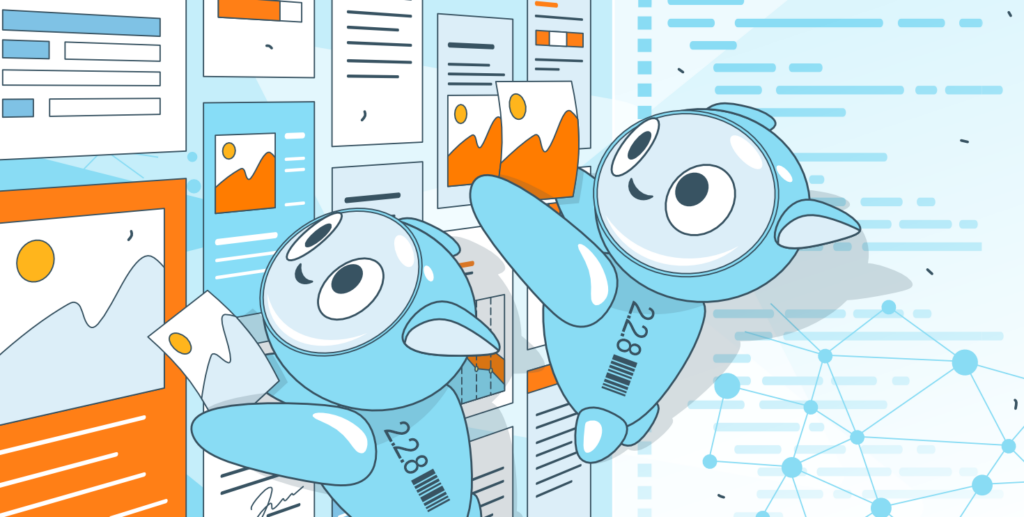
The updated #ONLYOFFICE #AI plugin: what's new? As #AI continues to transform digital workspaces, we’re taking another leap forward with our #AI plugin. These are the latest enhancements: ✅ Text to image and image to text generation ✅ OCR capabilities ✅ New provider — Stability AI ✅ Redesigned context menu ✅ Bug fixes and stability improvements ✅ Better translations Some new features, like OCR in PDFs, will become available in version 9.0. More information: image
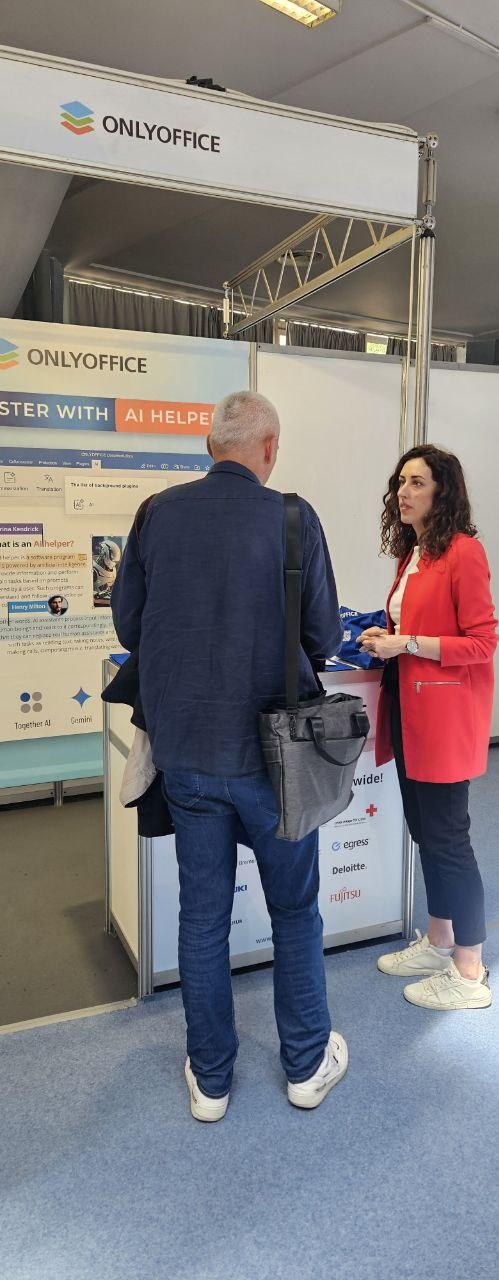
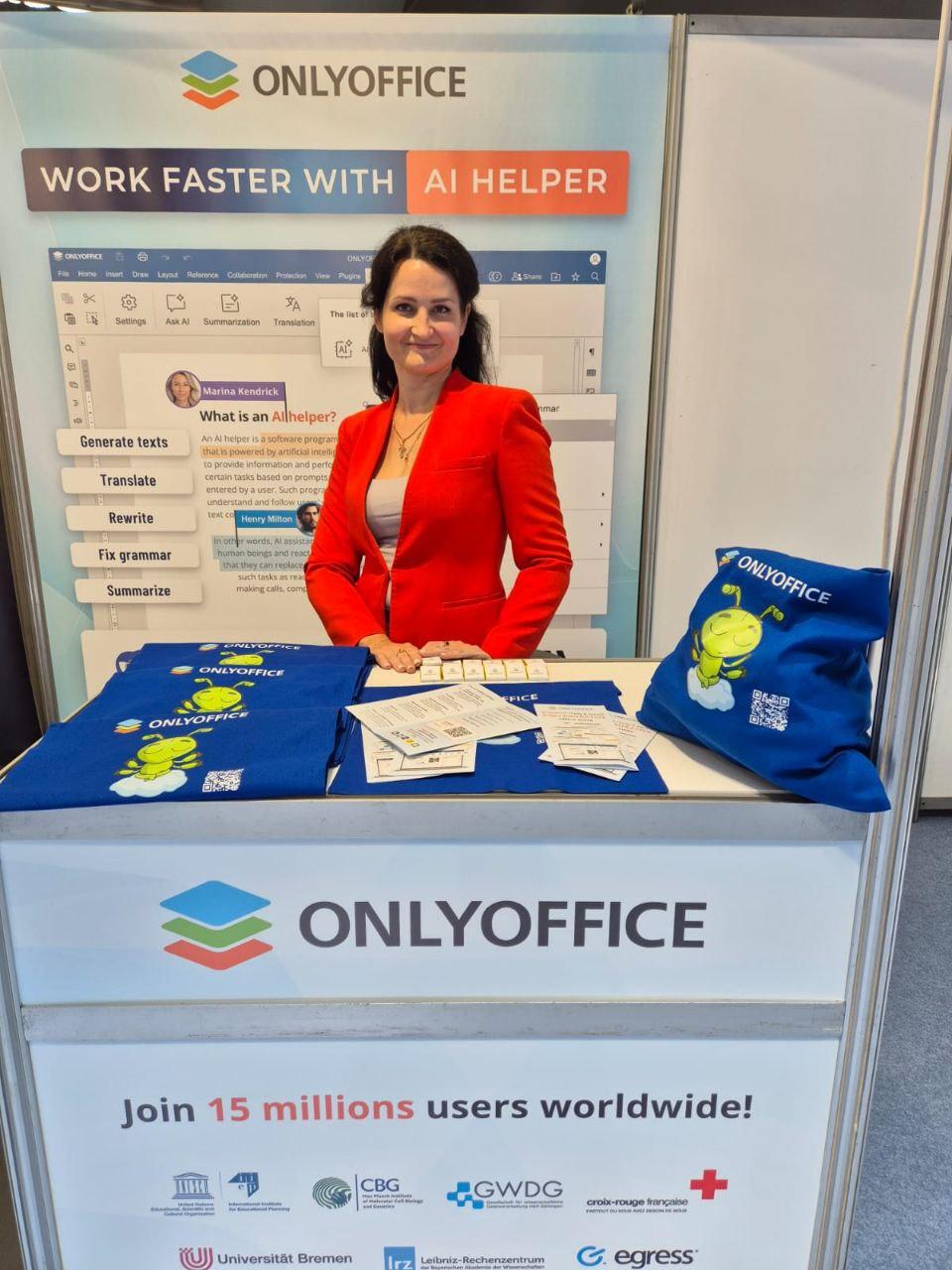
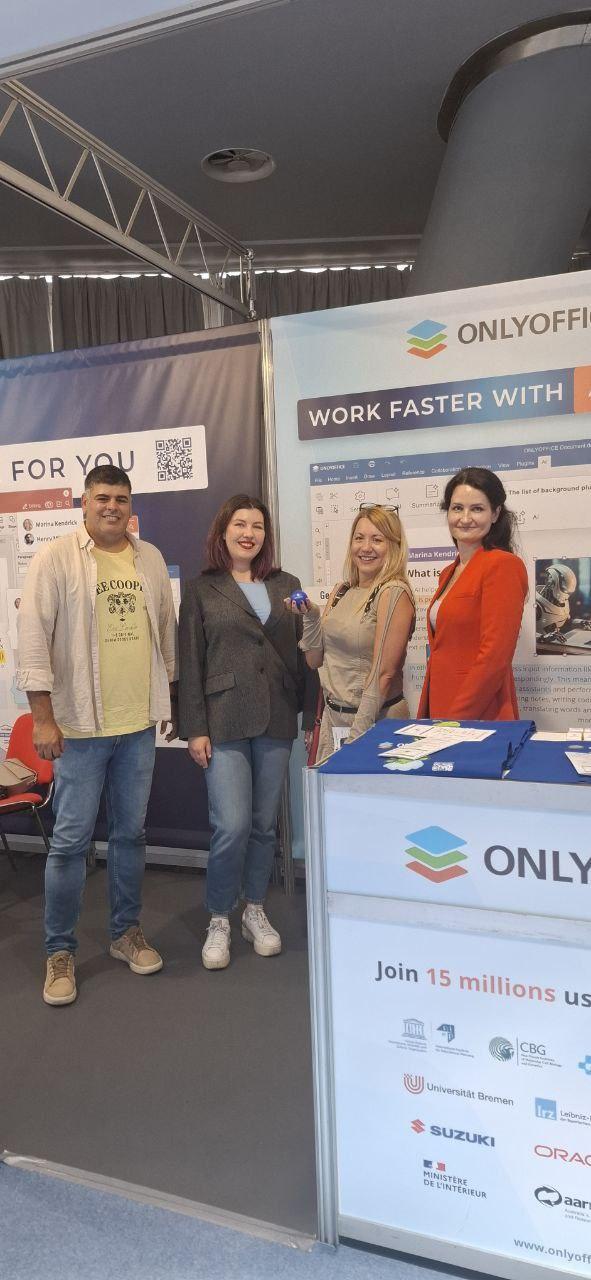
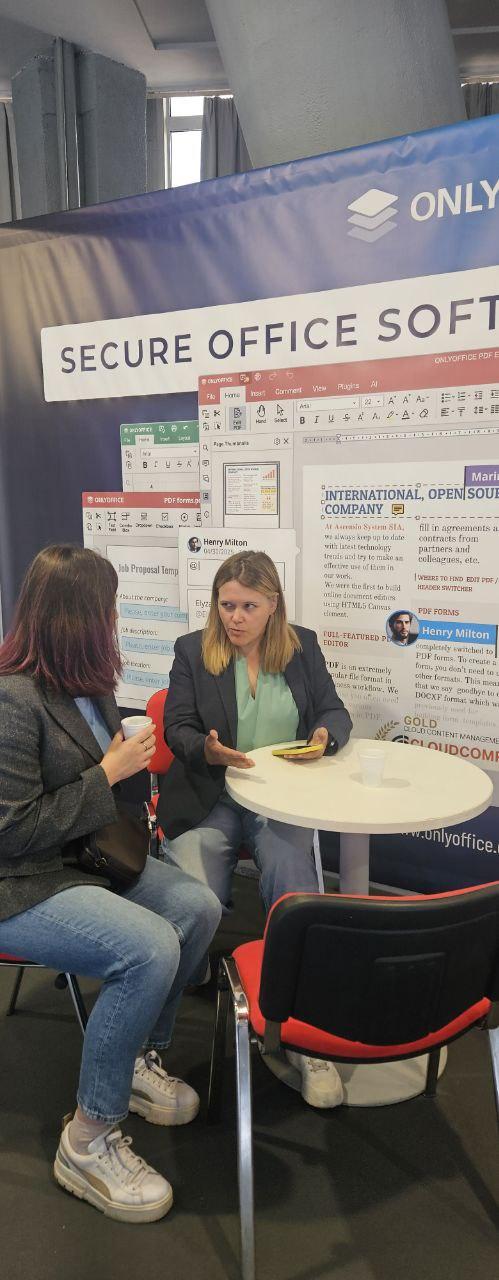
Final day of the 67th International Fair of Technics and Technical Achievements 🇷🇸 📆 May 20 – 23, 2025 📍 Belgrade, Serbia 🌐
How to develop an #ONLYOFFICE DocSpace plugin – complete step-by-step tutorial 🔥 The DocSpace plugins offer a modern way to enhance how users manage and interact with documents. In this guide, we’ll walk you through how to create your own DocSpace plugin using real examples from our official plugin samples: image
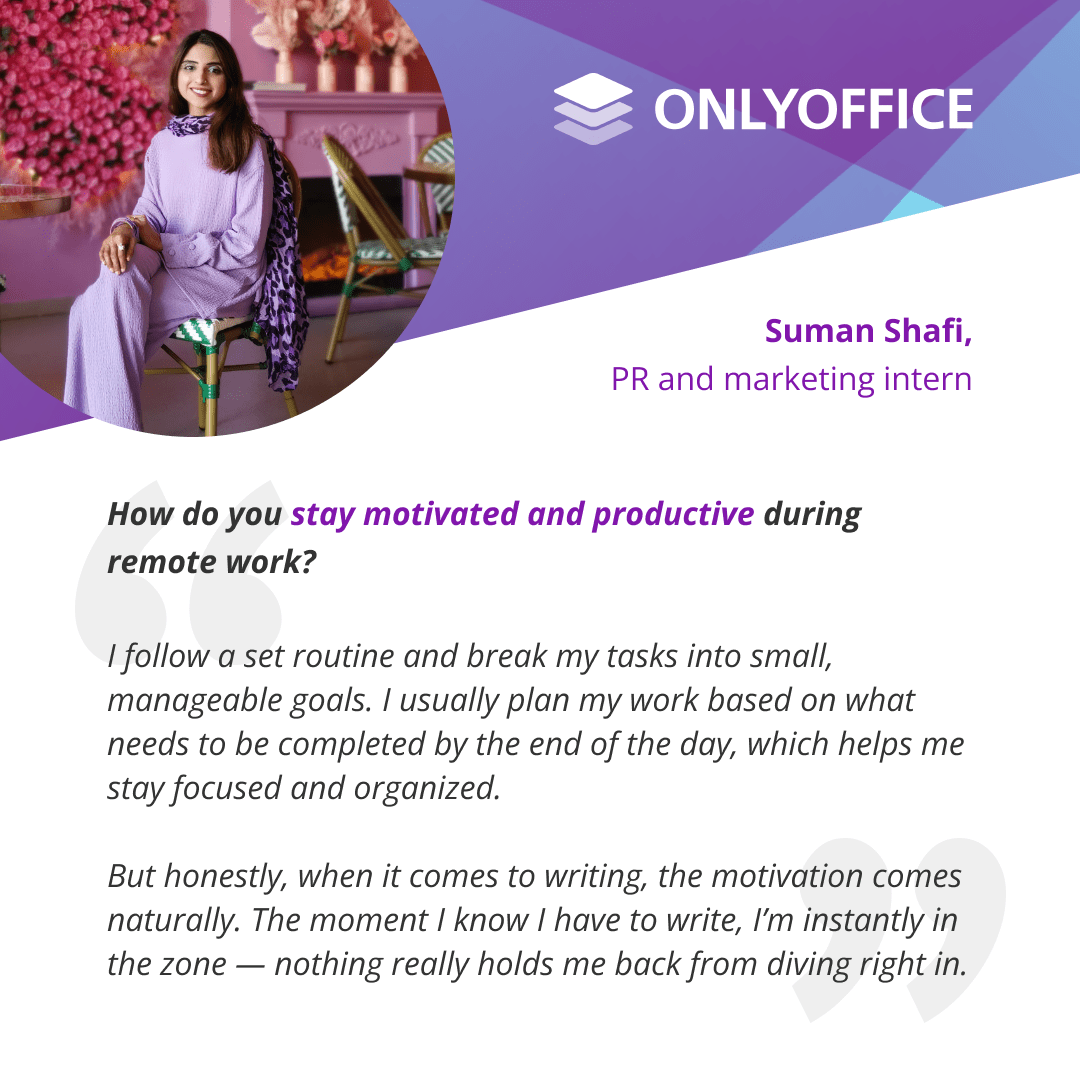
Since we launched our PR and marketing internship program in 2024, we have managed to gather a team of talented interns from all over the world who make a valuable contribution to #ONLYOFFICE and develop professional skills for their future careers. In this article, we interview Suman Shafi, our intern from Pakistan, to share her impressions and experiences: image
How to use #Ollama AI models offline in #ONLYOFFICE 🔥 Integrating #Ollama’s local #LLMs with the #ONLYOFFICE editors brings cutting‑edge #AI features directly into your editors, without sacrificing privacy or speed. Follow these steps above to unlock a powerful, offline AI assistant for all your text‑related workflows: image