Meet #ONLYOFFICE at Moodlemoot 2025 in the Netherlands and Flanders on March 11, 2025 🔥
The Moodlemoot in the Netherlands and Flanders is an annual Dutch-speaking event.
Scheduled for March 11, 2025, the 17th edition will take place in the Van der Valk Hotel in Dordrecht.
As a sponsor of the event, #ONLYOFFICE will give a presentation about the #Moodle and #ONLYOFFICE integration.
More information: https://avetica.nl/moodlemoot2025/
Do you want to know the fundamentals of how to use #AI in #ONLYOFFICE?
Join us today at 14:00 CET on our #YouTube channel for an exclusive webinar on how to use artificial intelligence in the #ONLYOFFICE editors:
Good news for #Telegram users!
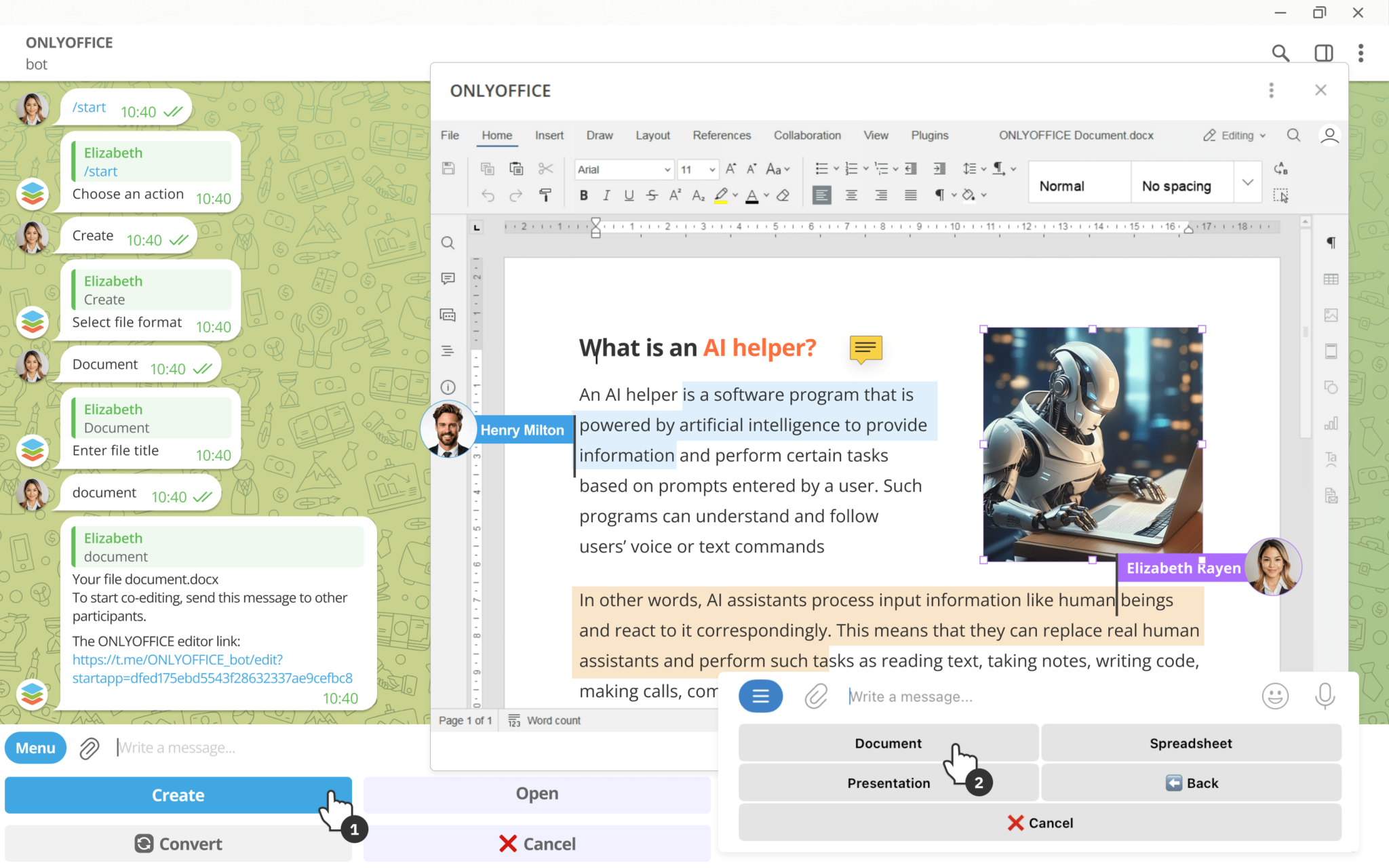
Our team has released a bot that allows you to work on office files within the platform.
Using the #ONLYOFFICE bot, you can:
✅ Create and edit documents, spreadsheets and presentations;
✅ Collaborate on office files with other Telegram users in real time;
✅ Open local files from your device;
✅ Convert files to various formats;
Interestingly, the #ONLYOFFICE bot can be even used in group chats.
Read our blog to learn more:
#ONLYOFFICE online document converter: new formats available🔥
Convert text documents, spreadsheets, presentations, and PDFs using the updated #ONLYOFFICE online document convert.
Now the converter is compatible with the new formats introduced by #ONLYOFFICE Docs v8.3:
✅ Apple iWork formats: Pages, Keynote, Numbers
✅ Hancom Office formats: .hwp, .hwpx
Try the converter for free here:
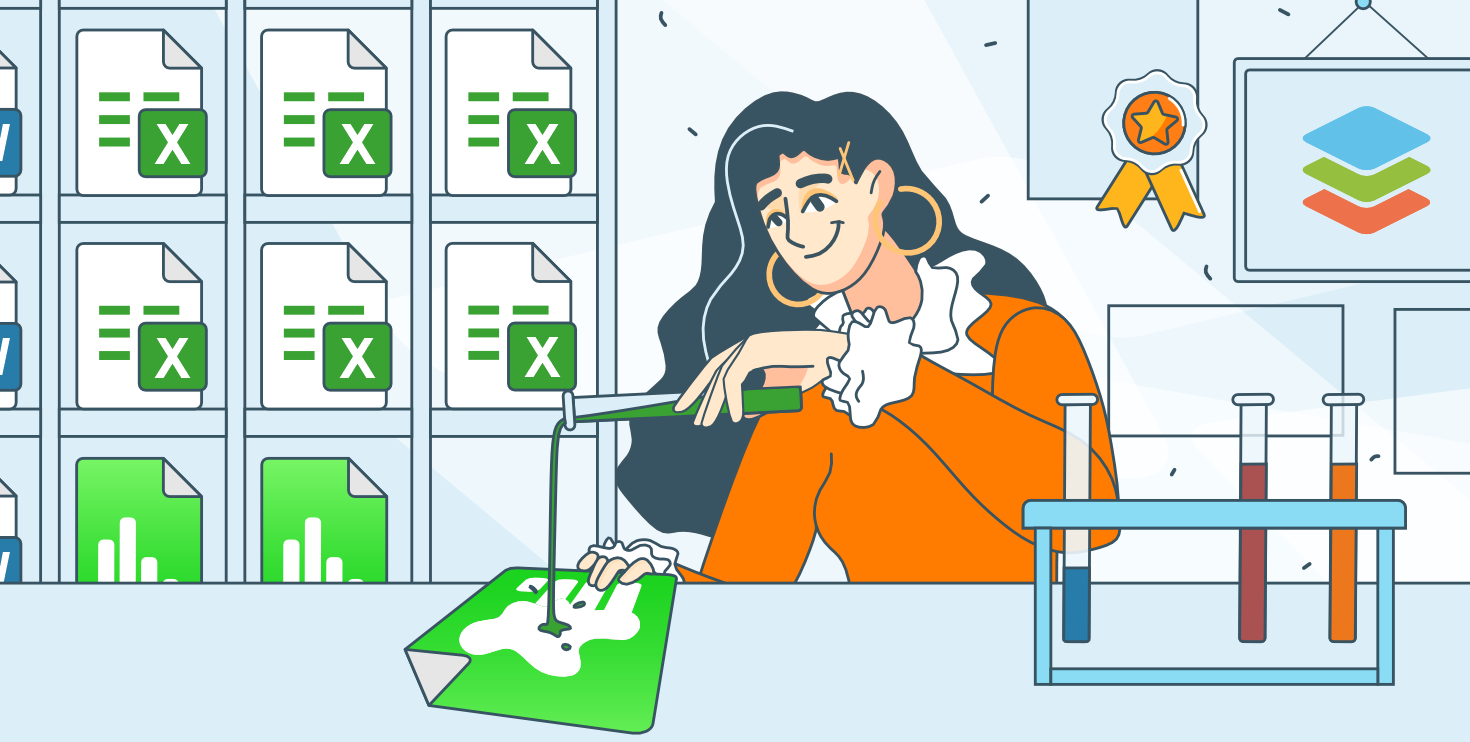
Need to convert an #Apple Numbers file into the #Excel format?
In this guide, we’ll walk you through three effective methods to easily convert your Apple Numbers, and one of them includes the use of #ONLYOFFICE Spreadsheet Editor:
We have updated the #ONLYOFFICE DocSpace connector for #Zapier to version 1.1.0, introducing the following new features:
✅ new room types
✅ updated user roles
✅ a new action for inviting guests
✅ other improvements
With Zapier, you can automate workflows by connecting #ONLYOFFICE DocSpace with platforms like Slack, Asana, Trello, HubSpot, Gmail, Discord, Zoom, and more.
Read our blog to learn more:
#ONLYOFFICE Docs v8.3.1 is already available 🔥
The latest version of the #ONLYOFFICE online office suite allows you to reorder pages in your #PDF files. Moreover, version 8.3.1 brings a large number of bug fixes.
Check the full changelog on #GitHub:
How to connect #Ollama to #$ONLYOFFICE and use its #AI models when working on documents
We continue our series of articles explaining how to connect and effectively use various AI models in ONLYOFFICE.
Today, we will focus on Ollama, a platform designed to set up and run AI models locally, and bring to light how to integrate it with the ONLYOFFICE editors and use one of its models for text-related tasks.
Read our blog for more information:
Good news for #Nexcloud users!
The #ONLYOFFICE connector for #Nexcloud has been updated to version 9.7.0.
The latest update introduces support for new file formats (Pages, Keynote, Numbers, hwp, hwpx) and compatibility with #Nextcloud 31.
Get the updated connector here: