As part of #ONLYOFFICE’s commitment to enhancing our product’s functionality, we are excited to announce the addition of support for Together AI. With Together AI integrated into ONLYOFFICE, you can streamline your tasks using tools harnessing the power of advanced #AI models. Read our blog to learn more: image

The #ONLYOFFICE AI plugin integrates artificial intelligence with ease. Among the supported #AI models is #Groq, a high-performance platform designed to optimize text processing, data analysis and document creation tasks. Using Groq in ONLYOFFICE, you can: βœ… Get precise answers to queries; βœ… Summarize and translate content; βœ… Perform advanced text analysis; βœ… Generate text and keywords; βœ… Explore word meanings and more. Read our blog to learn more: image
Mee the new plugin in #ONLYOFFICE: use OnlyDraw to easily insert stickers into your documents πŸ”₯ The OnlyDraw plugin, developed by Qing Shanyu during our plugin development contest, is now available. Whether you need a quick icon from the built-in library, a personalized hand-drawn sketch, or custom emotes, this all-in-one tool makes it simple. Read our blog to learn more: image
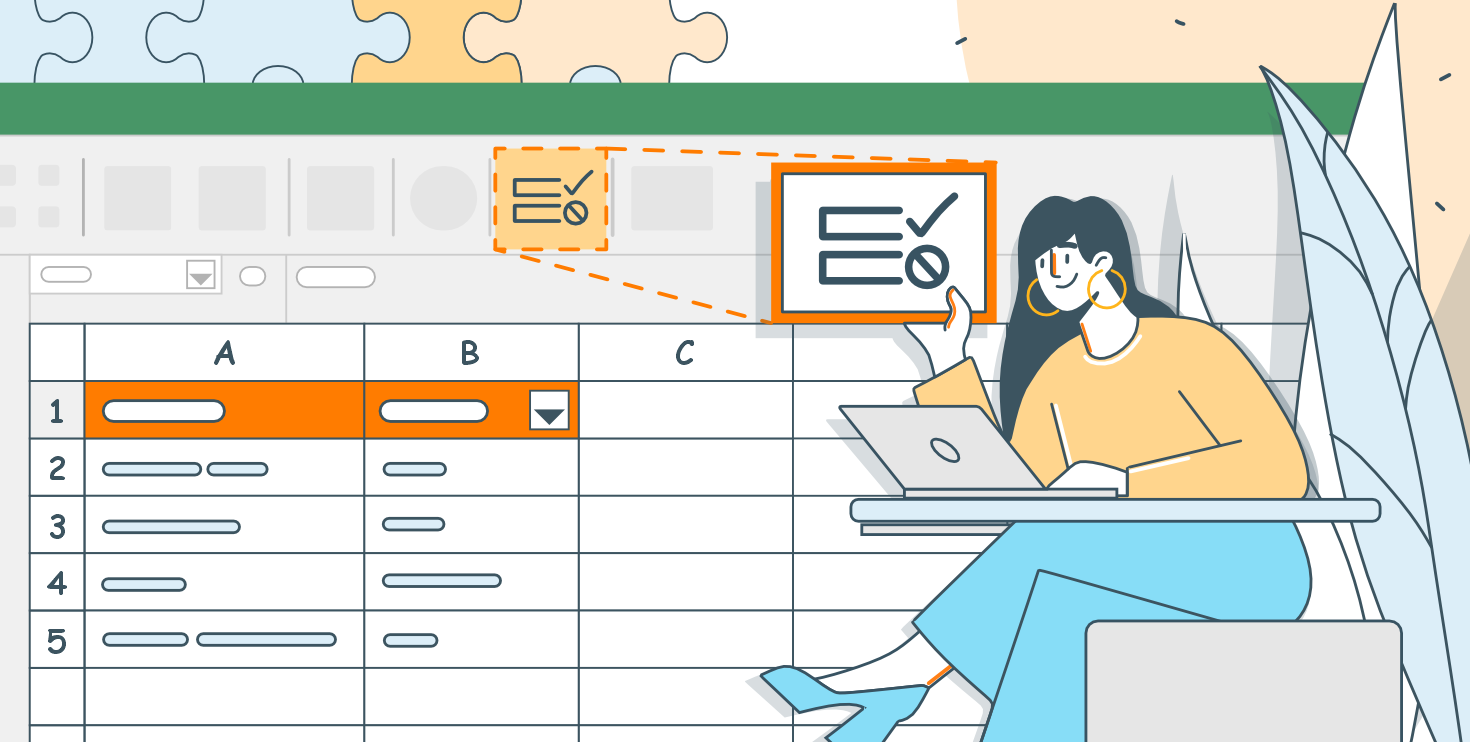
Keeping your data organized and accurate is fundamental, and tools like drop-down lists in #Excel sheets can help you achieve this goal. Read this article to learn what drop-down lists are and how to create one using #ONLYOFFICE Spreadsheet Editor: image
Good news for #Windows users! #ONLYOFFICE Desktop Editors is now even easier to install and manage with the new online installer. Designed for Windows users (starting from Windows 7), this installer can be used to: βœ… Install; βœ… Update; βœ… Repair; βœ… Unistall the app. Read our blog to learn more: Download the installer: image
Do you ever find yourself scrolling endlessly through an #Excel sheet and losing track of a column or row you are working on? Knowing how to freeze, lock, pin, and hold specific sections of your #Excel sheet can transform massive spreadsheets into organized, easy-to-navigate workspace. This article will explore the purpose and benefits of these features, common mistakes, and how to use them effectively using #ONLYOFFICE Spreadsheet Editor: image
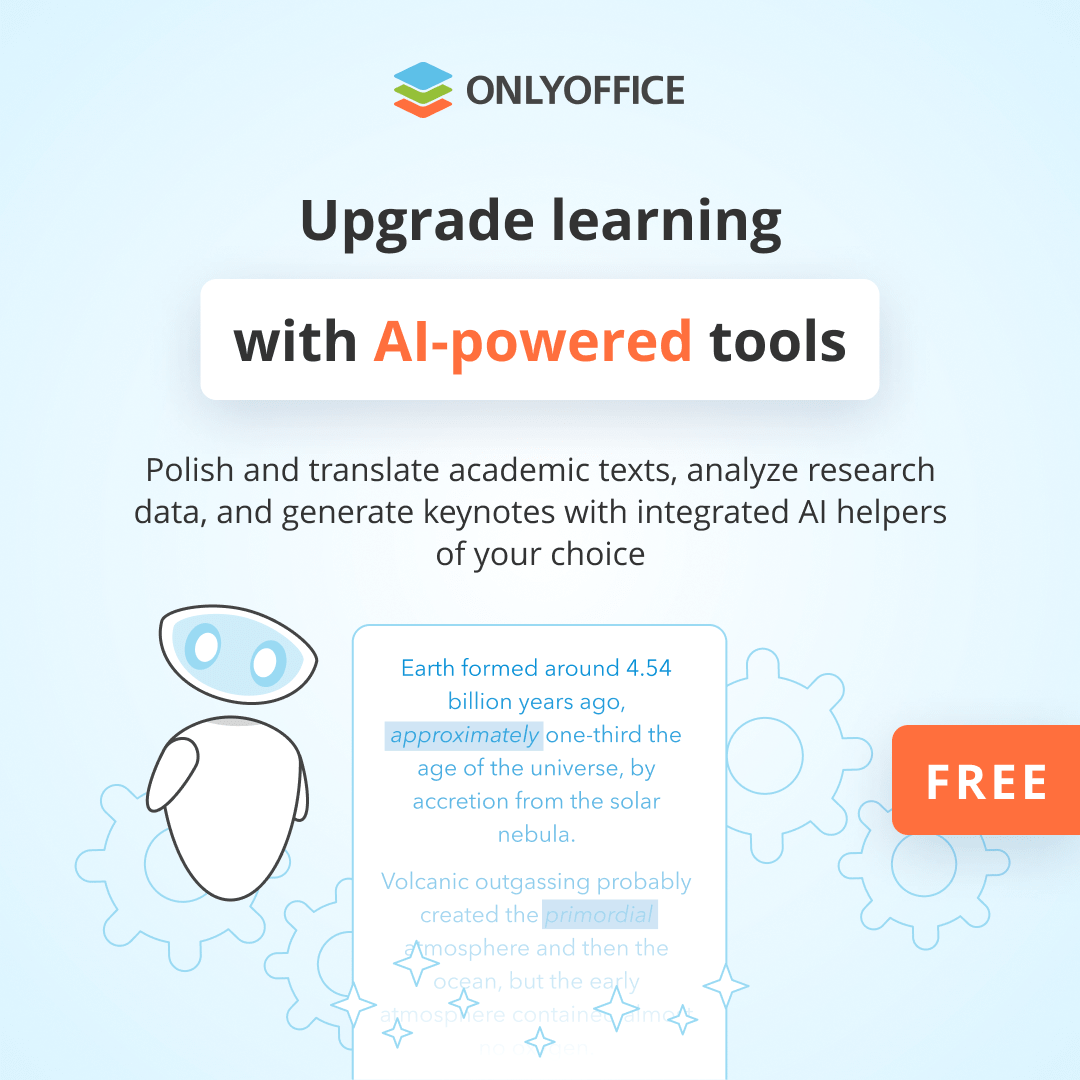
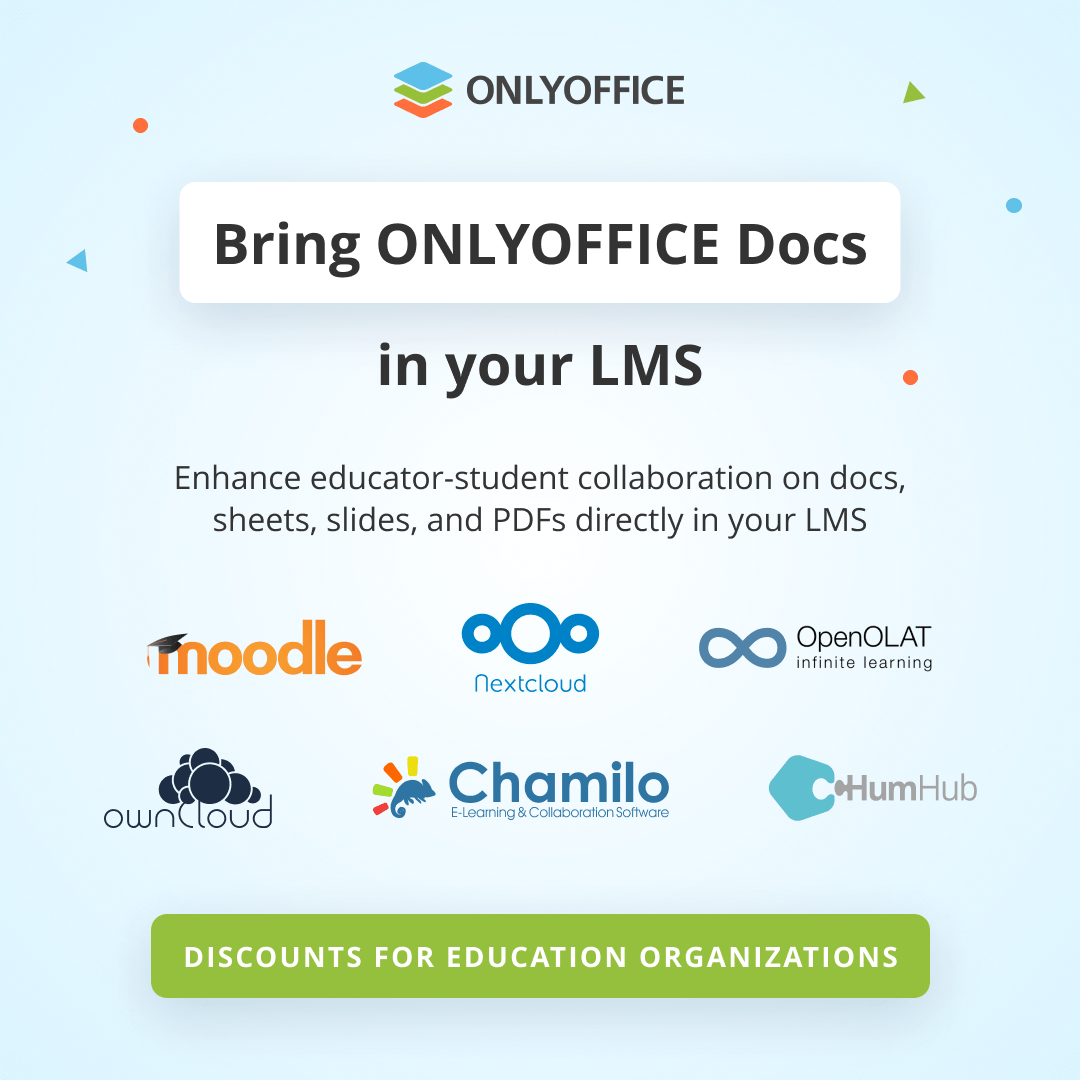
Celebrate International Day of Education with #ONLYOFFICE! Part 2 ONLYOFFICE for education:
Celebrate International Day of Education with #ONLYOFFICE! Part 1 ONLYOFFICE for education: