Good news for those who use Mistral AI! The updated #AI plugin provides literally infinite integration capabilities allowing users to connect any AI model to the #ONLYOFFICE editors. In this article, you will learn how to connect and use Mistral AI in ONLYOFFICE: image
Call for usability testing: #ONLYOFFICE DocSpace v3.0 πŸ”₯ We are always looking for ways to enhance your experience with our products, and now we need your input! Participate in our usability test focused on #ONLYOFFICE DocSpace and help us improve it. Just spend 15 minutes and get a free DocSpace Family Pack license or a 1-year subscription to DocSpace Business Cloud (3 admins). Learn all the details in our blog: image
Macros are versatile tools that can automate tasks and customize functionality of the #ONLYOFFICE editors to suit specific needs. #ONLYOFFICE macros, built on #JavaScript, offer both flexibility and ease of use. In this blog post, we’ll explore how to streamline the process of creating macros by leveraging the capabilities of OpenAI, particularly #ChatGPT: image
The upgraded #AI functionality allows you to connect any AI model to the #ONLYOFFICE editors, including a local one. In this article, you will learn how to connect LocalAI to #ONLYOFFICE on #Linux: image
Integrating #AI directly into document editors makes workflows smoother when generating content, translating, and summarizing information. Let’s explore some top AI tools now available in #ONLYOFFICE and see how they transform your document editing experience: image
See you next year: we wish you a productive and successful 2025!
#ONLYOFFICE wishes you a Happy New Year πŸŽ„ image
Discover our top 10 #ONLYOFFICE Docs features in 2024: Part 3
Discover our top 10 #ONLYOFFICE Docs features in 2024: Part 2
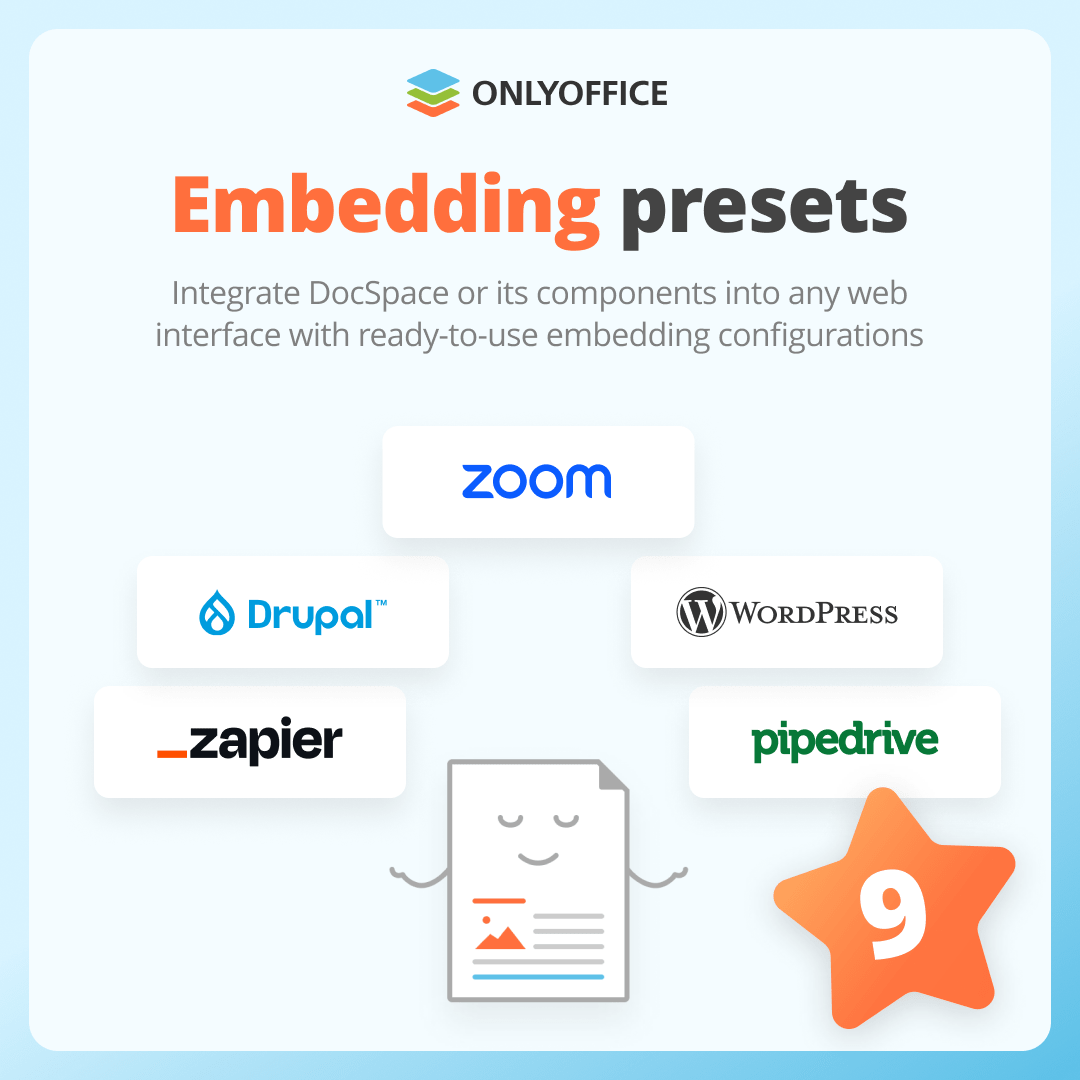
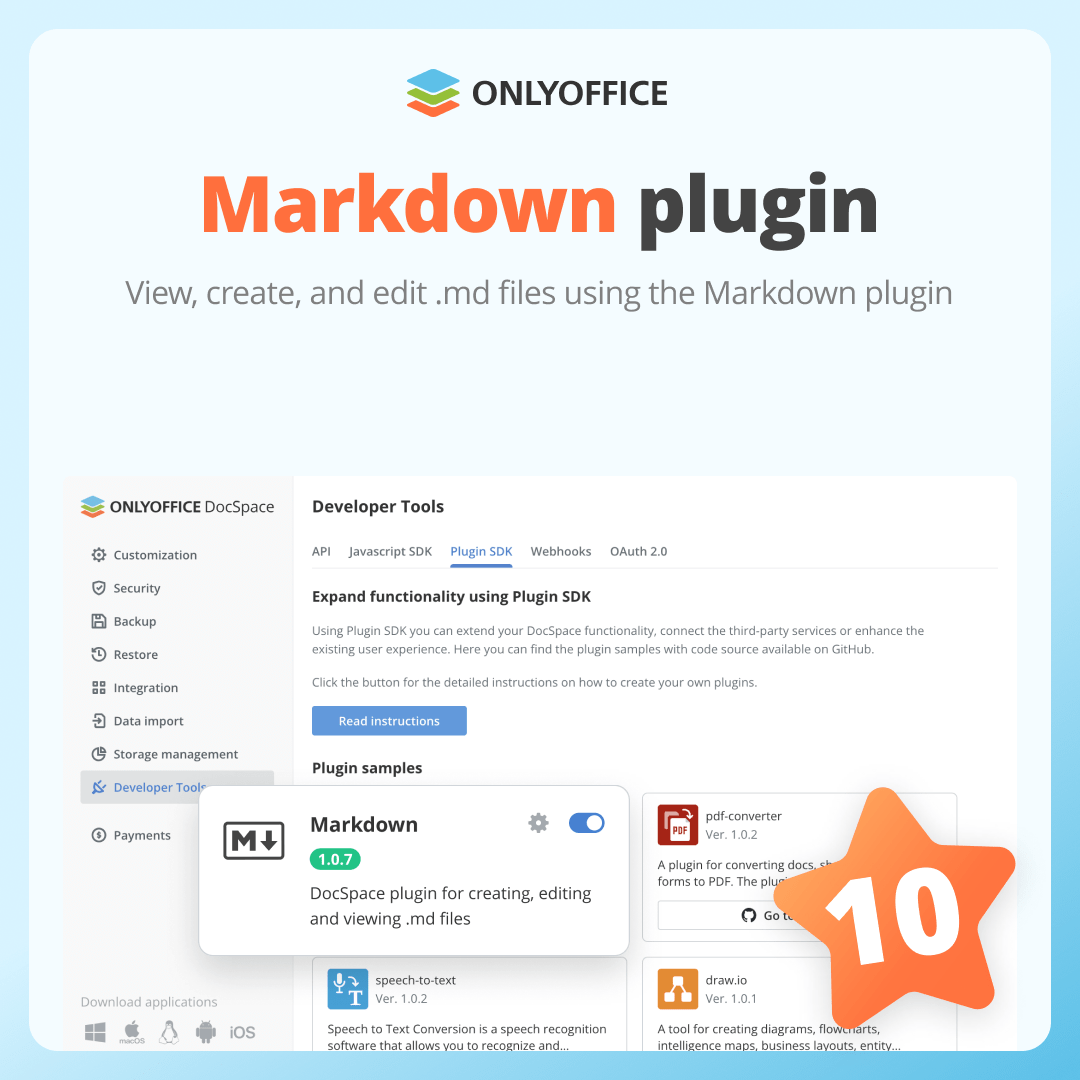
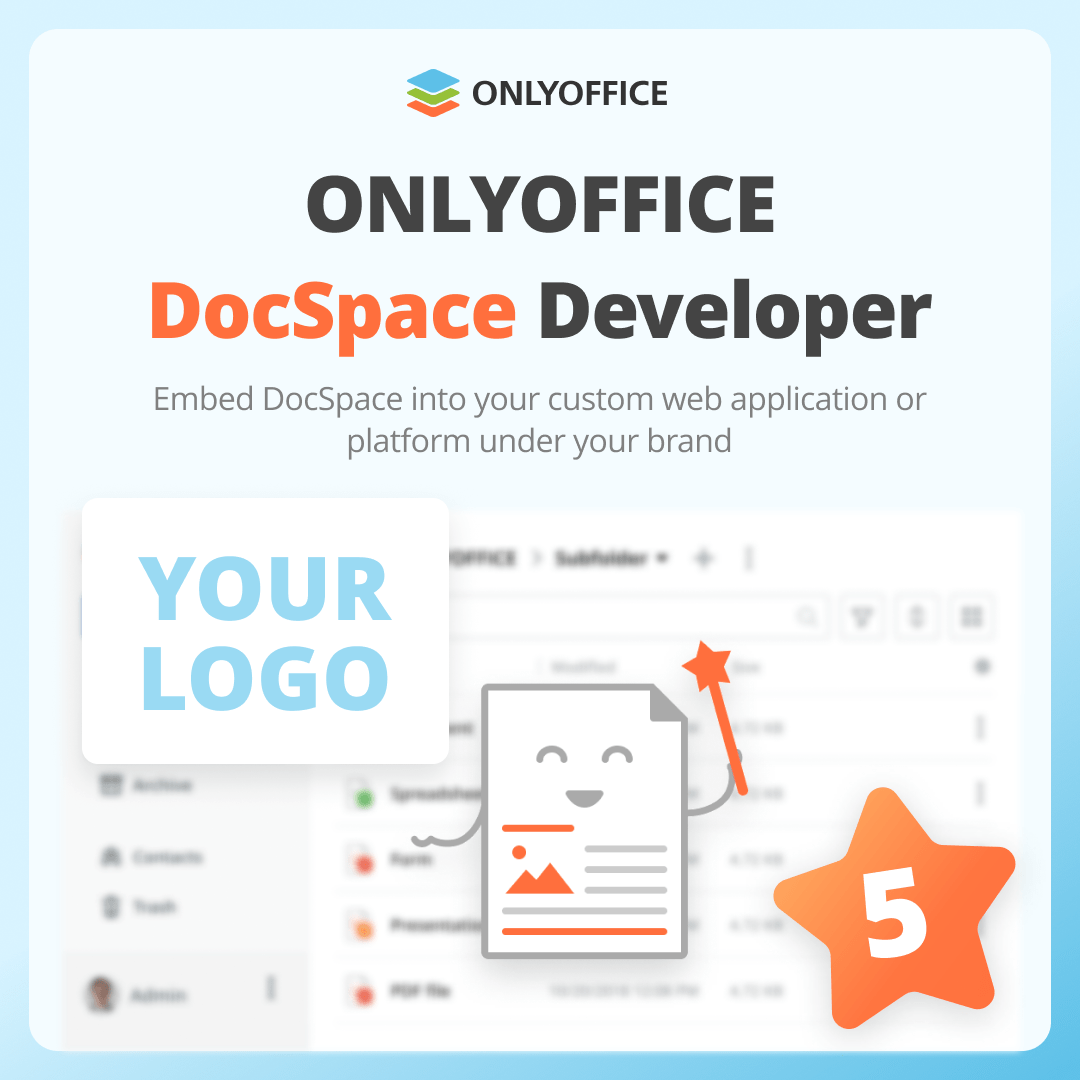
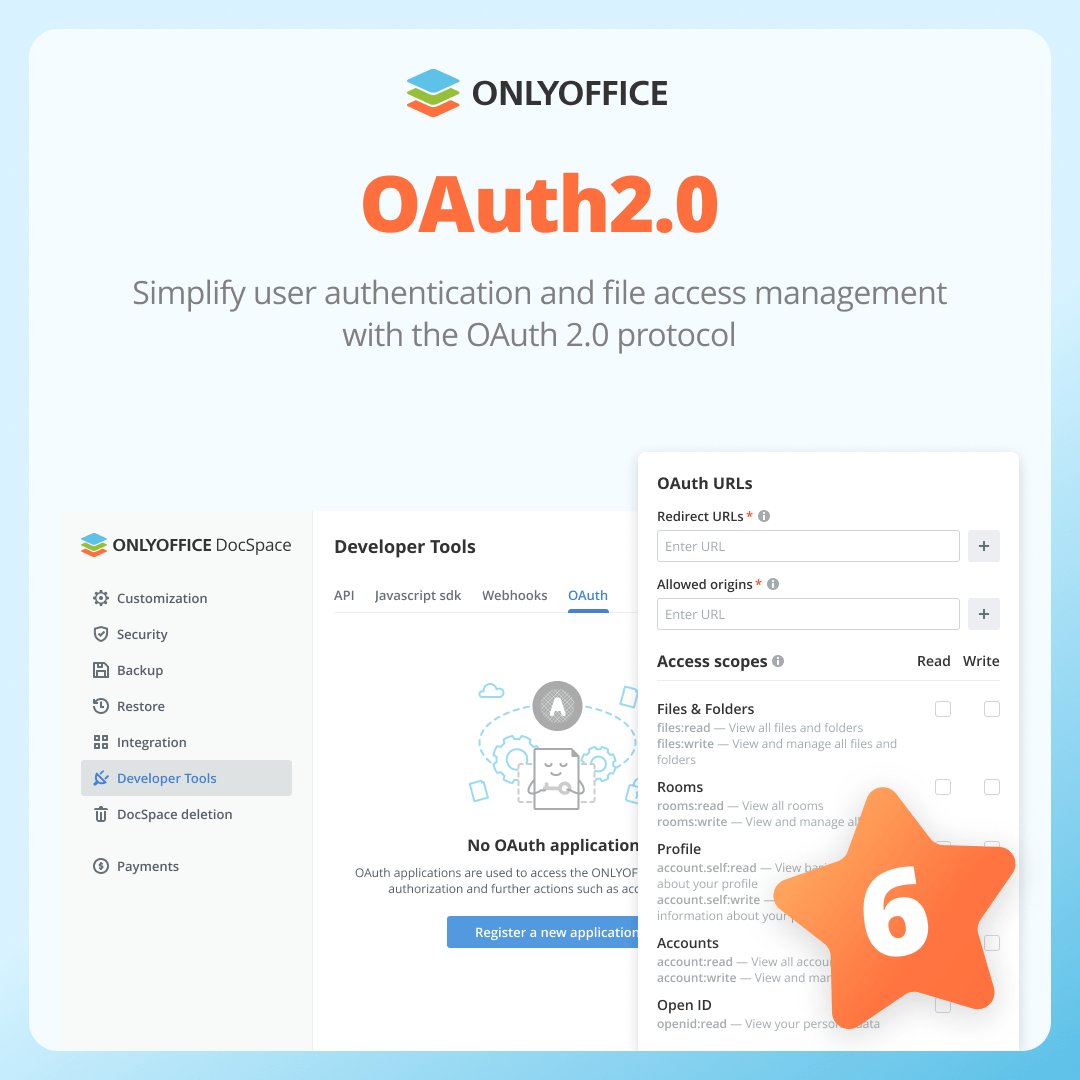
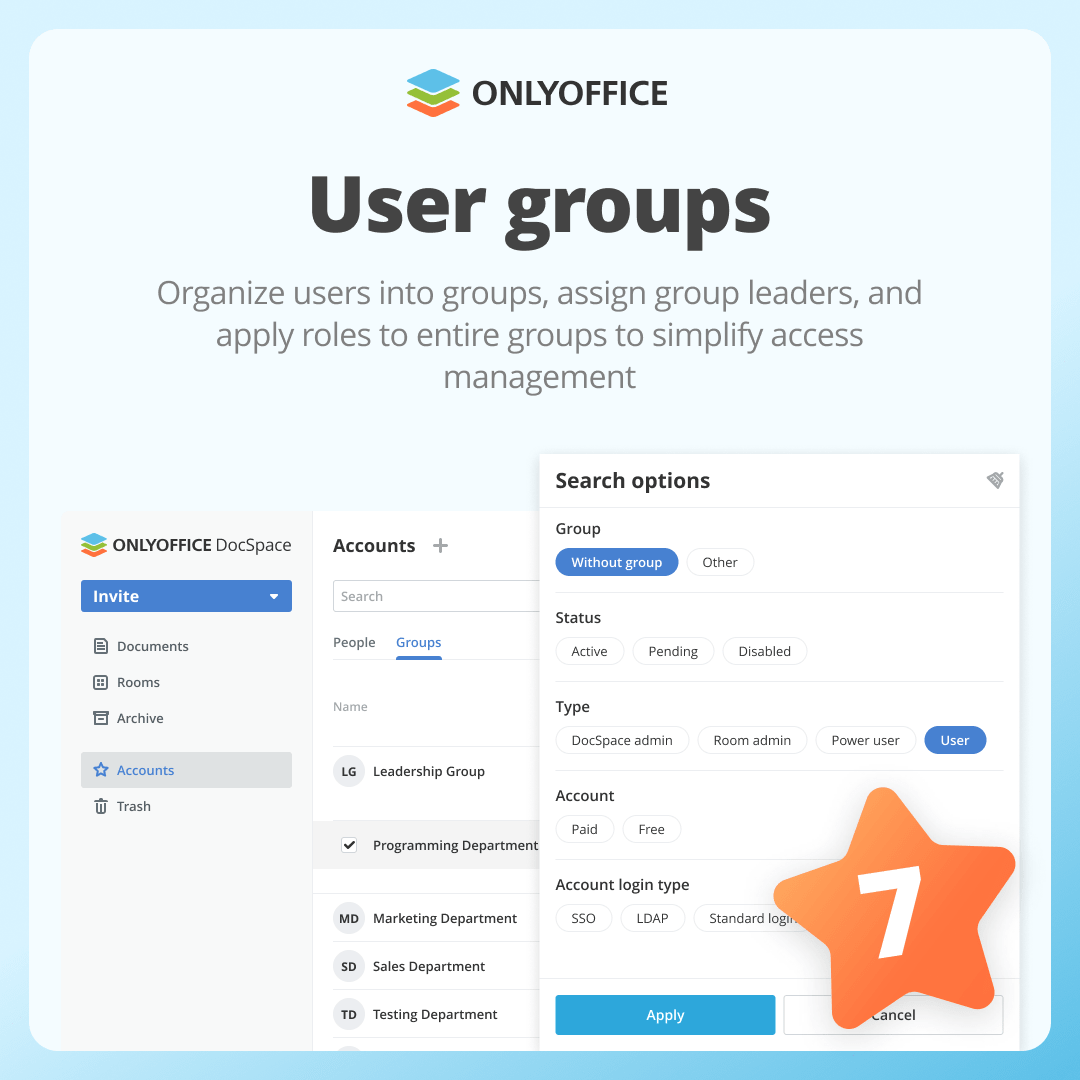
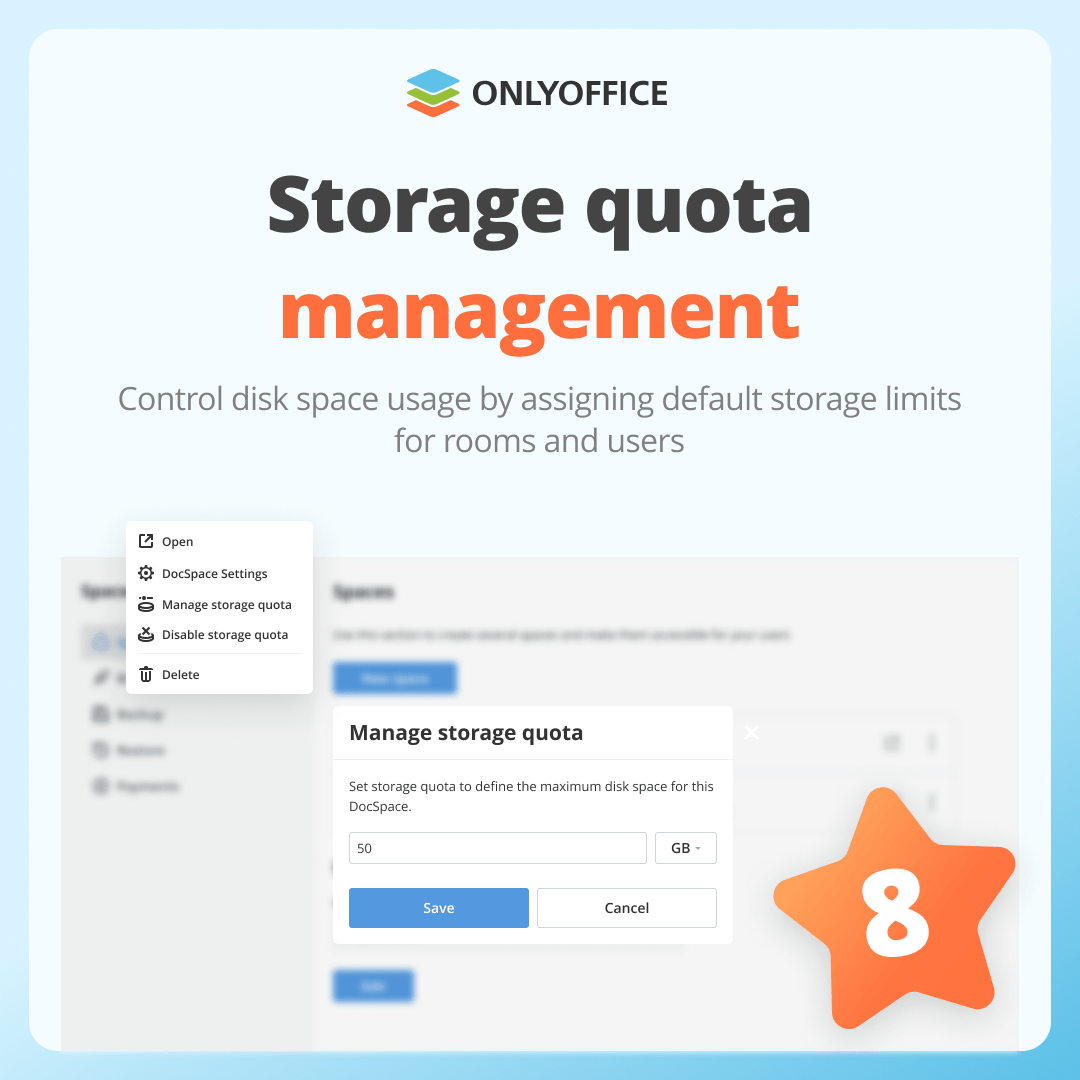
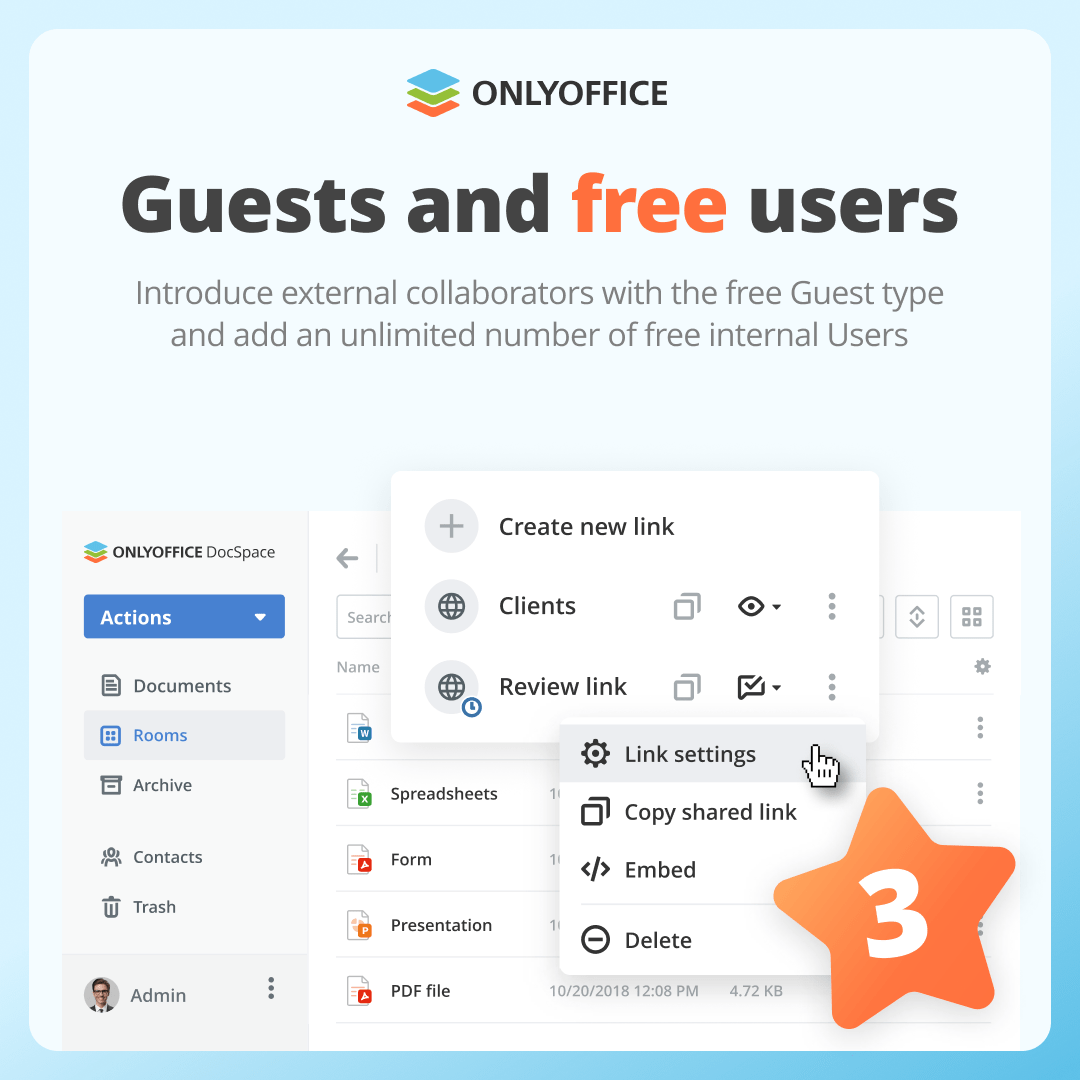
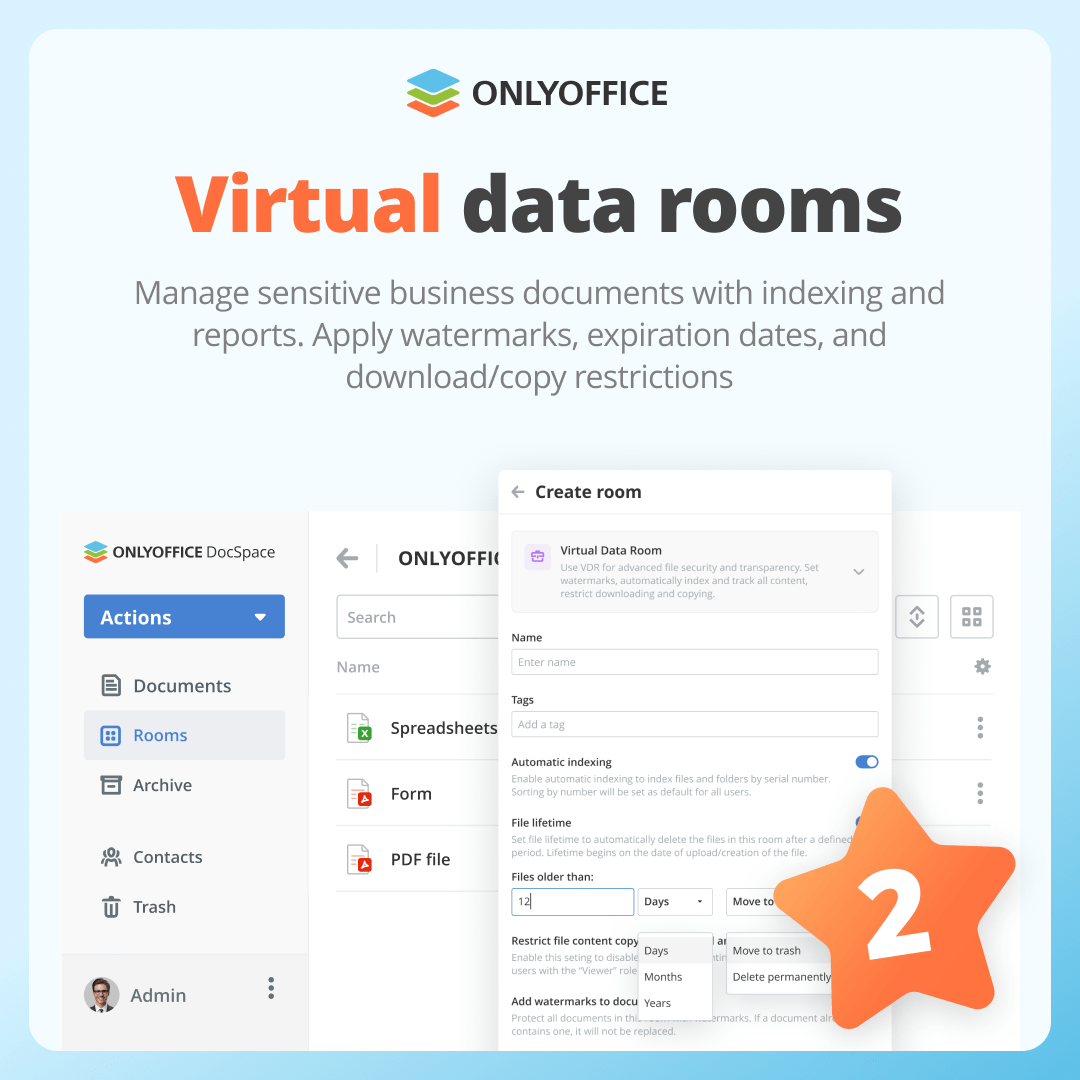
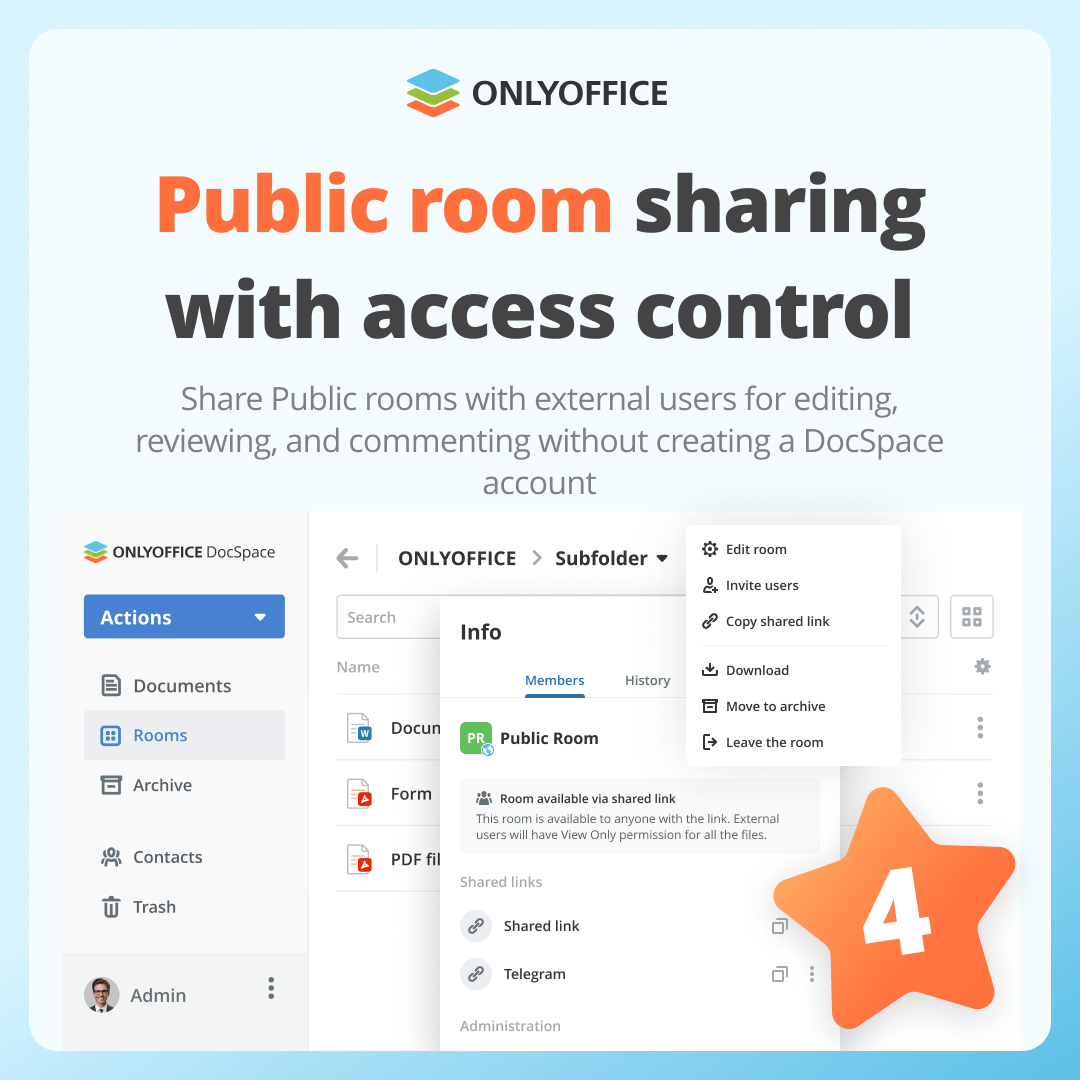
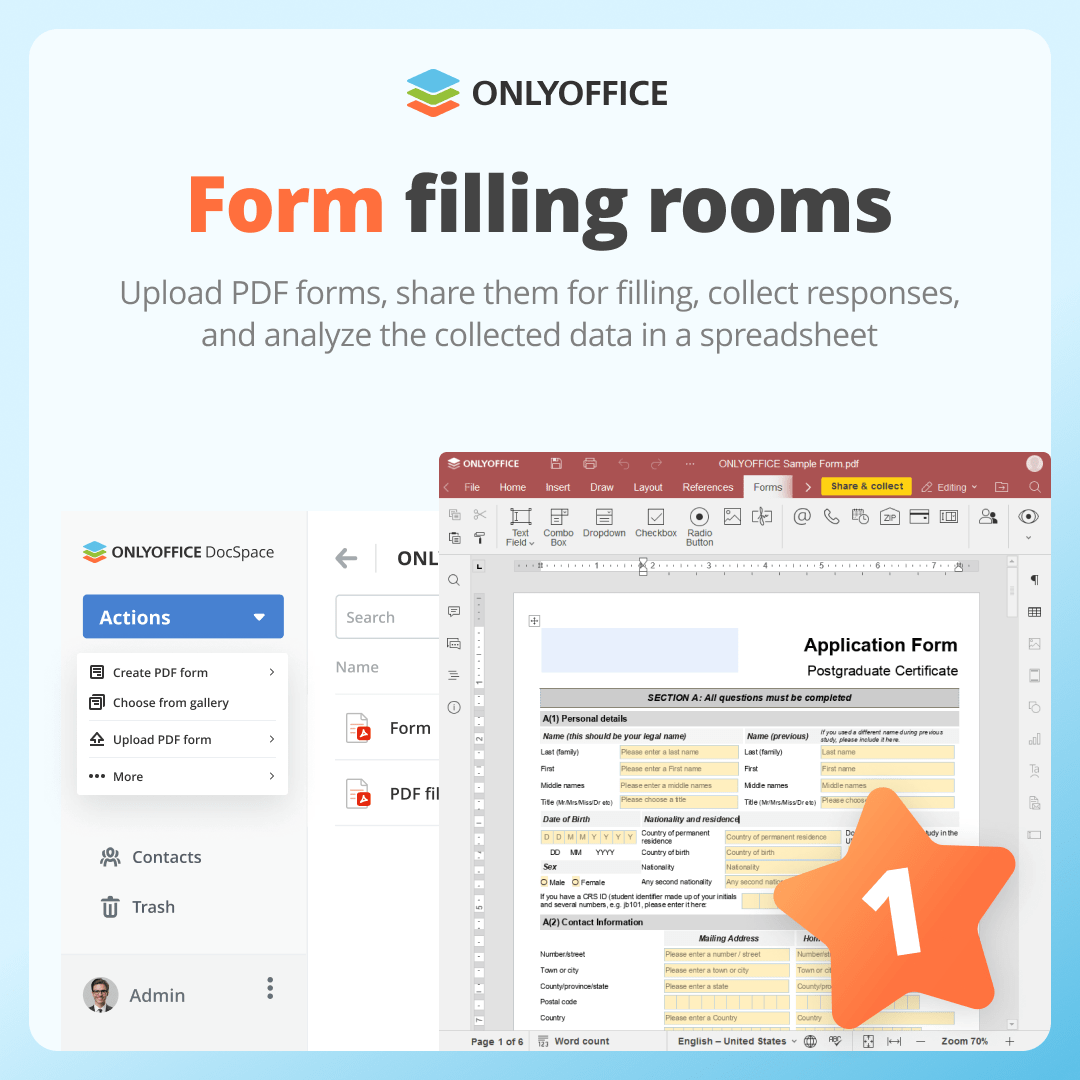
Discover our top 10 #ONLYOFFICE DocSpace features in 2024: Part 1