How to change background color in #Word documents using the #ONLYOFFICE editor: image
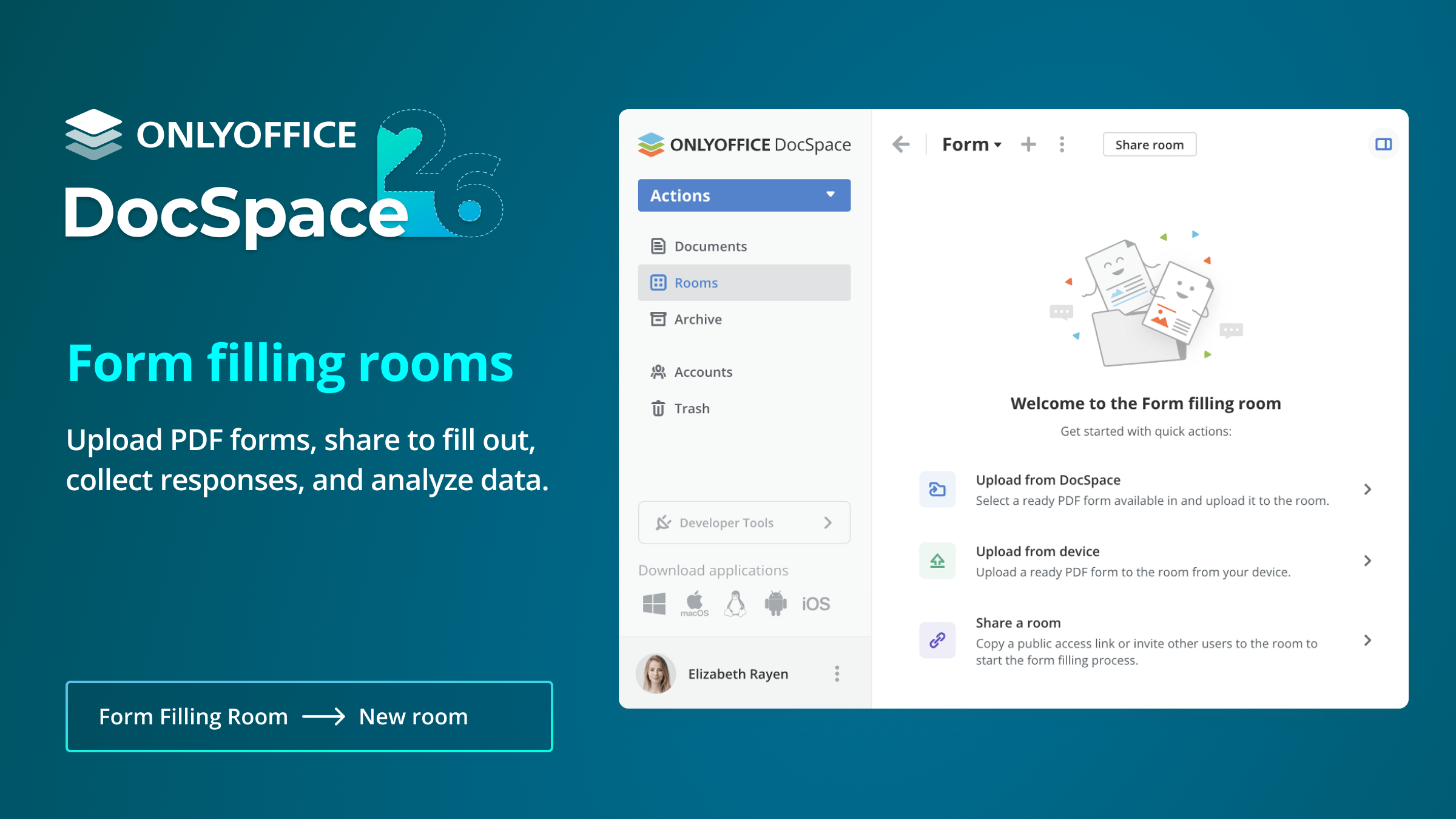
Everything you need to know about #ONLYOFFICE DocSpace v2.6: Tip 1 In version 2.6, you can create form filling rooms that can be used for simple tasks like working with fillable assignments, questionnaires, briefings, collecting feedback and more. Try DocSpace for free: image
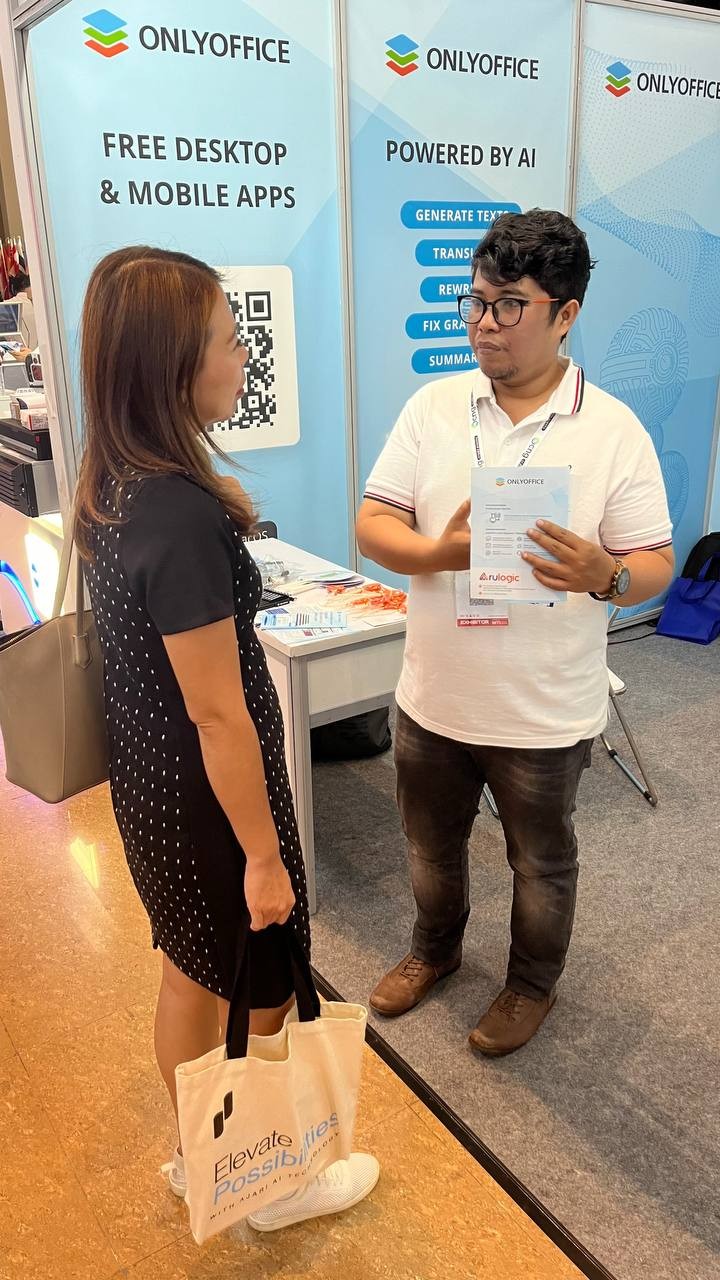
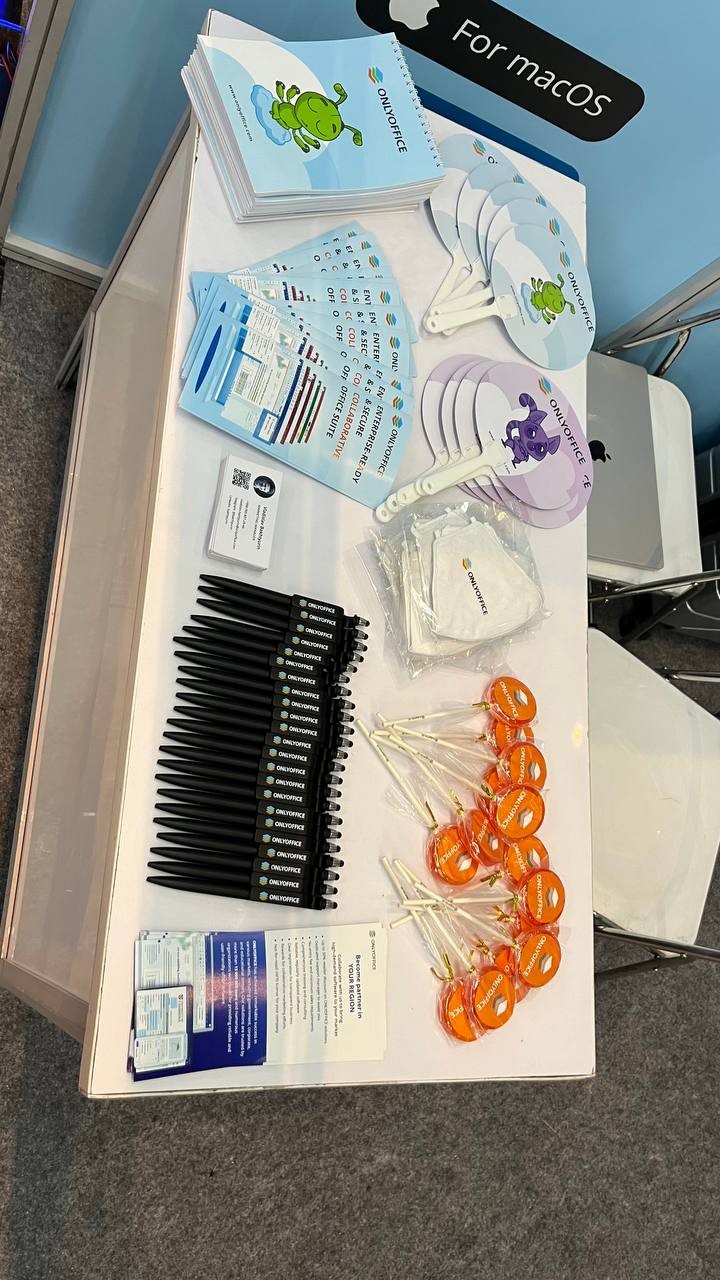
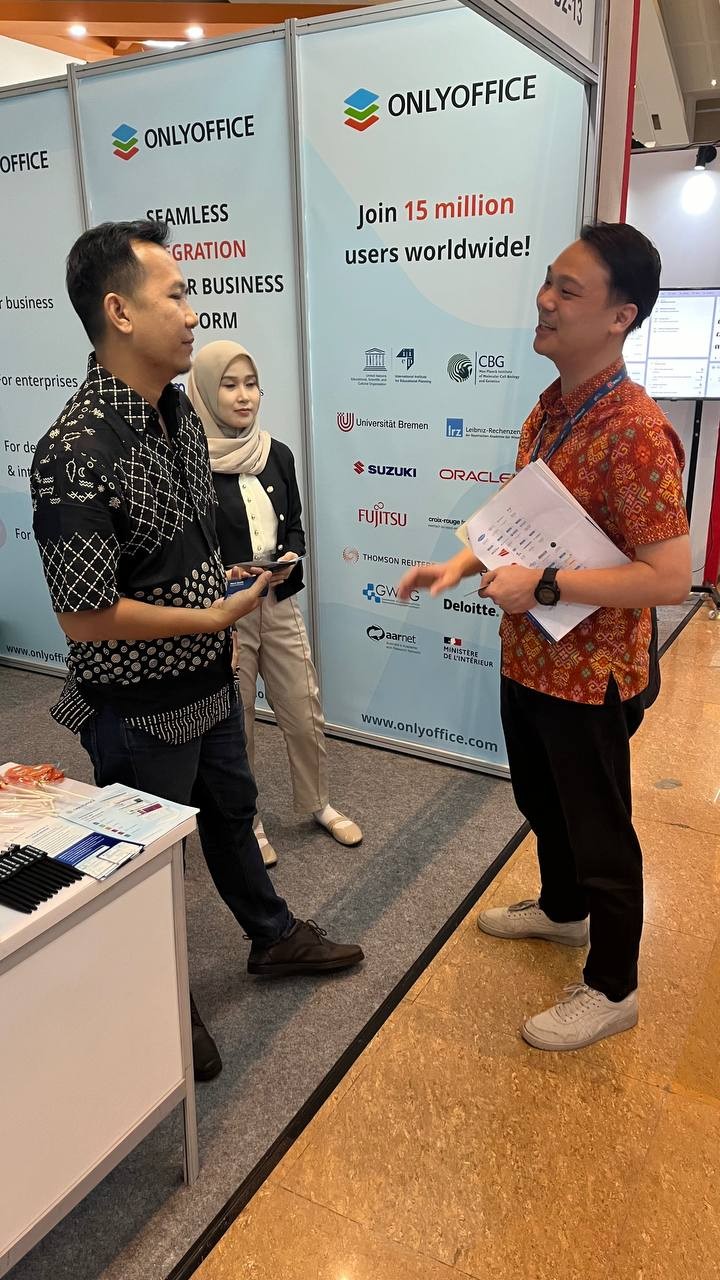
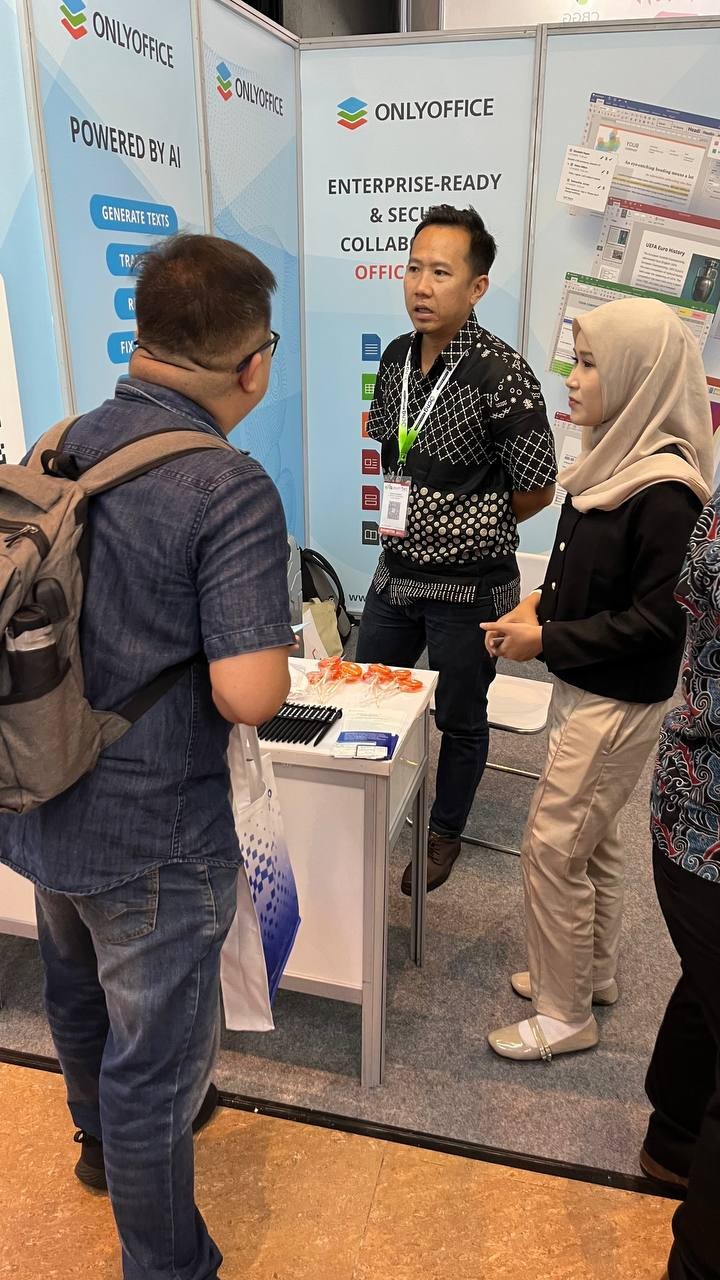
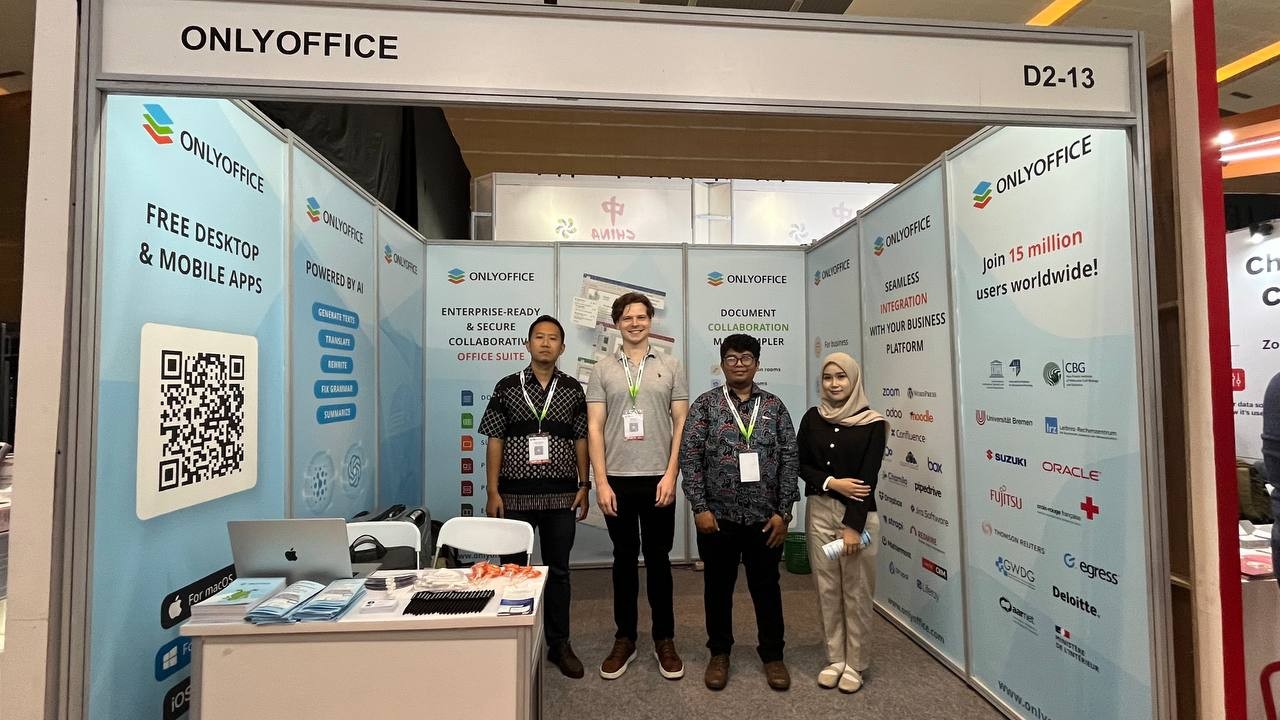
#ONLYOFFICE at Indonesia Technology & Innovation 2024 🇮🇩: Day 2 📍 Jakarta, Indonesia 📆 August 12-14, 2024 Meet our team at stand D2-13. 🌐 https://inti.asia
Meet #ONLYOFFICE at Indonesia Technology & Innovation 2024 🇮🇩 📍 Jakarta, Indonesia 📆 August 12-14, 2024 INTI is the largest B2B technology and innovation event in Indonesia. The #ONLYOFFICE team participates as exhibitors in the 6th Indonesia Internet Expo & Summit (IIXS). Come to say hello and see our software in action at stand D2-13. 🌐 https://inti.asia
Read our blog to learn how the Abensberg Fire Department in Germany 🇩🇪 uses #ONLYOFFICE Docs in combination with #Nextcloud to easily share and edit centrally stored office documents: image
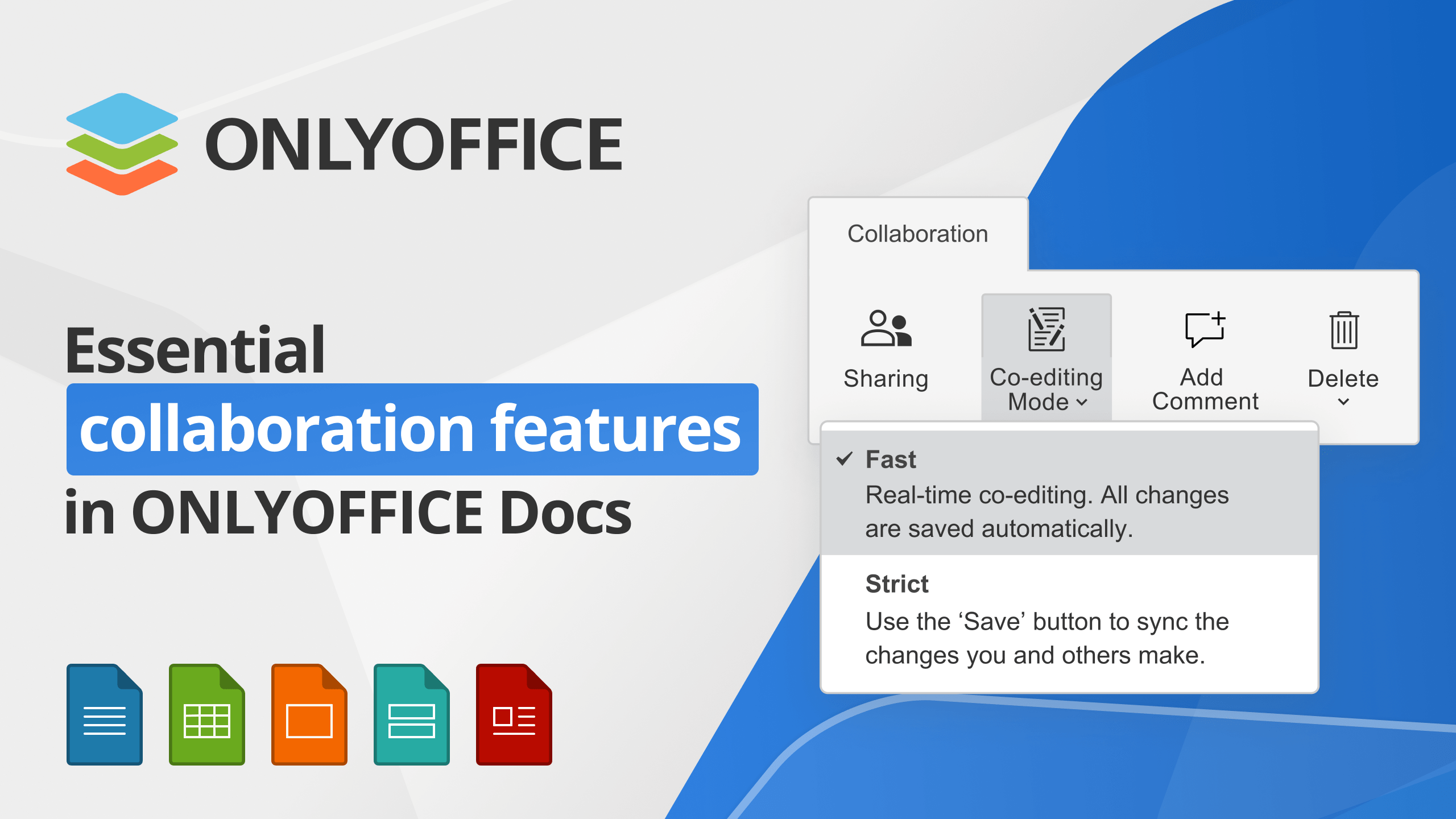
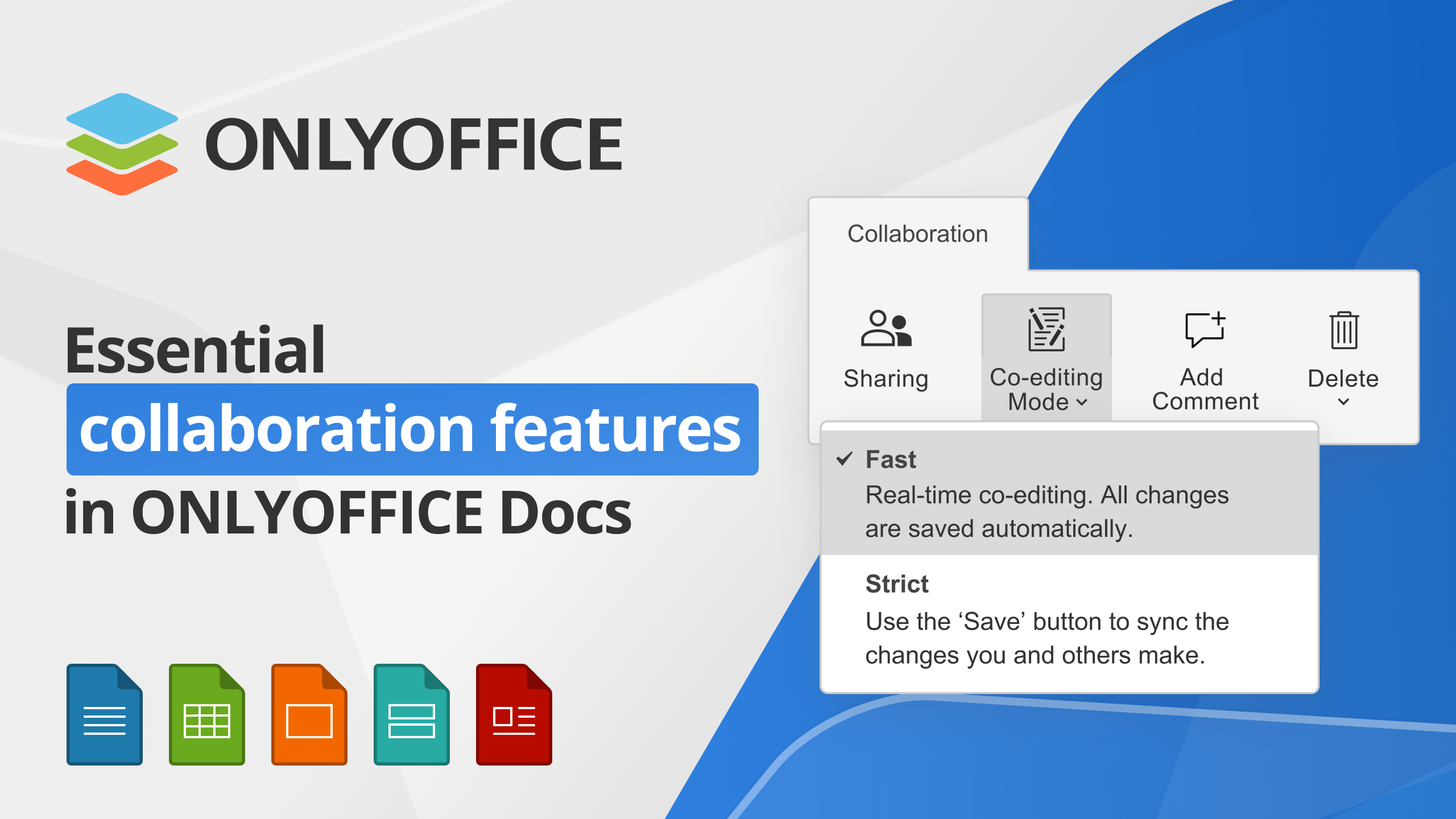
Watch this #YouTube webinar to learn more about the essential collaboration features in #ONLYOFFICE Docs: https://www.youtube.com/live/lc63Xd0vrpQ
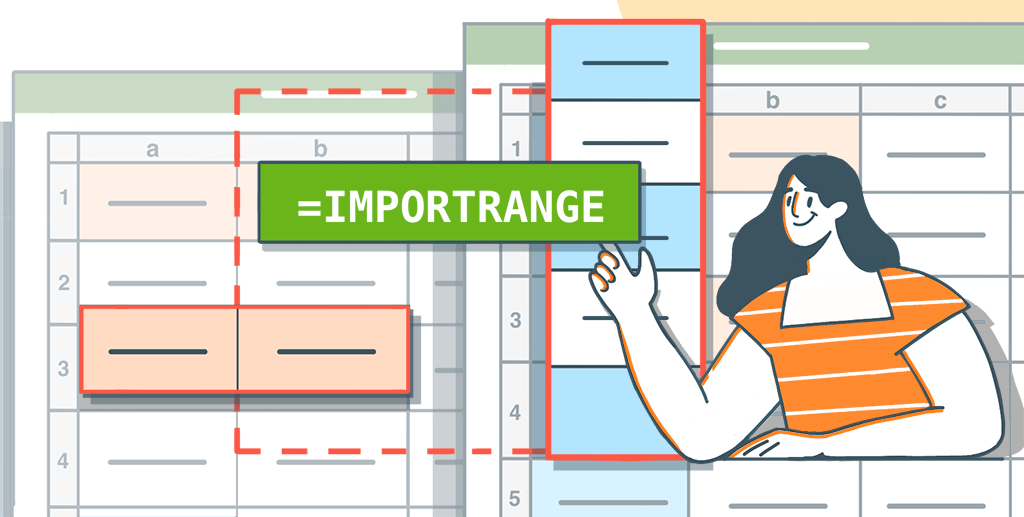
Introduced in version 8.1 of #ONLYOFFICE Docs, the IMPORTRANGE function allows you to import a range of cells from one #Excel sheet to another, facilitating data merging and centralized reporting. Read our blog to learn more about this function: image
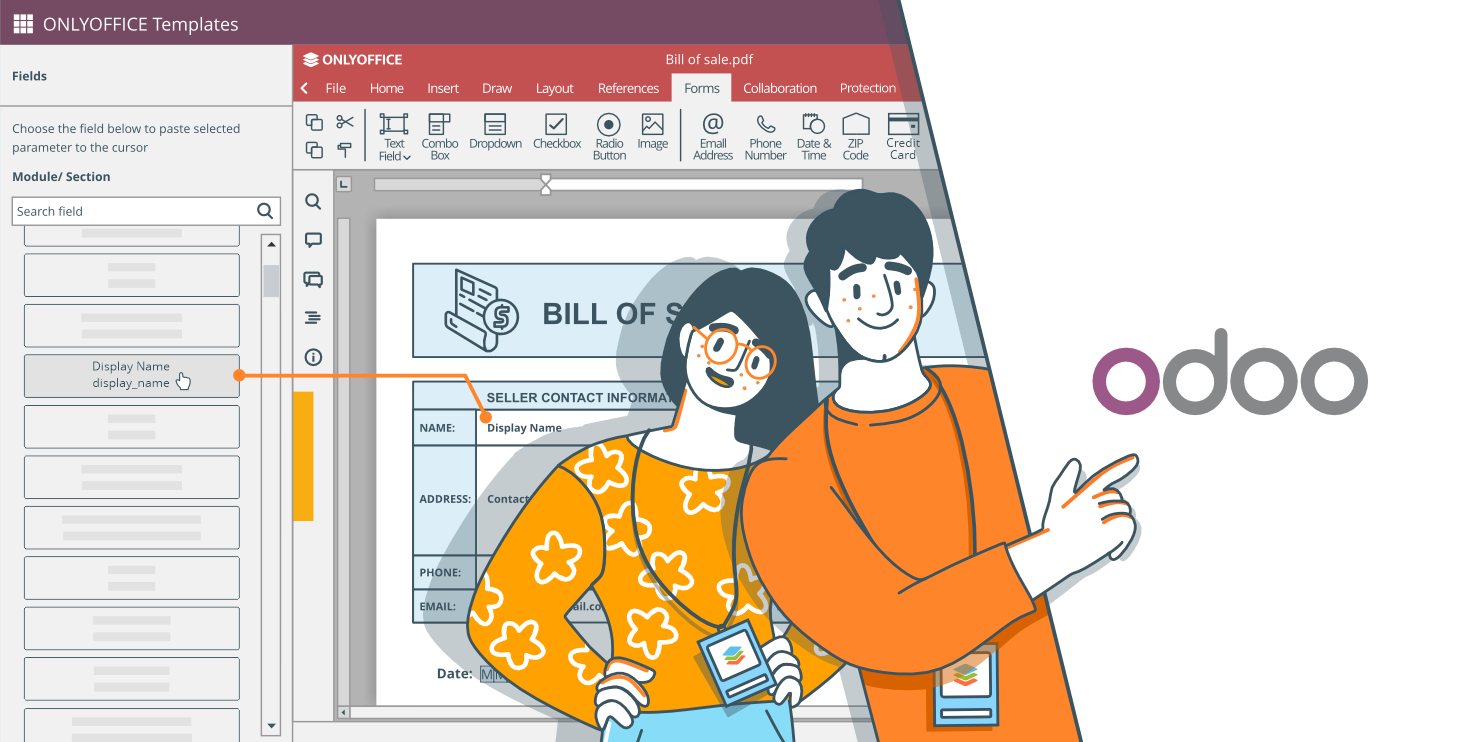
How to create a new #ONLYOFFICE form template for #Odoo: image
Read our blog to find out how to to use form filling rooms in #ONLYOFFICE DocSpace: image
Live webinar ❗ Join our #YouTube webinar "Essential collaboration features in #ONLYOFFICE Docs" on August 6, 2024. More information in our blog: image