ONLYOFFICE

ONLYOFFICE's avatar
ONLYOFFICE
npub10csv...n44p
:onlyoffice: Open source office and productivity suite Website: https://www.onlyoffice.com Contribute: https://www.onlyoffice.com/contribute.aspx Forum: https://dev.onlyoffice.org GitHub: https://github.com/ONLYOFFICE
How a modern community digitizes workflows with #ONLYOFFICE Docs 📝 The Garrel municipality in Germany recently integrated ONLYOFFICE Docs into their systems, and the results are pretty impressive. They needed a reliable tool to work with their existing e-government platform, and the ONLYOFFICE and #Nextcloud solution was the right fit: ✔️ Better collaboration ✔️ Seamless integration ✔️ Improved document management Learn all the details in this blog post: image

New Zotero plugin (v1.0.6) for ONLYOFFICE: what's new We’ve just released version 1.0.6 of the #Zotero plugin for #ONLYOFFICE, and it comes with some highly requested features to make academic and research writing smoother. Here’s what’s new in v1.0.6: ✅ Refreshed interface ✅ Library selection ✅ Prefixes & suffixes ✅ Omit Author option ✅ Citation locators Learn more about this update and find out how to get started with Zotero in ONLYOFFICE in this blog post: image
Exciting news for #Linux users on ARM devices! #ONLYOFFICE Desktop Editors is now natively supported on Linux ARM architecture, including popular distributions like #Ubuntu, #Fedora, and #OpenSUSE. How to get started: 1️⃣ Go to the ONLYOFFICE download page. 2️⃣ Grab the ARM64 package for your distro. 3️⃣ Follow the simple installation steps provided. Learn more in this blog post: image
Struggling with formatting in your #Word documents? Section breaks are your secret weapon! They let you divide your document into parts with unique layouts, which is perfect for managing headers, footers, margins, and more. Our latest guide walks you through: ✔️ Adding section breaks in #ONLYOFFICE Document Editor; ✔️ Viewing hidden section breaks to troubleshoot formatting; ✔️ Deleting unwanted section breaks to keep your document clean. Check out the full guide: image
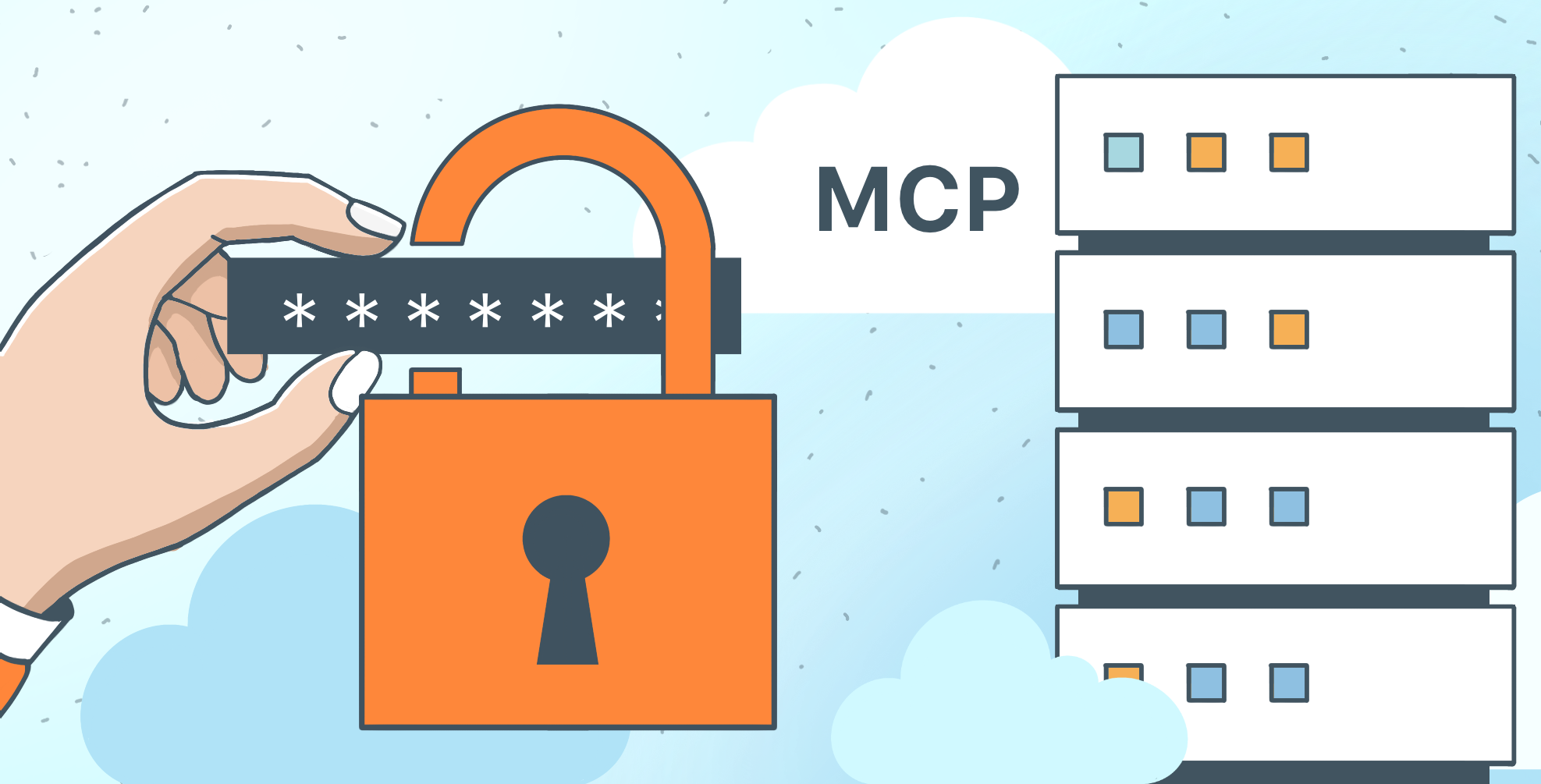
Great news: #ONLYOFFICE DocSpace now supports running the #MCP Server remotely! This upgrade turns DocSpace into a centralized, AI-driven automation hub. Why it’s awesome: ✔️ Centralized maintenance: Easier updates and better security. ✔️ Consistent workflows: Predictable tools for all teams. ✔️ User-friendly: No manual setup, faster onboarding. Ready to streamline your workflows? Learn more in this blog post: image
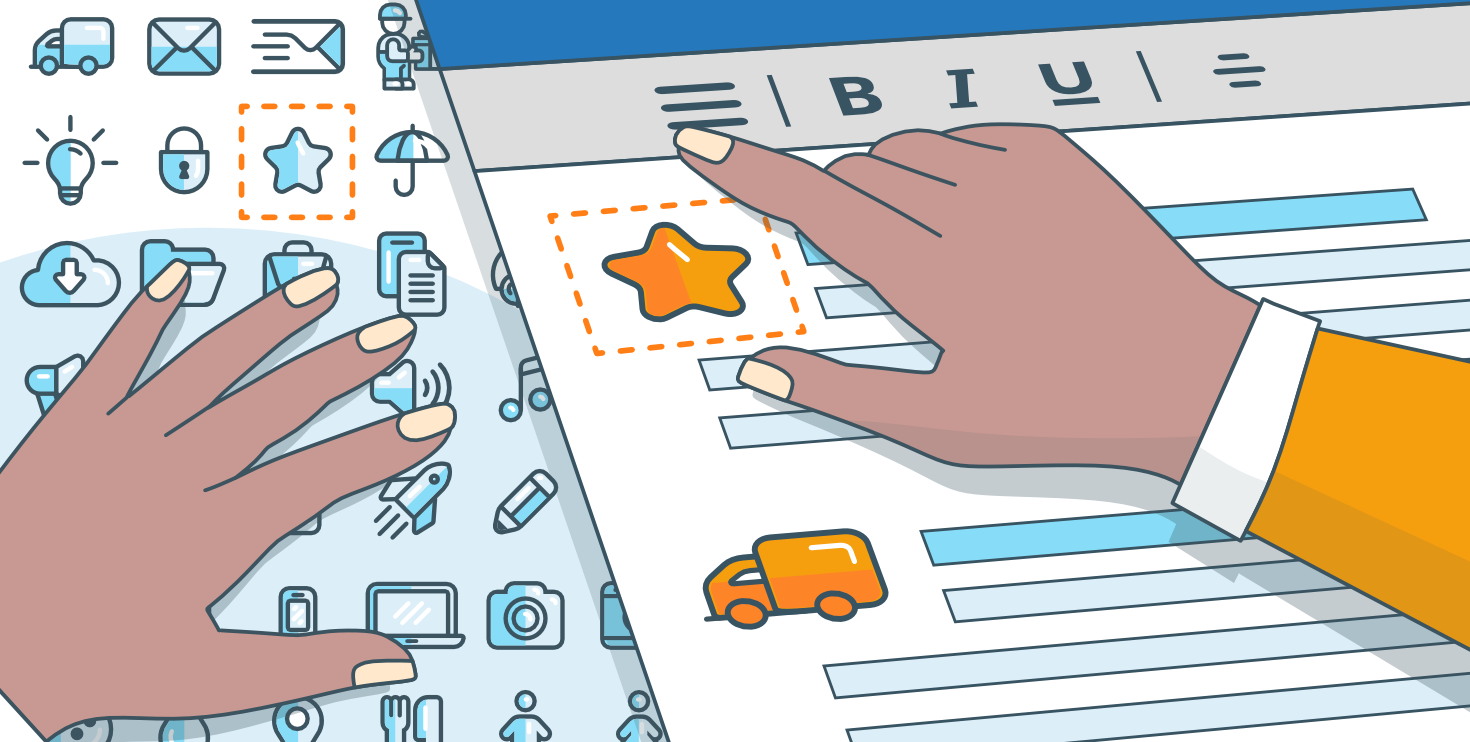
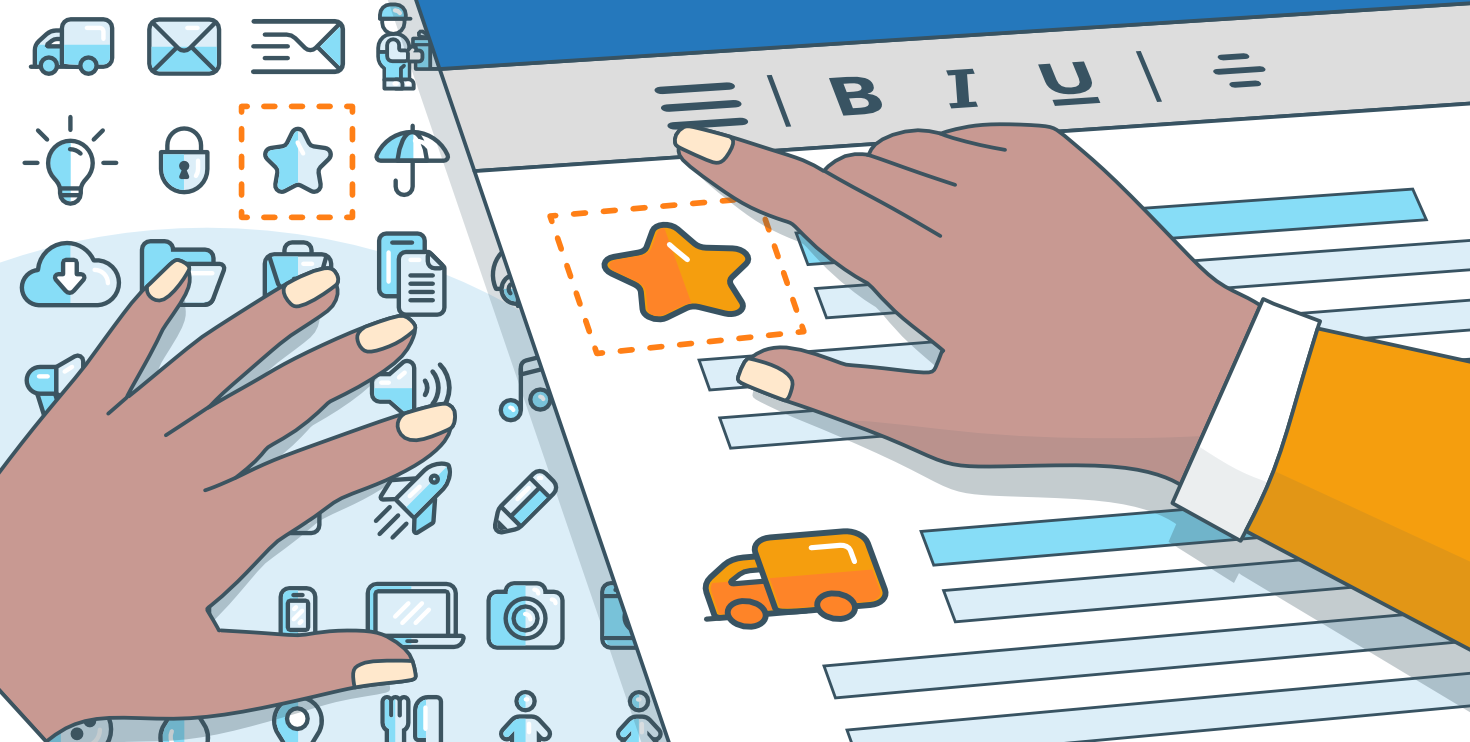
New Icons plugin for #ONLYOFFICE: insert customizable icons into your documents with ease 🔥 With this plugin, you can: ✔️ Access thousands of icons from the Font Awesome library. ✔️ Customize size, color, and style. ✔️ Insert icons in just a few clicks. How to get it: Install the plugin for free via the ONLYOFFICE Marketplace and start enhancing your files today! Learn more in our blog post: image
As 2025 comes to an end, we want to thank you, our users, partners, and community, for being part of our journey. This year was filled with exciting milestones: new features, integrations, awards, and a growing global community. This holiday season, let #ONLYOFFICE help you stay productive and festive with customizable templates, real-time collaboration, and tools to organize your year-end tasks. Read our full holiday message: #NewYear image
#ONLYOFFICE in 2025: a journey of innovation🔥 As 2025 comes to a close, it's time to reflect on an incredible year of growth and innovation. Here are some key highlights: ✅ Over 100 new features and 1,500+ bug fixes in #ONLYOFFICE Docs and DocSpace. ✅ Seamless collaboration with platforms like #Moodle, #Telegram, and more. ✅ 30 new team members and 100 contributors. ✅ 40+ new partners. ✅ Gold in the Cloud Computing Insider Awards. Learn more in our blog: image
Big news for developers! Version 9.2 of #ONLYOFFICE Docs is here with exciting #API updates. Here’s a quick look: ✅ JavaScript API upgrades: Enhanced form manipulation, paragraph methods for presentations/spreadsheets, and unit conversion helpers. ✅ Plugin improvements: Debugging tutorials, UI theming guides, and localization troubleshooting. ✅ DocSpace and Docs SDK updates: Auto-synced Docs SDK and a revamped API site with dark mode support. Learn more: #API image