Buenos días! Monday assorted links: 39C3: Power Cycles - media.ccc.de The 39th Chaos Communication Congress (39C3) video list 🔗 --- Everything You Need to Know About Email Encryption in 2026 - Dhole Moments At the end of 2025, at the 39th Chaos Communications Congress in Hamburg, Germany, a team of security researchers posted some devastating vulnerabilities in PGP software (with a focus on GnuPG), and published them at gpg.fail. 🔗
Dobrý ráno! Saturday assorted links: Unicode Symbols - Copy & Paste Symbols by Category Browse a curated set of Unicode symbols by category: math, arrows, box drawing, block elements, control pictures, tech/UI, and more. Search by name or code point and tap to copy instantly. 🔗 --- Lightning Payments For Kids: Fun And Educational Tools - Lightning News As parents seek innovative ways to teach financial literacy, Lightning payments for kids offer simple fun ways that make Bitcoin's abstract concepts tangible and exciting. 🔗
Bom dia! Friday assorted links: Vitest Browser Mode - The Future of Frontend Testing | How To Test Frontend This is a full introduction guide to what you need to know about Vitest Browser Mode, from what it is, how to install and configure it, and writing your first tests 🔗 --- Tasker - Automate Anything with AI | Browser Automation Made Simple Tasker is a free, open-source AI-powered desktop app that automates any website. Record workflows or describe them in plain English. AI handles the rest. Download for Windows, Mac, and Linux. 🔗 --- SatoshiSend - Encrypted File Sharing Share files securely with end-to-end encryption and Bitcoin Lightning payments. Files are encrypted in your browser before upload - the server never sees your data. 🔗
How to install nos2x extension on Firefox for Android. Open Firefox. Go to and download the .xpi file to your mobile Open a new tab, remove the keyboard to be able to see the 3 dots button on the top right. Click the 3 dots button and then click Settings (should be the last option) Scroll down and click About Firefox. Click 5 times in the Firefox logo to enable Developer's options. Go back, you now should be able to see new options on Settings. Click “Install extension from file”. The file you downloaded in the first step should be visible in the list of files. Click it to install the extension. Configure the extension by creating a profile and adding a secret key. You are good to go.
Namaste! Wednesday assorted links: The Biggest Bitcoin Heists In History - Lightning News Analyzing the biggest bitcoin heists in history reveals several recurring vulnerabilities that have enabled these massive thefts 🔗 --- Ambient Music for Deep Work, Study, and Reflection — ambientmusic.com A calm digital space with minimalist, drone, industrial, and dark ambient music to support deep work, study, and reflection. 🔗
Merry Christmas 😉
Guten Morgen! Tuesday assorted links: Egyptian Hieroglyphic Alphabet Egyptian Hieroglyphic Alphabet translator write your name like an Egyptian 🔗
Namaste! Sunday assorted links: Dev Compass - Programming Philosophy Quiz Discover your programming philosophy through this compass that maps your preferences along two key dimensions: Abstract Style ↔ Concrete Style and Easy for Humans ↕ Easy for Computers. 🔗
Good Morning! Sunday assorted links: Make any website load faster with 6 lines of HTML | DocuSeal Discover how to significantly boost your website's loading speed by adding just 6 lines of HTML. Simple steps for faster websites. 🔗 --- Cheating on Quantum Computing Benchmarks - Schneier on Security Peter Gutmann and Stephan Neuhaus have a new paper that makes the argument that we shouldn’t trust any of the quantum factorization benchmarks, because everyone has been cooking the books. 🔗
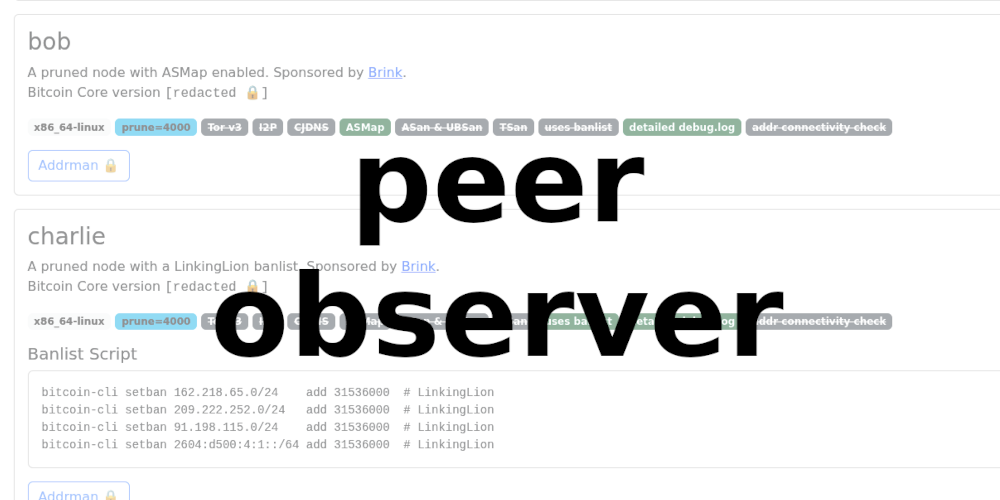
Nǐ hǎo! Wednesday assorted links: Monochromate - Smart Greyscale Browser Extension | Reduce Screen Time & Stop Doomscrolling Transform your browsing with Monochromate, the smart greyscale browser extension designed for digital wellness. Reduce screen time, prevent doomscrolling, and boost productivity with customizable intensity, smart scheduling, and site exclusions. Built with WXT framework for Chrome & Firefox. 🔗 --- maru - Your phone is your PC Maru is a context-aware, lightweight, and open operating system that unites mobile and desktop computing. 🔗 --- peer-observer: A tool and infrastructure for monitoring the Bitcoin P2P network for attacks and anomalies Over the past few years, I’ve been working on monitoring tools for the Bitcoin network. One of these projects is peer-observer: A tool and infrastructure for monitoring the Bitcoin P2P network for attacks and anomalies. This post describes the motivation for starting yet another Bitcoin network observer. It details how the tool works, what my honeypot infrastructure looks like, and finishes with an idea for a decentralized Bitcoin Network Operations Collective and incident response team. 🔗