Danie

Danie's avatar
Danie
npub1g2jp...yjj6
Testing out new wallet
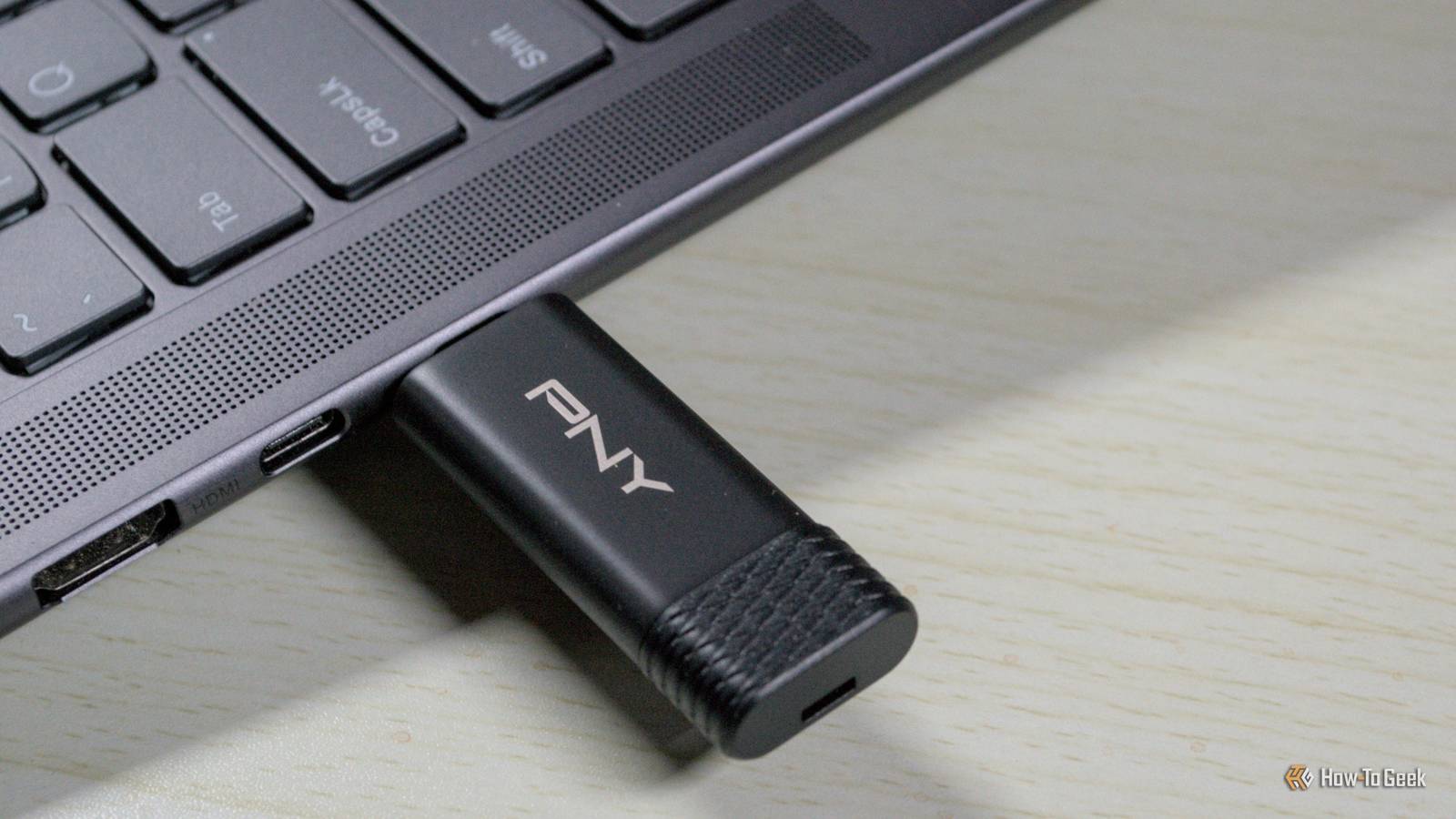
SSD thumb drives could be better than cheap USB flash drives “Instead of getting a cheap but very sluggish flash drive, consider buying a USB SSD that looks like a regular thumb drive but is way faster and only slightly more expensive.” I haven't bought a cheap flash drive for quite a while, so did not really realise these SSD thumb drives were available. But they look worthwhile considering especially if the data volumes are a bit more. They are certainly a lot more compact and mobile than carrying around whole external SSD drives. See #technology #storage
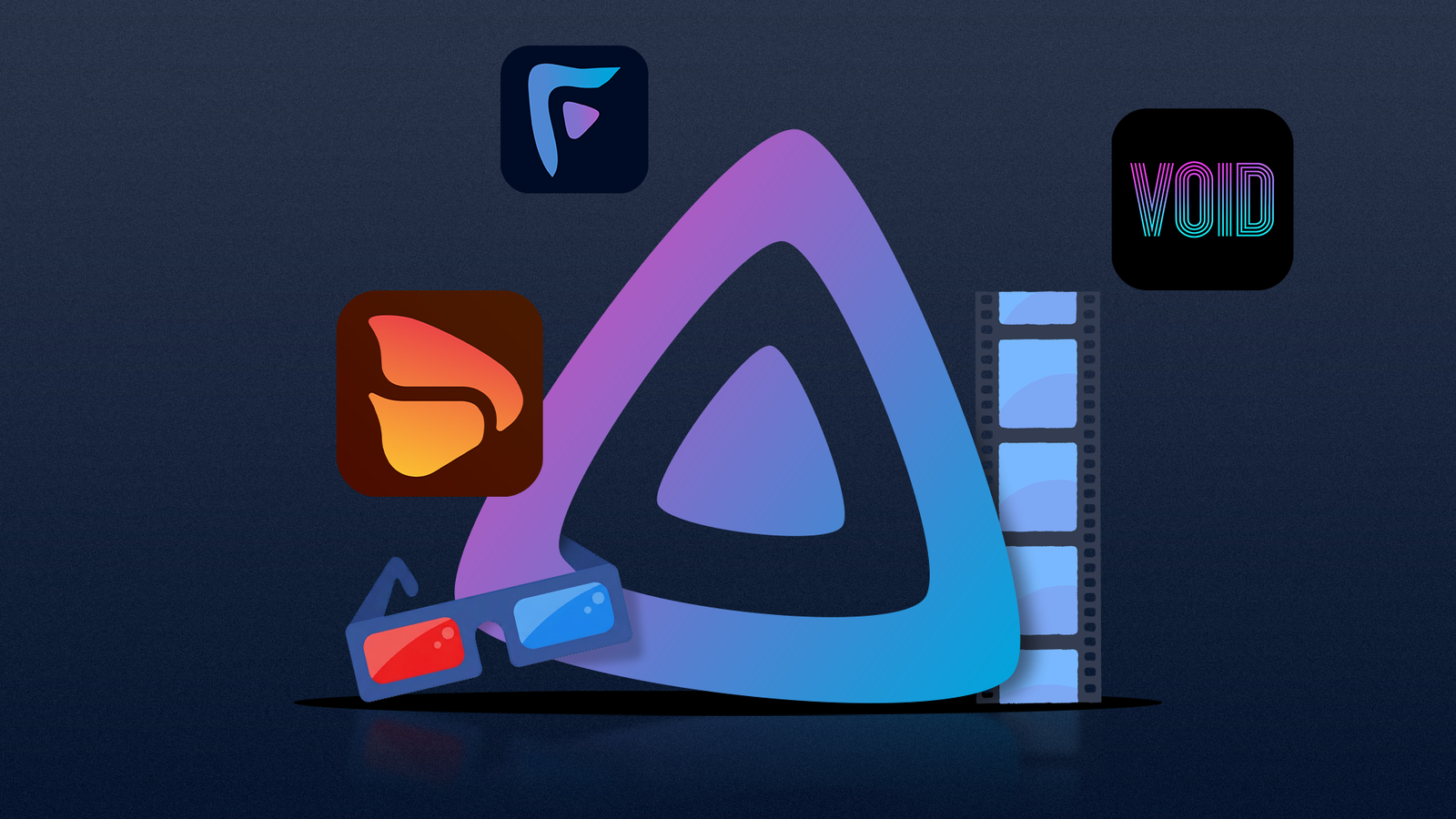
Make Jellyfin look like Spotify and Plex: 5 clients you need to install “Are you looking for a better way to enjoy content from your Jellyfin server? There are tons of clients to choose from made by passionate volunteers, and each brings a unique experience.” What I love about these types of apps, is that it leaves your Jellyfin untouched in the background. These are all different front ends, and you can switch between them without losing history of what you've watched, faved, etc. So test away. Interestingly too, some will run from inside a browser tab too, so no need to even install, although some additional codecs and methods are supported by the dedicated desktop app. Apps covered are: * Finamp * Fladder * Feishin * Void * Wholphin See #technology #jellyfin #opensource
FireWally Is A Great Firewall App for Mac, and It's Free “Most people haven't actively managed a firewall in at least a decade, assuming they ever have. But keeping track of which applications are using the internet—and how much data they're using—is still useful at times, as is blocking apps from accessing the net entirely.” Yes free on a Mac is a feature! But despite that, it could be a useful app especially when roaming. It is for Mac only though. The linked article also has a link to the page in the app store to get the app. See #technology #security
Jack Dorsey’s Bitchat App Sees Downloads Spike in Uganda Over Internet Shutdown Worries “Recently, the app drew attention during Nepal’s Gen Z protests, where it supported protesters in overthrowing the government. On September 4, authorities banned 26 platforms, including Facebook, X, YouTube, and Signal, to curb demonstrations against nepotism and a digital tax. Downloads jumped from 3,000 to 50,000 daily, with 48,000 in Nepal alone on September 8, equating to 38% of global installations. Users leveraged Bitchat’s mesh networking capabilities, with each node extending reach up to 30 meters in crowded areas, to organise marches that culminated in arson at the parliament building and the regime’s fall.” Bitchat is a decentralised peer-to-peer messaging application that operates over Bluetooth mesh networks. No internet required, no servers, no phone numbers. This also means ideally you want to have installed it BEFORE any outages. It is an open source and offline mesh chat application, which means each device acts as both client and server, automatically discovering peers and relaying messages across multiple hops to extend the network's reach. It is similar to what Meshtastic does with license-free radio. There is zero registration required, and therefore it is also not easy to identify anyone using it. It does now also have Geohash channels, where someone on that channel will extend it to the Internet, if available. The Internet side can use the Tor network if available. Broadcast messages are public, but if you know someone's handle on Bitchat, you can chat with full end-to-end-encryption. It has an interesting feature to emergency delete all chats, keys, etc when you triple tap on the app title. And apart from protests and censorship resistance, it is also ideal for any natural disasters where infrastructure has been knocked out. The app runs on iOS as well as Android. See and get the app at #technology #opensource #decentralised #protests #disasters

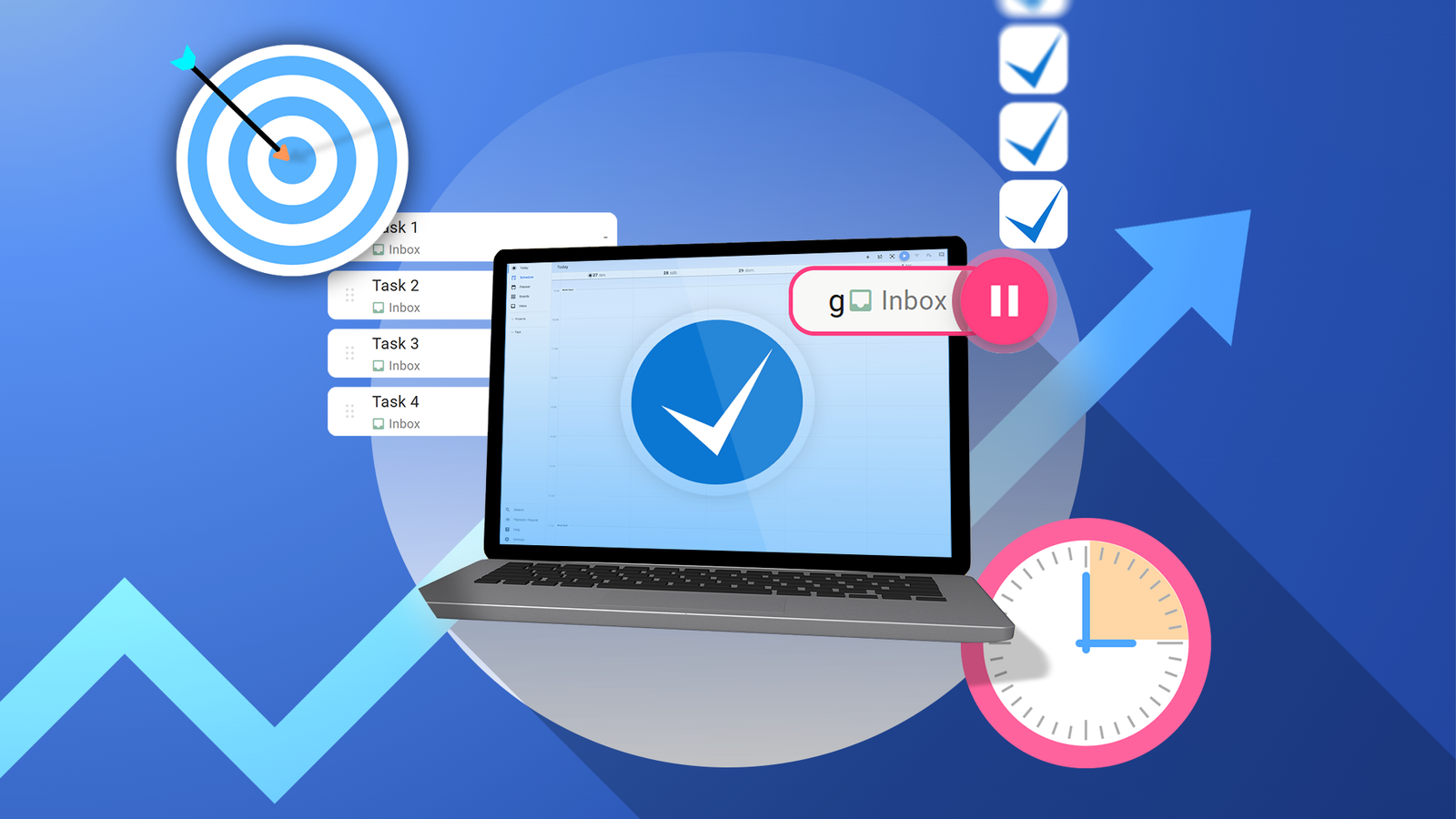
I replaced Trello, Toggl, and TickTick with free, open-source Super Productivity Well I have not done so myself, as I still see a shortcoming around not being able to set custom repeats based on a first Wednesday of every month, or the last weekday of the month. It does though have repeats based on fixed schedules as well as completion date, which is important if you want to repeat something after you finished a task e.g. cleaning my weather station 3 months after I did it last. But apart from that it has a very nice modern look to it, and is pretty powerful in many other aspects. It has a few powerful productivity views such as Eisenhower Matrix and Kanban, procrastination buster, AI productivity prompts, etc (some are plugins). It also has a great review at the end of the day, with a lot of stats and scoring. I like the tag and project views so you can see different groupings of your tasks. It has quite a focus on timers, taking breaks, etc too. Migrating from a different todo planner is not so easy so as there is no importer from say TickTick at all. It seems there is no global standard for importing/exporting todos across apps. Someone has created a bridging app that may help with this, but for me to fully migrate my 149 unique tasks to this, could be pretty painful as mine have lots of custom repeats, sub-tasks, etc in. It is free with no paid cloud sync service. It will sync via Dropbox, Google Drive, WebDAV, or local file sync (like Synthing). But it is syncing a file, so if two clients edit offline, only the last one will win on re-connection. This is a bit like I had wit Obsidian Notes when using Syncthing. So even if you self-host it in Docker, that is just a web client that must still sync to Dropbox or wherever (unlike say Joplin Notes which is a proper centralised sync server). See #technology #productivity #todo
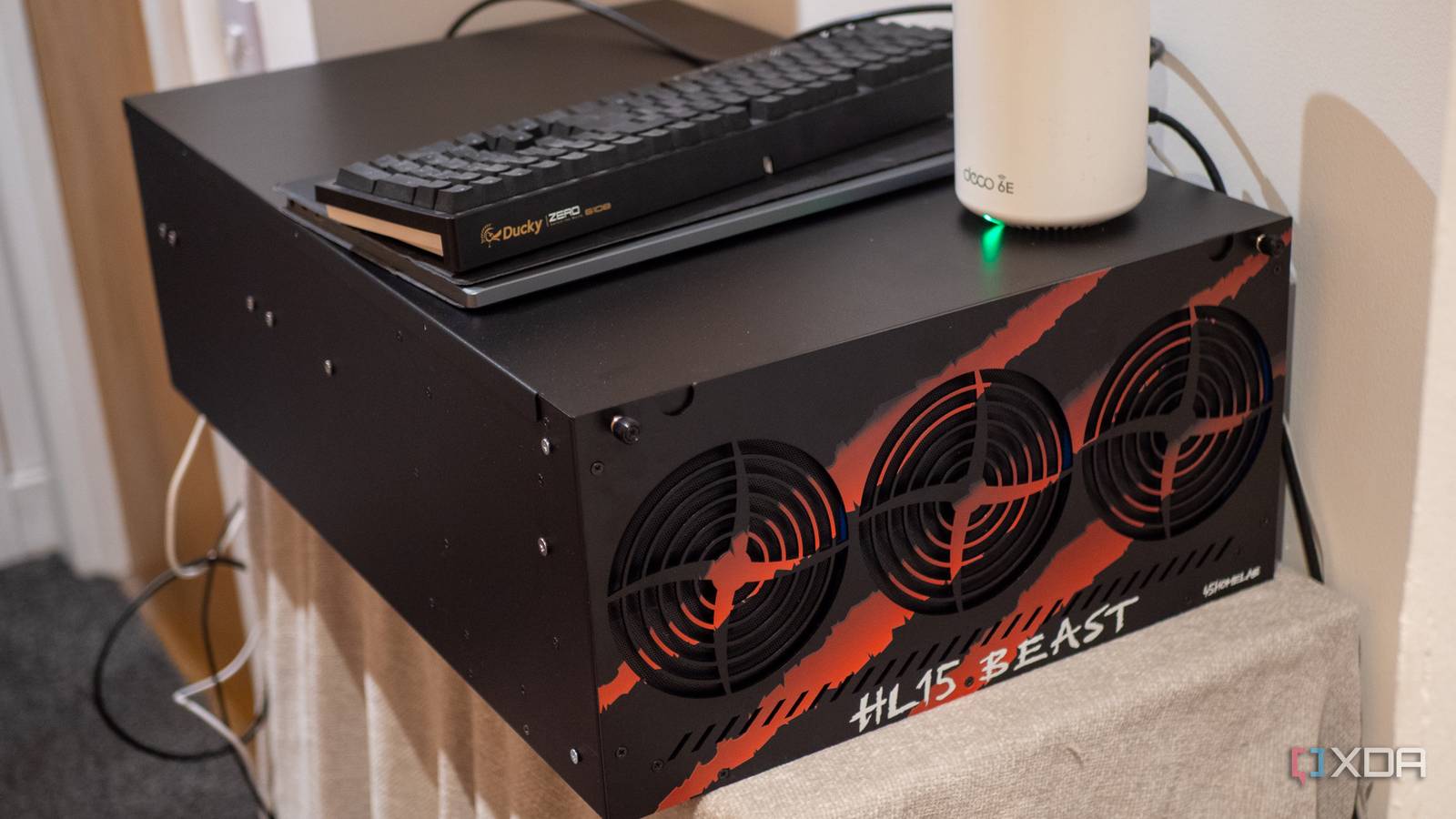
5 costs of self-hosting that nobody talks about I can attest to all of these reasons. Just today and yesterday I've been solving an issue with my docker networks grabbing 192.168.x.x addresses ranges (after the upgrade to OMV8 overwrote the daemon.json file I'd customised to prevent this). And two days before that I was having mysterious freezes on my server which “eventually” came down to a cheap Chinese 2A power supply to one of my RAID disks (well I'll know for sure after a new ATX power supply arrives tomorrow). So, yes you do save subscription costs, but you spend more time diagnosing issues, additional costs upgrading hardware, and taking your data in your own hands. I still think it is worth it, but to be honest, it may really not be a cost saver at all. If I think of what I've spent on server hardware, UPS devices, additional NAS drives, a network cabinet, a firewall and switches that support VLANs, a VPS hosted service, etc. I'm suspecting if I put that US$900 or so aside and just used it for subscription services, maybe I'd still have money left ;-) Some services, like my password manager and todo list manager, I do actually pay for cloud services, because they are absolutely critical and cannot be down. But there is also the fun factor to self-hosting, as well as having home services up when the Internet is offline. See #technology #selfhosting
Solid state batteries are now a reality — better in ALL ways than Lithium-Ion Donut Lab introduced what it claims is the world's first commercially available all-solid-state battery at CES 2026 in Las Vegas, marking a pivotal moment in the decade-long race to bring the promising technology from laboratory prototypes to real-world vehicles. The phone-sized battery cells are already powering the Verge TS Pro electric motorcycle, which enters production this quarter. * Higher density (400 Wh/kg) * Faster charging (potentially in 5 to 10 minutes) * Full charge (no longer needing to limit to 80%) * Safer (No flammable liquid electrolytes, No thermal runaway chains, No metallic dendrites that can cause internal shorts) * Good for 100,000 cycles (high-end Lithium-Ion is about 5,000 cycles). But there is more, at −30 °C and even over 100 °C , they can retain over 99% of their capacity. The usual issue has also been cost, but it is claimed now that without using rare earth minerals, material costs are actually lower than Lithium-Ion too. It still does not stop there though, as these batteries are not created in the cell shapes that Lithium-Ion were, and which required products to conform to the shape of the battery. These solid state batteries behave like clay, so custom sizes, voltages, and geometries are now possible. This also means that these are not only for vehicles but can potentially work in phones and micro-electronics. A solid-state battery uses a solid material (like a ceramic or special polymer) to conduct electricity between its positive and negative sides, instead of the liquid or gel electrolyte found in regular lithium-ion electric vehicle (EV) batteries. As regards a reality check, Verge's TS Pro motorcycle is being launched now with one of these Donut solid state batteries. Range has increased from the older battery types having 350 km, to now up 600 km, with a charging time of 10 minutes. We will have to see the road tests later in 2026, but if so, then solid state batteries will truly be a game changer. Given the range and the charge cycles, that means the battery will be good for about 60 million kms. That is way more than any combustion engine is ever going to last. See and #technology #batteries #EV #environment
Stop Using Your Keyboard and Start Using Handy, a Free Speech-to-Text App “In recent years AI models like Nvidia's Parakeet and OpenAI's Whisper, both open source, have made great strides in turning human voices into text. Both excel at correctly adding things like punctuation and capitalisation, and you can run them right on your computer. The problem? They're both a little complicated to set up. That's where Handy comes in. This is a dead-simple, totally free application that can set up either of these models on your computer and give you a keyboard shortcut to use it.” So whilst Handy may work well on some other desktop environments on Linux, I had quite a few issues trying to get it to work on Wayland. For a start, I had to run an environment variable before it would actually even display the window (WEBKIT_DISABLE_DMABUF_RENDERER=1 ). The suggestion to use wtype for the paste insertion did not work for me under Wayland at all as it gave this: `[ERROR] Failed to paste transcription: wtype failed: Compositor does not support the virtual keyboard protocol`. I had to use the one called dotool. When I tried to use the direct paste method, it kept chopping off the first character, but did insert it where it was supposed to be. In the end, I found the best thing that actually worked was to use no paste method, and I just press control V myself after I finished speaking. So for this to work, you also want to change the setting for Clipboard Handling from Don't Modify to Copy to Clipboard. It's really not ideal, but I must admit, I suppose if you've got quite a bit that you need to type, then it actually can be quicker to use handy and just do one or two basic edits. For other types of text entry though, it might still be better to be able to have that precise control you have when typing on a keyboard. For other types of text entry though, it might still be better to be able to have that precise control you have when typing on a keyboard. I've actually dictated this post using Handy to enter the text here. And I must say that the grammar and everything is quite precise with all the commas in the right places and so on. So yes, it can actually save you a bit of time. Even when you need to pause to think, it actually removes that, or should I say, just dictates it correctly without the pauses. So for me that's quite handy because I pause quite a bit to think sometimes, and that might not work with some voice dictation, especially if they think you've got to the end you know of your sentence. But also from this you can see it does become a bit long-winded when you're thinking aloud. So still I probably might just revert to anyway just using my keyboard for text entry. But your mileage may vary. There are versions offered for Windows, macOS, and Linux. See and their GitHub project at  #technology #opensource #dictation
This New Android Smartphone Is For Everyone Who Misses the Blackberry — And Has A Hidden Advantage Everyone is covering how this device works in tandem with your existing phone, and are not really emphasising that this can also work as a standalone device with its own SIM card. But be that as it may, for me the bigger thing in modern times is, this useful companion device could be snatched by mobile phone thieves, and you'd still have your main device safely in your pocket or bag. It's often the data that is worth more than the cost of the device. Yes, that's the bigger reality of today, with so many walking around and using their phones on the go. I very rarely actually field any voice calls nowadays as most of the phone interaction is done on social media posts, Signal, etc as texting. A bonus for many may also be that it has a 3.5 mm headphone jack (although I've long been using a USB-C to 3.5 mm jack plug on my phone). See #technology #smartphones #theft
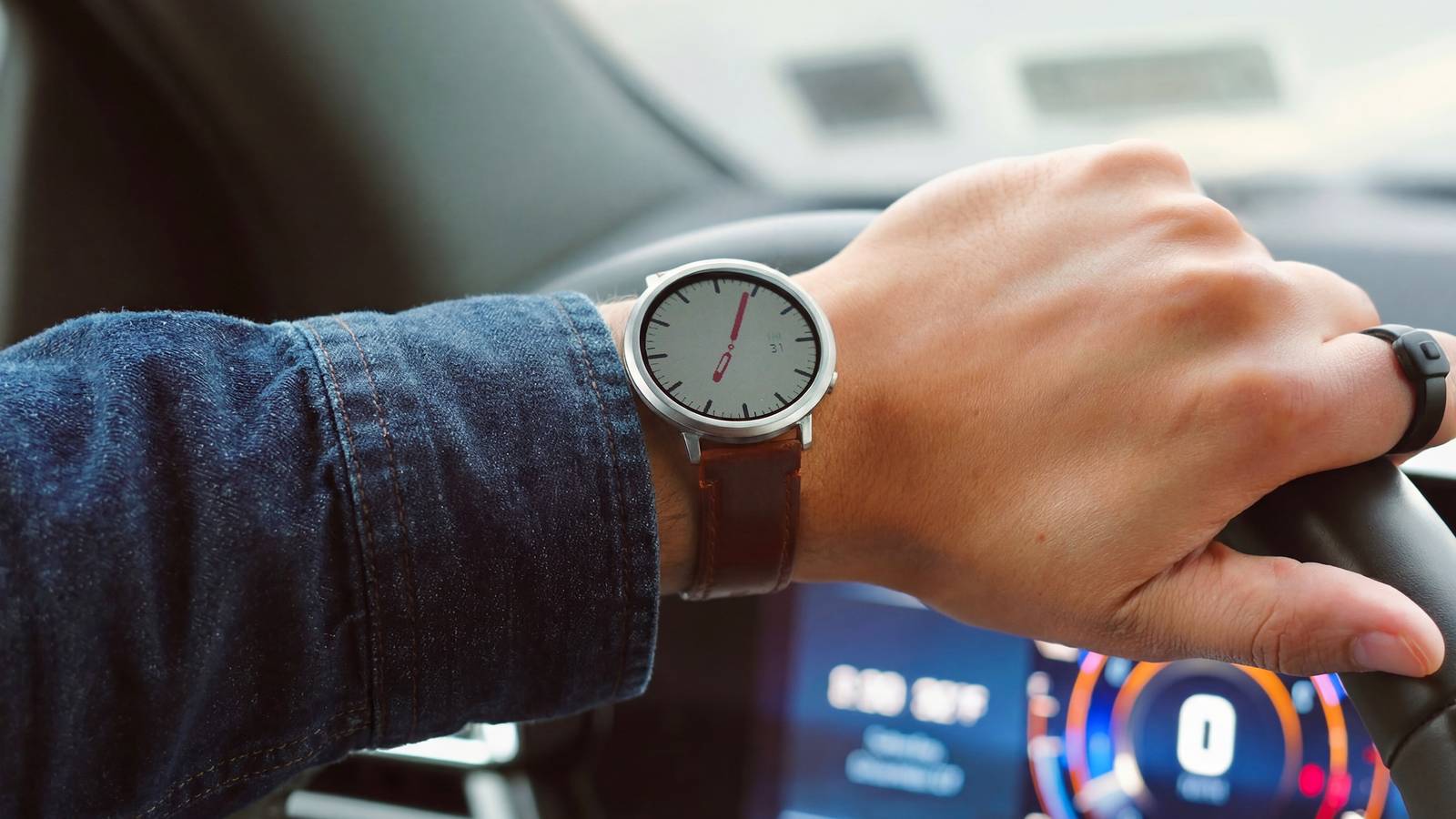
Pebble’s round smartwatch returns in an unexpected reboot “The original Pebble Time Round's sizeable bezels are gone and replaced with a sleek-looking, edge-to-edge 1.3-inch colour e-paper display that's both bigger and higher resolution than the original's. Battery life has been increased to roughly two weeks, and the display is now a touchscreen. The Pebble Round 2's colours include silver, black, and rose goal, alongside a 20 mm matching band in silver or black, and a 14 mm rose gold option.” I have to say I do really like the look of this Pebble watch. Pebble's shakeup of the smartwatch market has really been needed. Apart from going open source, they have brought way longer battery life, and also better e-Ink screens. I moved away from smartwatch's at the end of 2025 as I had tired from super expensive watches that have to be charged daily. That does bring me though to the one and only downside I have with this round version. I understand why the screen had to be made the way it was to retain the thing design and the angled viewing, BUT I have a real aversion as well to an expensive device just becoming a paperweight in a few years time when the battery runs out of charge cycles. It does not look like changing the battery in this device is going to be an easy option at all. From what I understand of the square versions, the battery change should still be possible, but sadly not as easy as a Casio watch. I suppose we'll know for sure when some teardowns have been done after release. The software applications and watch faces are already starting to take off. An end user can even design faces for themselves using some browser based design software. Pebble makes it really easy to design and distribute software, so I'm looking forward to seeing lots of innovation on this front (unlike you see for WearOS and Apple Watches). Something not quite correct in the linked article though, is that anyone who has pre-ordered the square designs, can switch their order to the round design. So you are not locked into that first order. See #technology #smartwatches #opensource