
How to update your filters on the web: 1) Navigate to your profile 2) Tap "Edit Profile" 3) Tap the "Filters" tab 4) Tap the "Add New Filter" button Or use this link https://pixelfed.social/settings/filters ๐Ÿ”— your.pixelfed.tld/settings/filters #pixelfed #customFilters
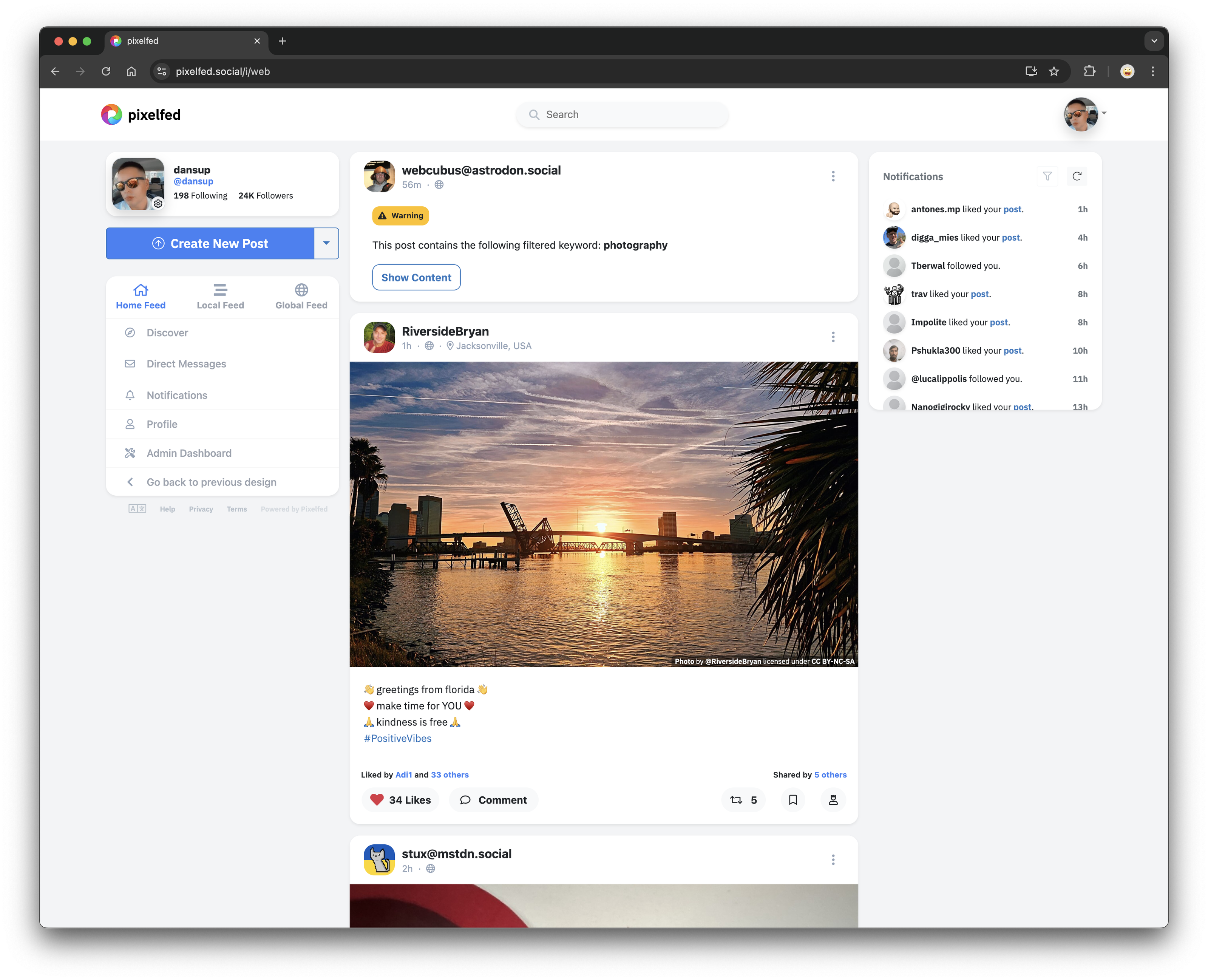
Custom Filters are now available! ๐Ÿฅณ You can now set keyword filters to blur, warn or hide posts that match, across home + public + hashtag feeds! These are based on the Mastodon v2 Filters API, and should be compatible with 3rd party apps. Our official app does not properly handle blur or warn context types, but soon will. #pixelfed #customFilters image